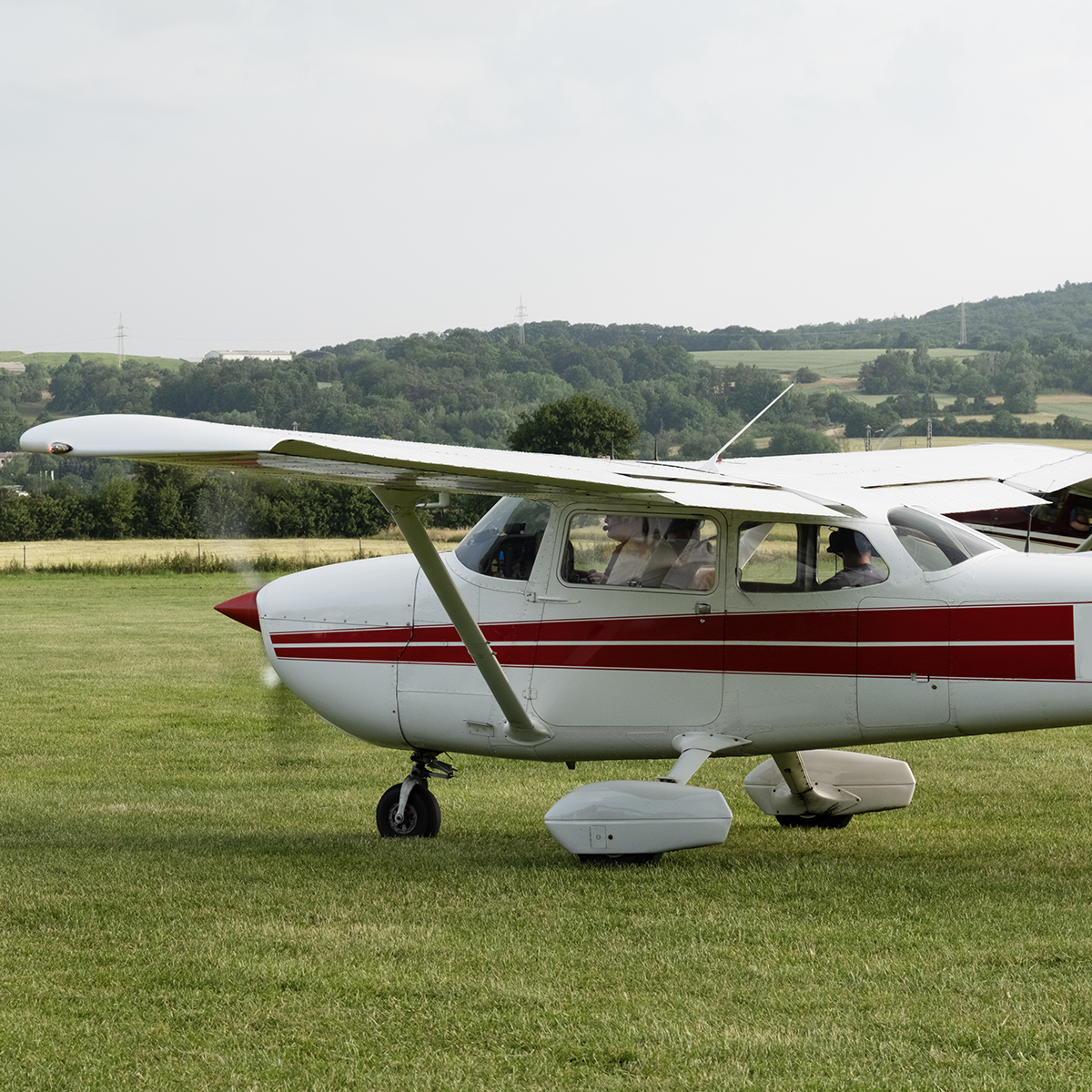
While I may have learned to fly before GPS became pervasive in general aviation and still genuinely prefer those round gauges, I was quick to embrace the iPad in the cockpit. I’ve never regularly flown or owned an aircraft with a true glass cockpit—and perhaps part of that is because the iPad has proven to be such a stellar tool for flying.
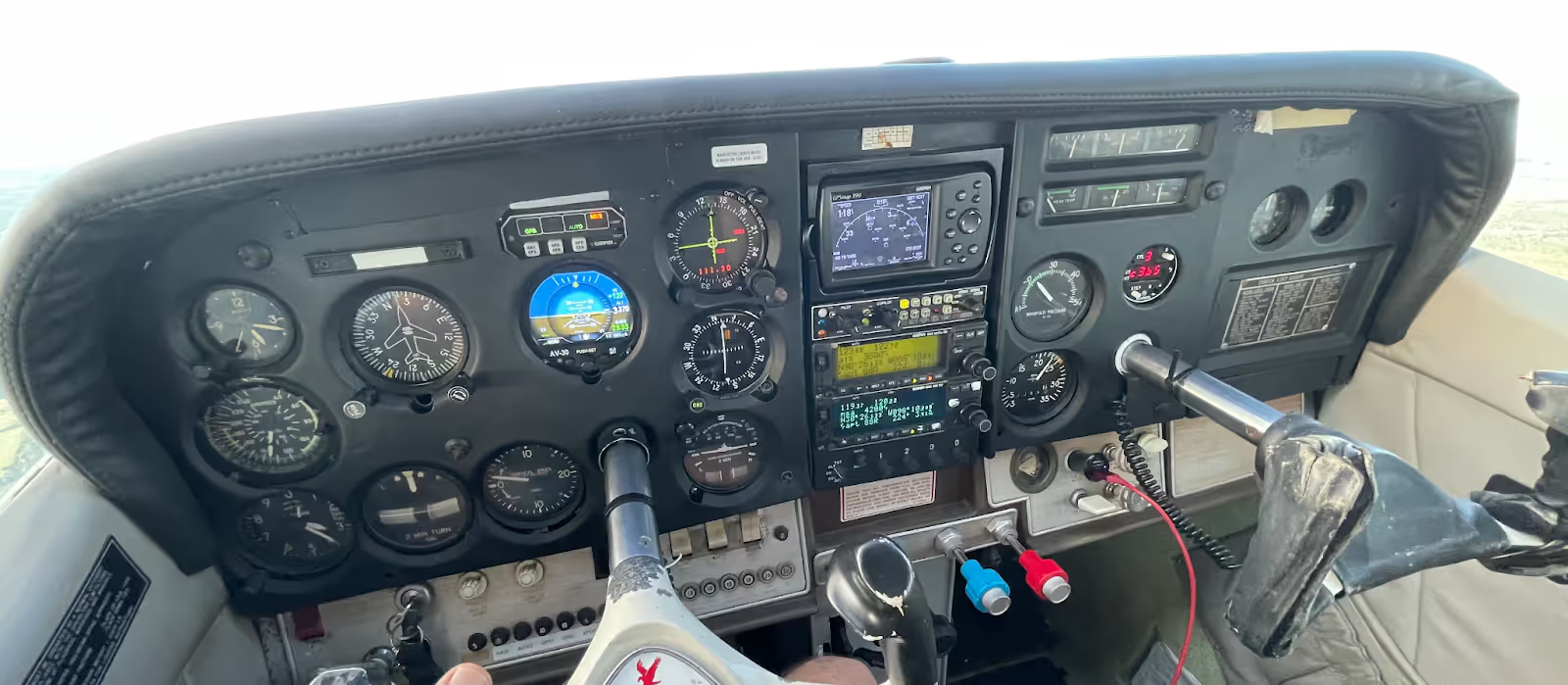
For most of us, the iPad has become such an indispensable part of aviation that it’s hard to remember flying without one. But, not all iPads are created equal. So which one is right for you? While there’s no single right answer for everyone, my top recommendation (at the time of writing) is the 256GB iPad mini (6th generation, 2021) with cellular. Its performance and portability make it an excellent choice for the cockpit. It’s the one I use, and in fact, when I surveyed over 60 ForeFlight employees—all of whom are pilots—80% said they would choose some form of iPad mini:
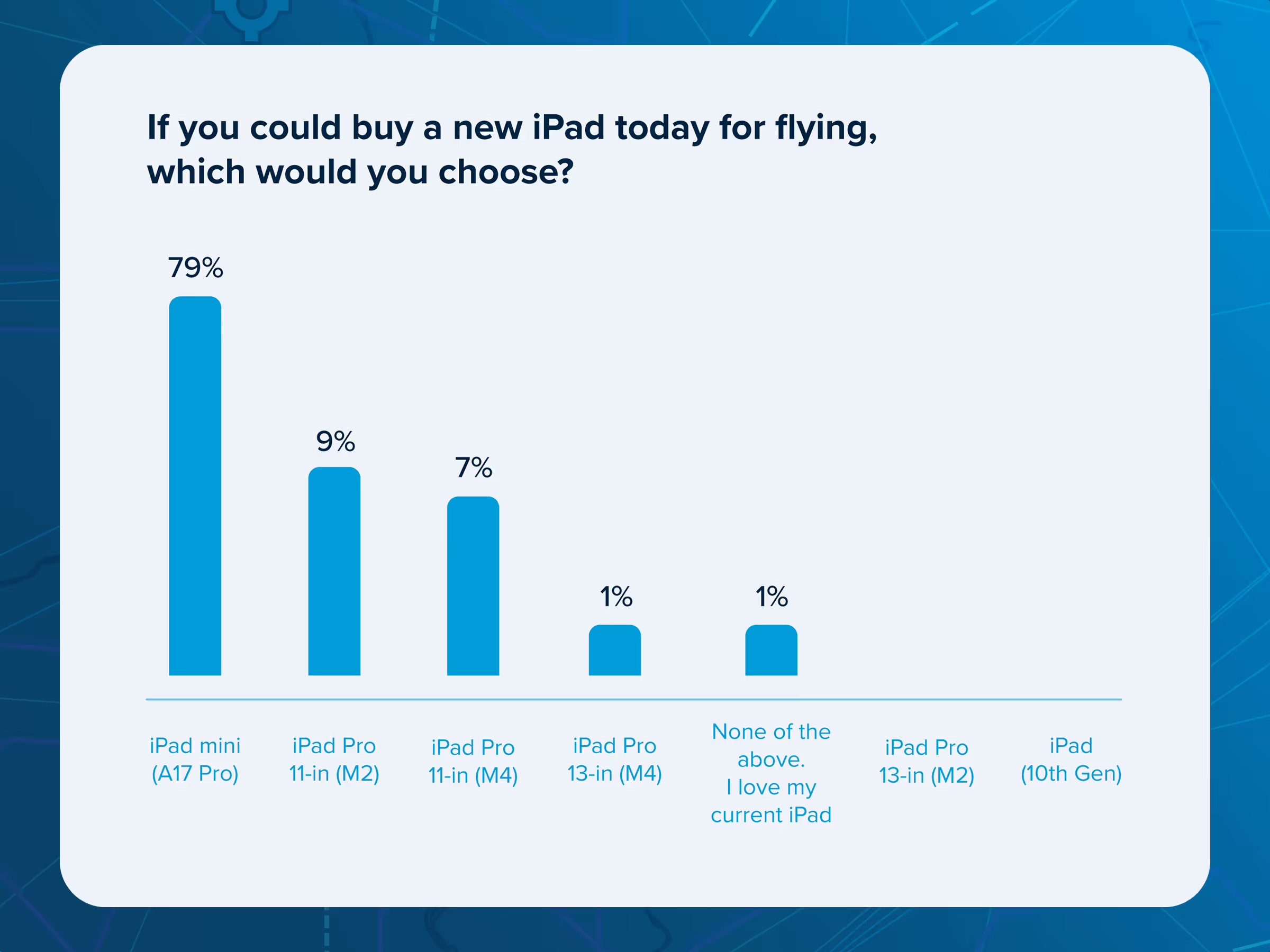
Of course, that doesn’t mean it’s the right choice for everyone. So, if you want to find the best iPad for your needs, read on.
Making Sense of iPad Options
In general, there are four main types of iPads to choose from:
- iPad - The standard model, offering a good balance of performance and value.
- iPad Air - A lighter option that often sacrifices a bit of performance for reduced weight.
- iPad Mini - Small but mighty, the perfect combination of power and portability.
- iPad Pro - The premium choice, and ForeFlight looks amazing on this one.
Apple updates the iPad lineup frequently, and the most recent additions arrived in fall 2025 with the M5-powered iPad Pro models.
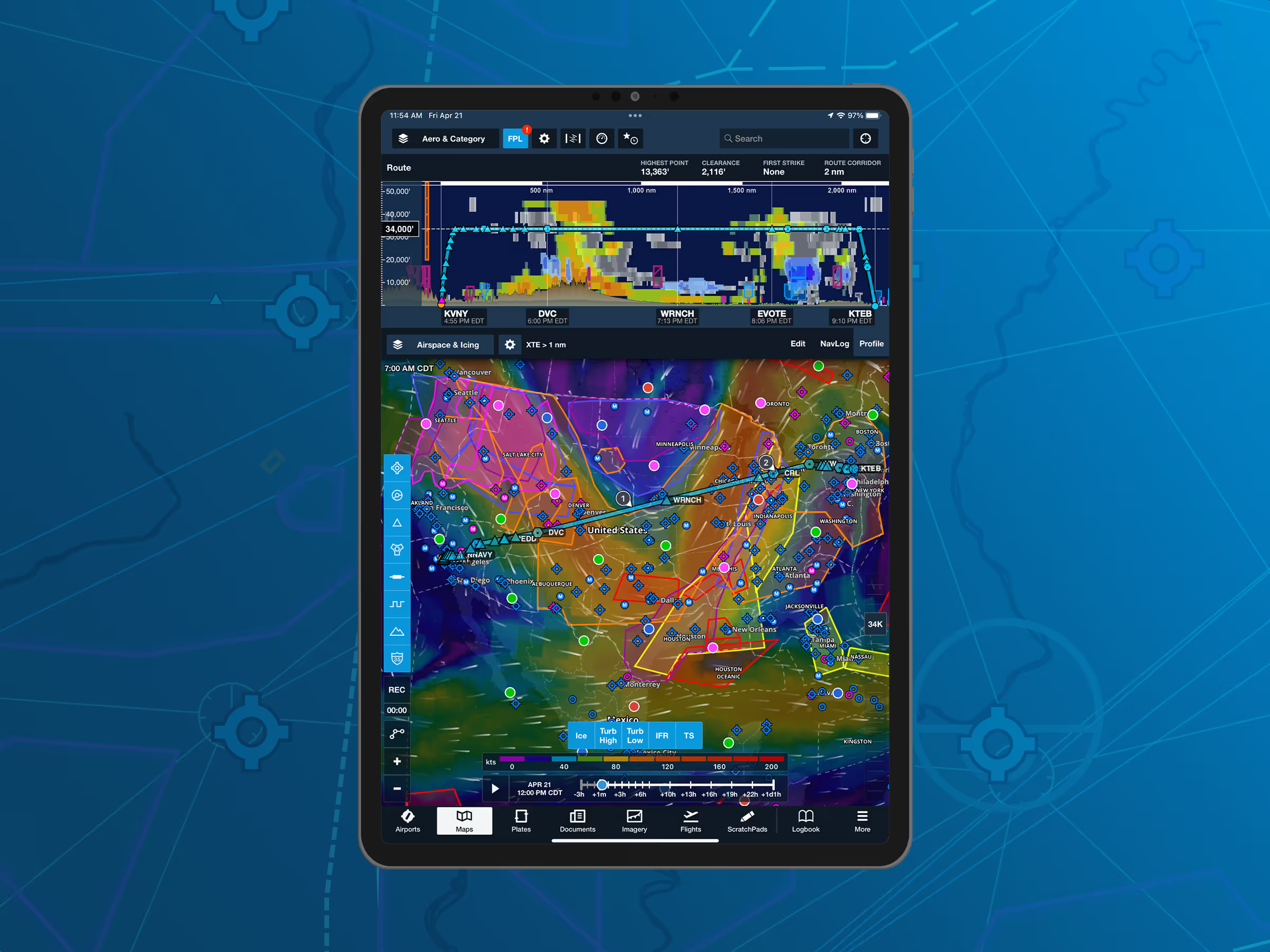
As of now, Apple offers eight models that are the latest and greatest:
- iPad Pro 13-inch (with M5 chip)
- iPad Pro 11-inch (with M5 chip)
- iPad Pro 13-inch (with M4 chip)
- iPad Pro 11-inch (with M4 chip)
- iPad Air 13-inch (with M4 chip)
- iPad Air 11-inch (with M4 chip)
- iPad (11th generation)
- iPad mini (A17 Pro)
In addition to these, at least 15 other models can be used to run ForeFlight—(yes fifteen!)—so candidly you don't have to purchase the latest models to get the most out of ForeFlight.
Step One: Choose Your iPad Size
Size is usually the top consideration for pilots, especially with limited cockpit space. For the best performance and a larger screen, the 11-inch iPad Pro is my top pick, closely followed by the 5th generation iPad Air. If cockpit space is tight, the 6th generation iPad mini (2021) offers a smaller footprint. While ForeFlight looks amazing on the 12.9-inch iPad Pro’s Retina display, this option will leave you with a little less elbow room in the cockpit.
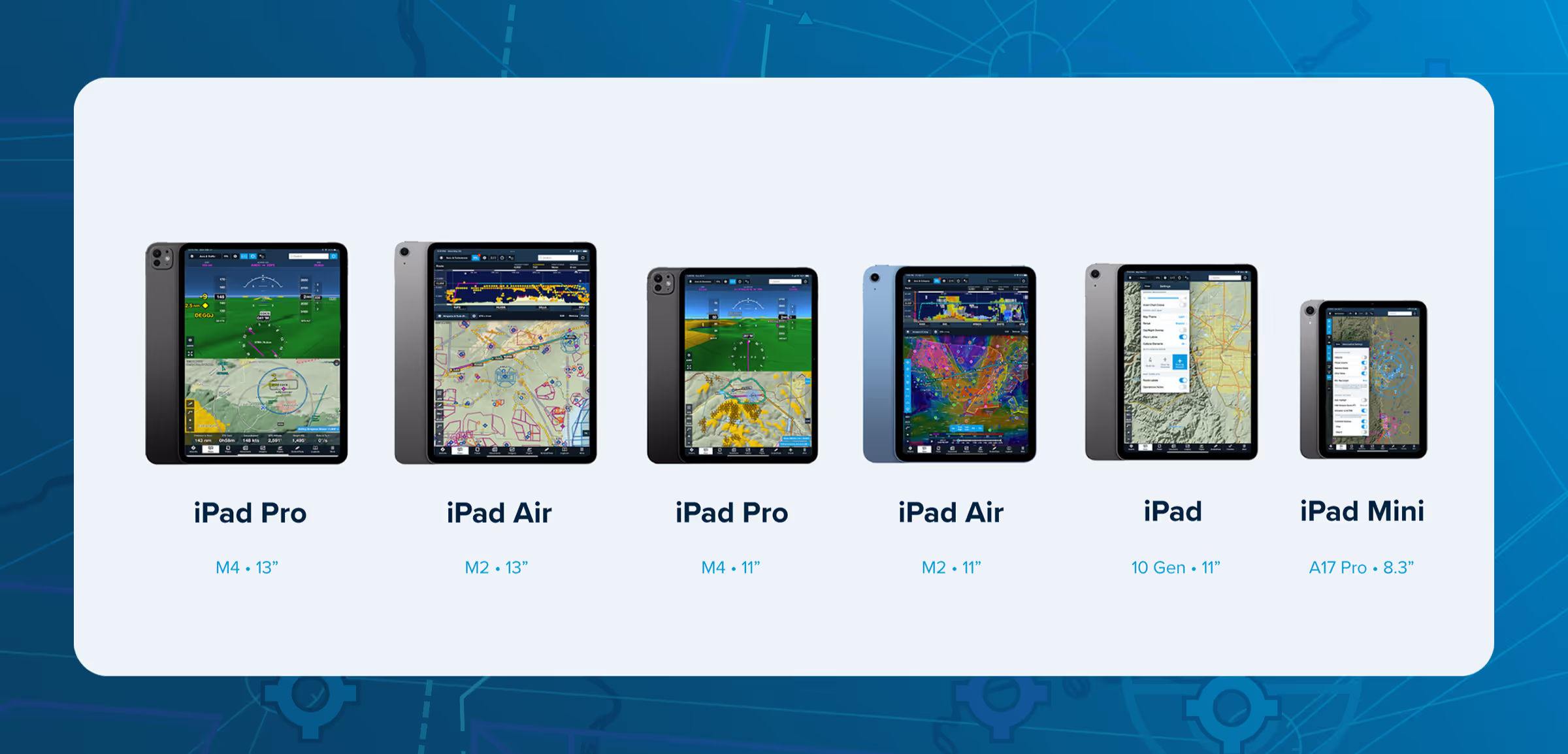
I’ve tried a variety of mounting options and iPad sizes. Ultimately, the larger iPads only work for me with a dedicated panel mount (which I don’t have). I prefer the flexibility of the iPad mini, even in my relatively large Cessna 182. If this is your first iPad and you’re unsure what will work best in flight, ask around to see what other pilots use. Even better—go flying with them and see how they use their iPad and what makes the size work for them.
Remember, you’ll be using the iPad both on the ground and in the cockpit, so don’t get too comfortable with the size while flight planning on your sofa at home.
Step Two: Choose your Connectivity
Next, you’ll need to choose between Wi-Fi-only or Wi-Fi + Cellular models. The Wi-Fi + Cellular iPads have an internal GPS chip that enables moving map capabilities in ForeFlight. The Wi-Fi only models can be paired with an external GPS to provide location fixes in flight. You can also pair them with external devices like Sentry, which provides GPS positioning along with in-flight weather and traffic via ADS-B.
One important thing to note: a data plan is not required to use the GPS capabilities of the iPad Wi-Fi + Cellular model. However, a data plan is handy for checking preflight weather and filing or amending flight plans when Wi-Fi isn't available.
If you plan on using a Sentry (which I highly recommend), you can go with the Wi-Fi only model and still get the full benefit of the Sentry. Just keep in mind, you'll only be connected to the internet when you’re on a Wi-Fi network with internet access.
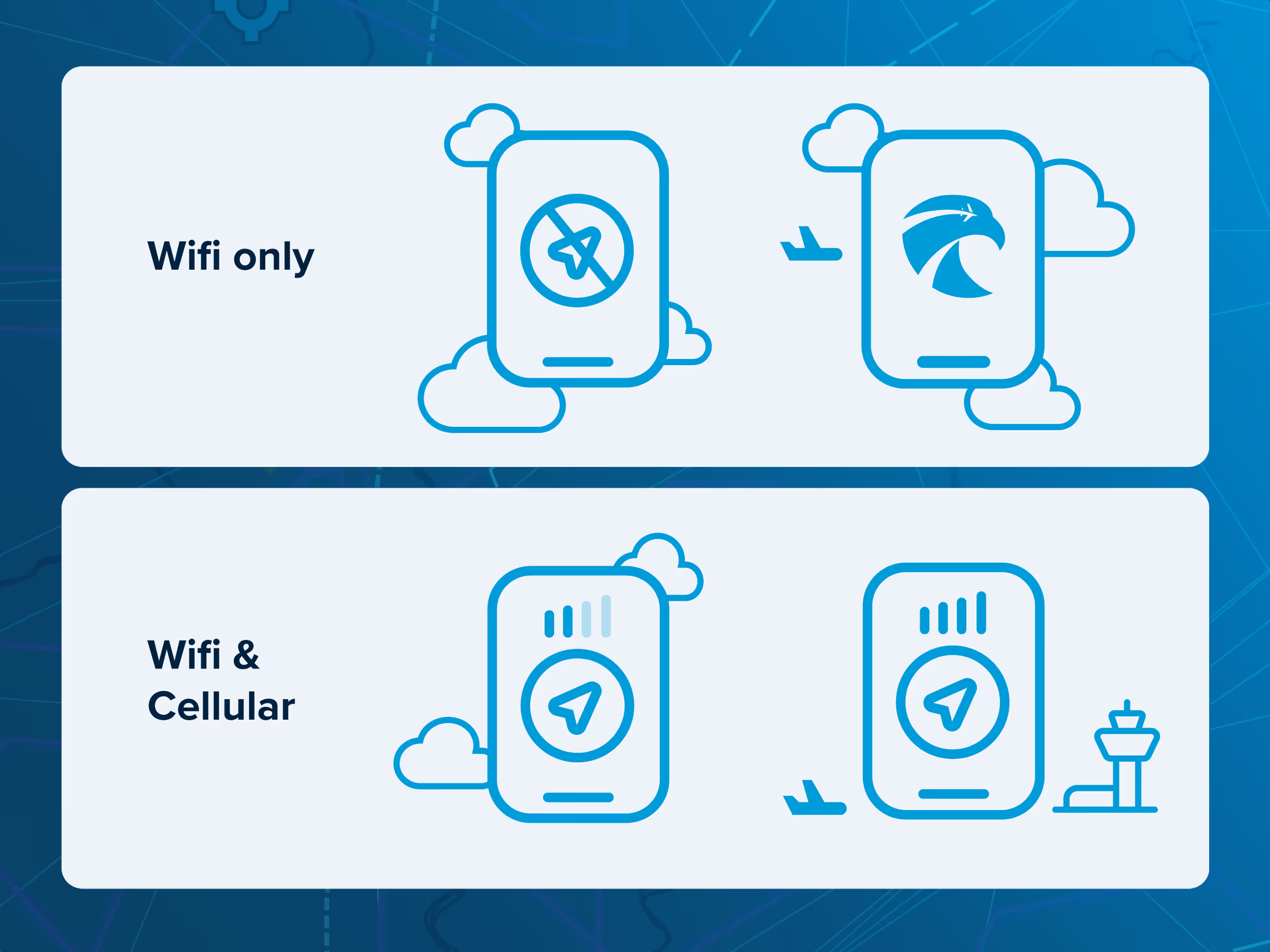
I have an iPad mini with cellular but no cellular plan—I just like having the backup GPS. But honestly, between the ability to connect to my iPhone (aka tethering) and the fairly reliable Wi-Fi network at my home airport (which almost reaches my plane on the ramp), I could probably have saved a few dollars and skipped the cellular option.
Step Three: Choose Your Storage
Fifteen options sounds like a lot to choose from, but that number increases significantly when you factor in all the storage options. As of now, you can choose 64GB, 128GB, 256GB, 512GB, 1TB, or 2TB (though not all options are available for all models). So, how much storage is enough?
Let’s start by saying that terabytes of storage are overkill if you're using your iPad primarily for flying. However, I strongly recommend getting at least 128 GB. ForeFlight Mobile requires about 15.5GB for all U.S. airport diagrams, A/FD sheets, instrument procedures, documents, VFR sectionals, and IFR enroute charts. Canadian data can total 11GB. These requirements decrease if you don’t download the entire country at once. For example, downloading only U.S. states east of the Mississippi would require about 5GB. So, if you don’t fly there, you can skip those downloads. With 128GB or more, you’ll have plenty of room for ForeFlight, plus other apps, movies, or music.
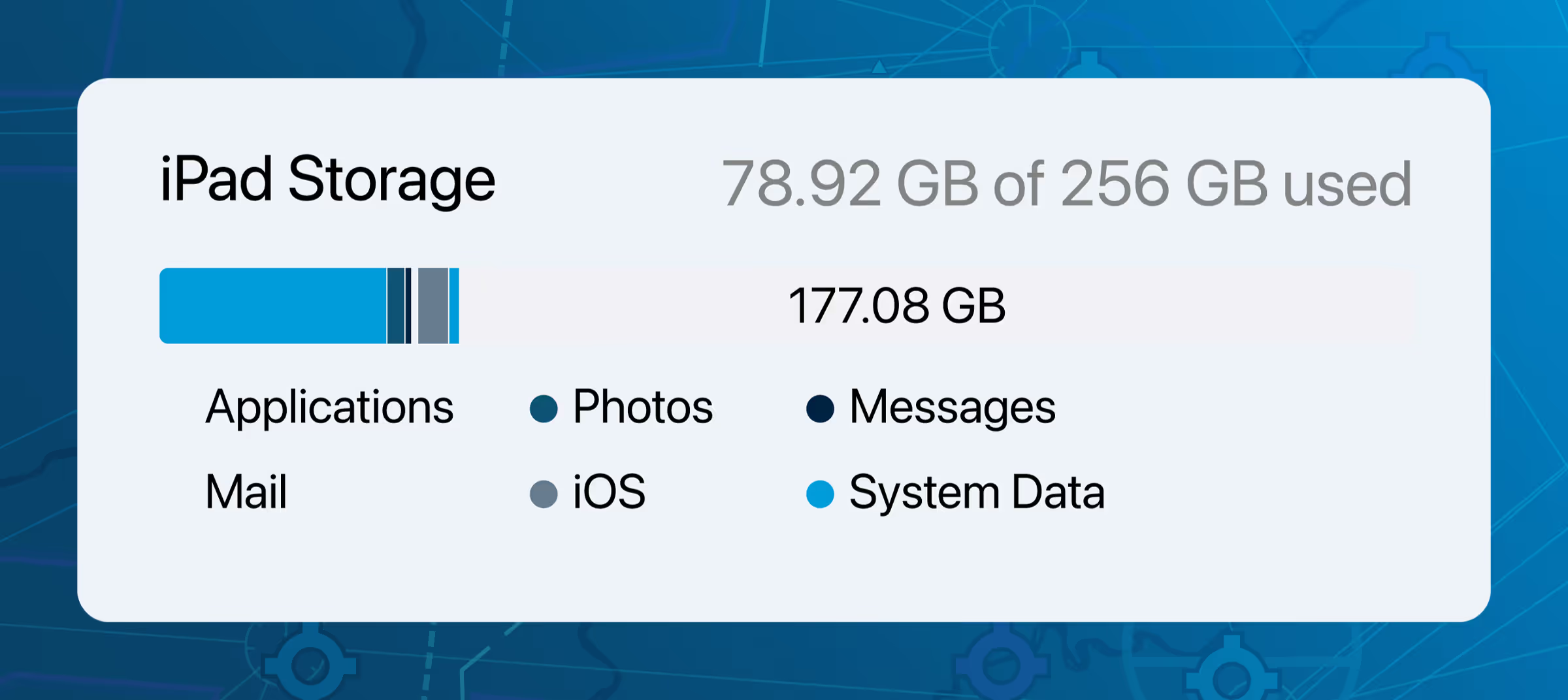
Personally, I've been happy with my 256GB option. I use mine almost exclusively for flying and have avoided turning on the photo syncing feature for Apple Photos. It works great, and to be honest, I hadn’t even thought about storage until I looked at my usage while writing this article.
A Note to Student Pilots
How much you can use ForeFlight in the cockpit during your training will depend largely on your CFI. Since you're still gaining experience in the cockpit, you might not know which iPad is best for both training and after you get your license . A big, beautiful iPad might be amazing for flight planning and learning, but it can be tough to manage in the cockpit. I typically recommend the iPad mini for students, as it’s less likely to cause size issues in the cockpit and is still great for briefing or debriefing a flight.
Which iPads to Avoid
ForeFlight no longer supports the following iPad and iPhone models for new app updates, so these are definite no-gos:
- iPad 6th generation and older
- iPad Air 2 and older
- iPad mini 4 and older
- iPad Pro 10.5″ and 12.9″ (2nd gen)
- iPhone 7, 7+, SE (1st gen) and older
Additionally, if long-term compatibility matters to you, be cautious with the iPad (7th generation), which is rumored to lose support with the next major iPadOS release. If you're looking to save money and are concerned about longevity, check this page for the minimum supported iOS version and the status of the latest iOS update.
How Can I Tell Which iPad I Currently Own?
Our team gets this question a lot, and if you’re reading this, you might be thinking about upgrading. To identify your iPad model, simply visit the Apple website.
Where to Buy (and Should You Wait For a Deal?)
I highly recommend purchasing your iPad directly from Apple or an authorized Apple retailer. In my experience, Apple’s refurbished iPads are a really solid option. Some models—like the iPad Pro (6th generation) and iPad Air (5th generation)—aren’t available directly from Apple, so you’ll need to find another retailer. I recommend sticking with trusted retailers like Amazon (the Amazon Renewed store specifically) or Best Buy.
As of this writing, it's a reasonable time to buy most iPads. The standard iPad (11th gen) and iPad Air (M4) were both refreshed in early 2025 and early 2026 respectively, so neither is due for an update soon. The one exception worth noting is the iPad mini. Rumors suggest an OLED version could arrive in fall 2026 or early 2027, so if you're set on the mini and aren't in a rush, it may be worth keeping an eye on.
Other (Non-Flying) Considerations
Of course, you might want to use your iPad for things beyond running ForeFlight (the horror!), and there’s a few interesting features that could drive your decision.
Apple Intelligence
If you're interested in Apple's new AI-powered features, you'll need a relatively newer iPad. The following models support Apple Intelligence:
- iPad mini (7th generation, A17 Pro)
- iPad Air (5th generation, M1 chip)
- iPad Air (6th generation, M2 chip)
- iPad Air (7th generation, M3 chip)
- iPad Air (8th generation, M4 chip)
- iPad Pro (5th generation, M1 chip)
- iPad Pro (6th generation, M2 chip)
- iPad Pro (7th generation, M4 chip)
- iPad Pro (8th generation, M5 chip)
Note: The standard iPad (11th generation) does not support Apple Intelligence despite featuring the A16 chip, so if Apple Intelligence is important to you, the base iPad is not the right choice.
External Display Support
If you’re considering using your iPad as a laptop alternative, you can pair it with a Magic Keyboard and connect it to an external monitor with 4K+ resolution. Unlike simple screen mirroring, this feature extends the iPad desktop. You’ll need an iPad with an M1, M2, M4, or M5 chip to take advantage of this. The newest iPad Pro models with the M5 chip also support advanced external display capabilities.
Apple Pencil Hover
Hovering the Apple Pencil just above the screen provides a preview of what will happen before you touch the display. It’s a cool feature in certain apps (though not ForeFlight). Available on both sizes of the iPad Pro (M2 and M4) and iPad Air (M2). You’ll also need either the second-generation Apple Pencil (for the M2-powered iPad Pro) or Apple Pencil Pro.
Summary
The bottom line: choose the iPad that works best for you in the cockpit and fits your budget. If you’re still unsure, check out Sporty’s iPad Pilot news for more resources.
Want to compare detailed specs? Visit www.apple.com/ipad/compare.
P.S. - No iPad is complete without great accessories. Check out our guide to the best iPad accessories for pilots.
FAQs
Is a cellular-capable iPad required to use ForeFlight Mobile?
No, a cellular-capable iPad is not required to use ForeFlight Mobile. However, a cellular-capable iPad includes a built-in GPS receiver necessary for moving map and geo-referencing functions.
Which version of ForeFlight is compatible with the iOS version installed on a device?
Visit our support article here.