Wirelessly upload custom documents to all your signed-in devices from a connected Microsoft OneDrive folder. Visit the Documents page on ForeFlight Web then click Add Cloud Drive under the My Drives section.

Upload documents wirelessly from Microsoft OneDrive to all your devices.

Wirelessly upload custom documents to all your signed-in devices from a connected Microsoft OneDrive folder. Visit the Documents page on ForeFlight Web then click Add Cloud Drive under the My Drives section.
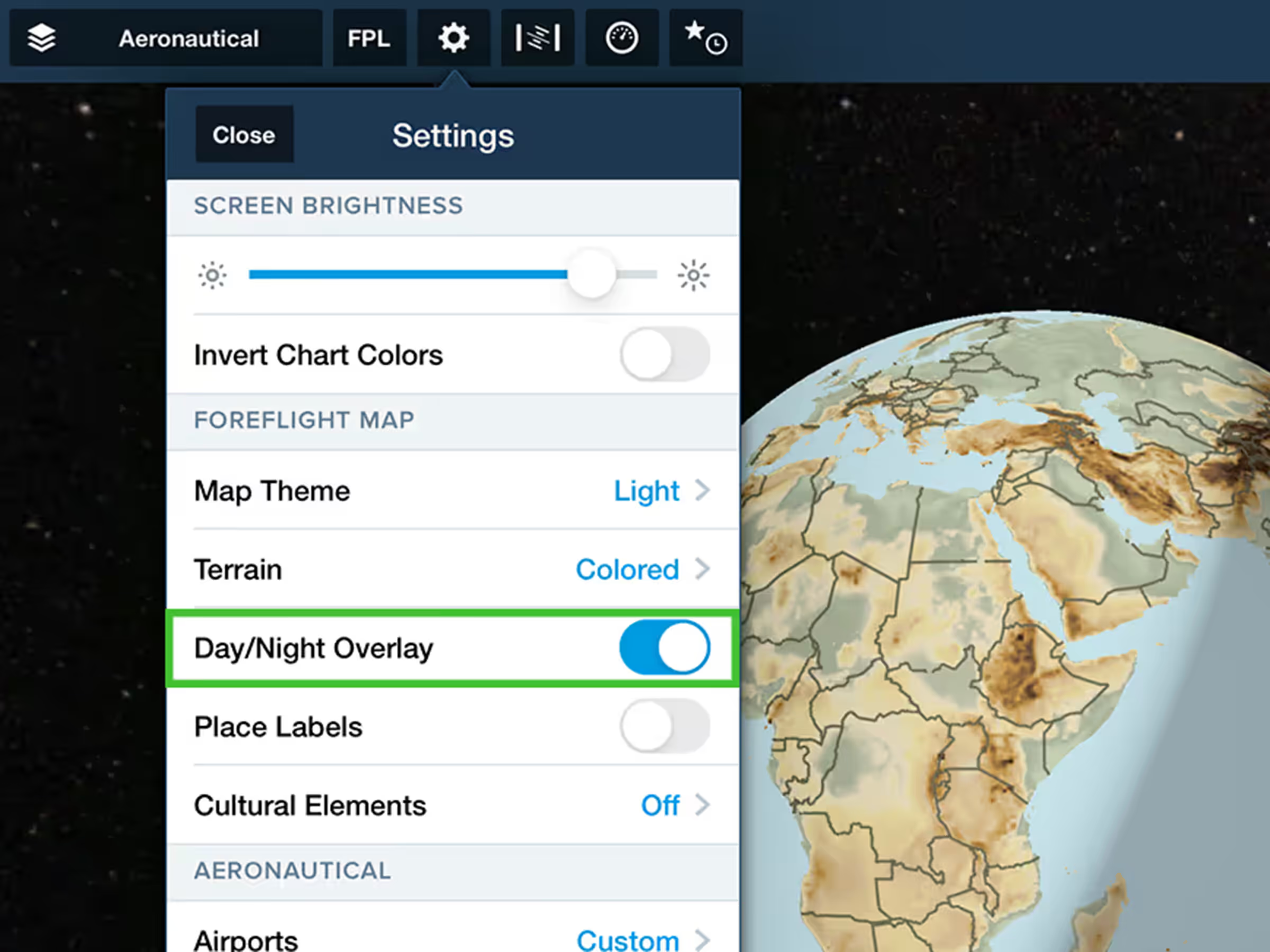
See global day/night boundaries in real-time with the Day/Night map overlay.
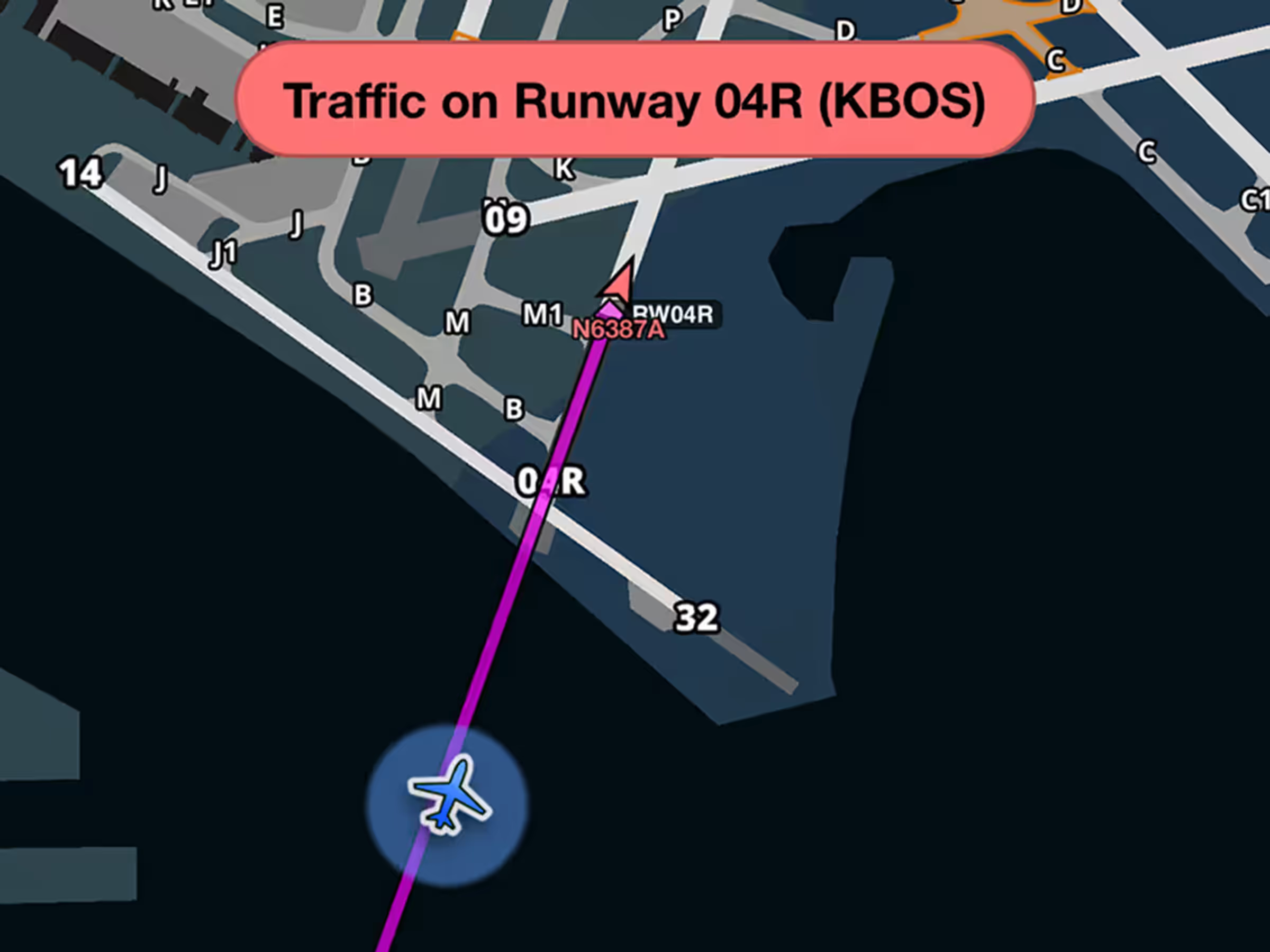
Get runway safety alerts during approach when aircraft are on or approaching your runway.
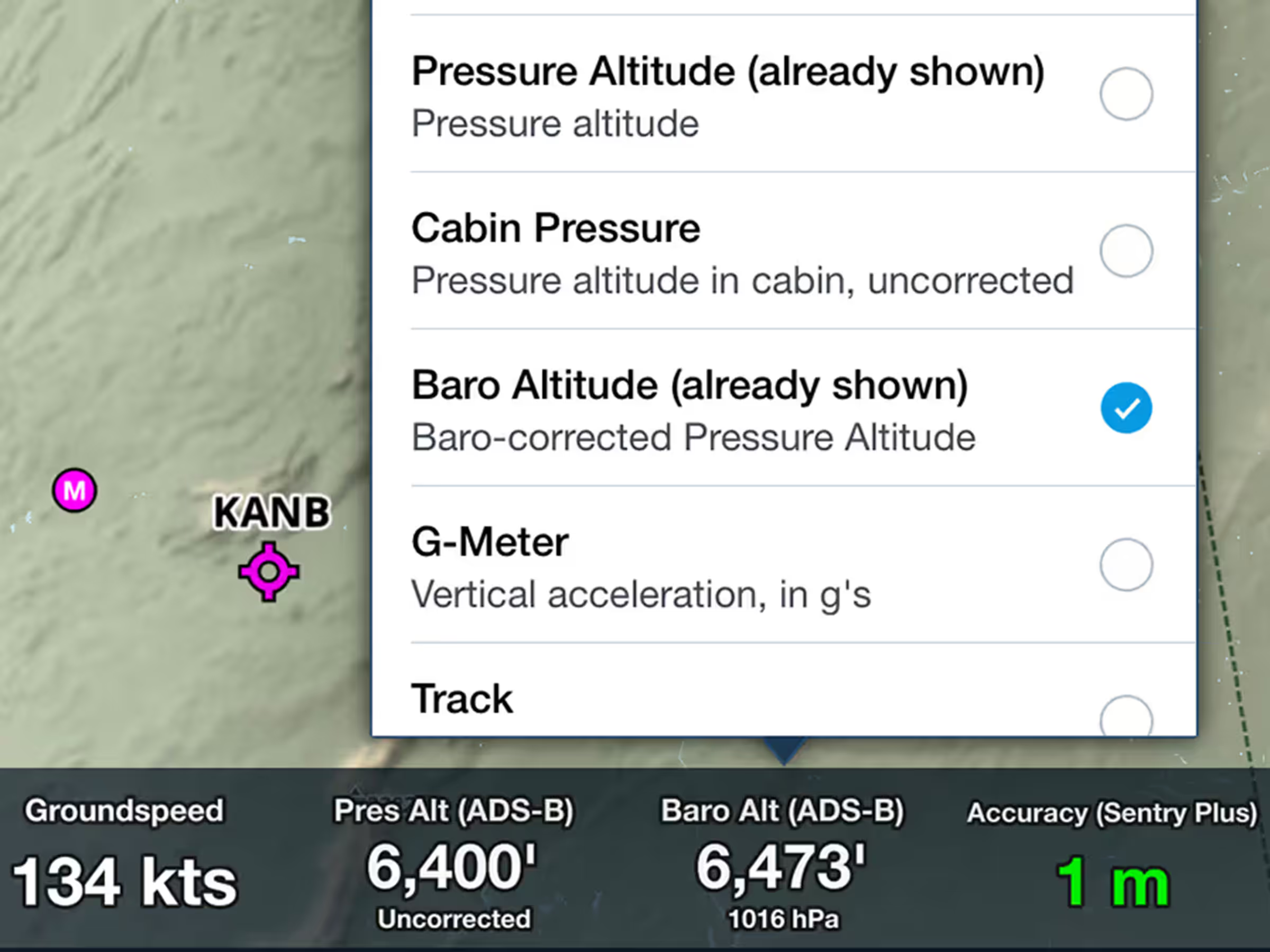
View corrected barometric altitude based on pressure readings and nearby METAR data.
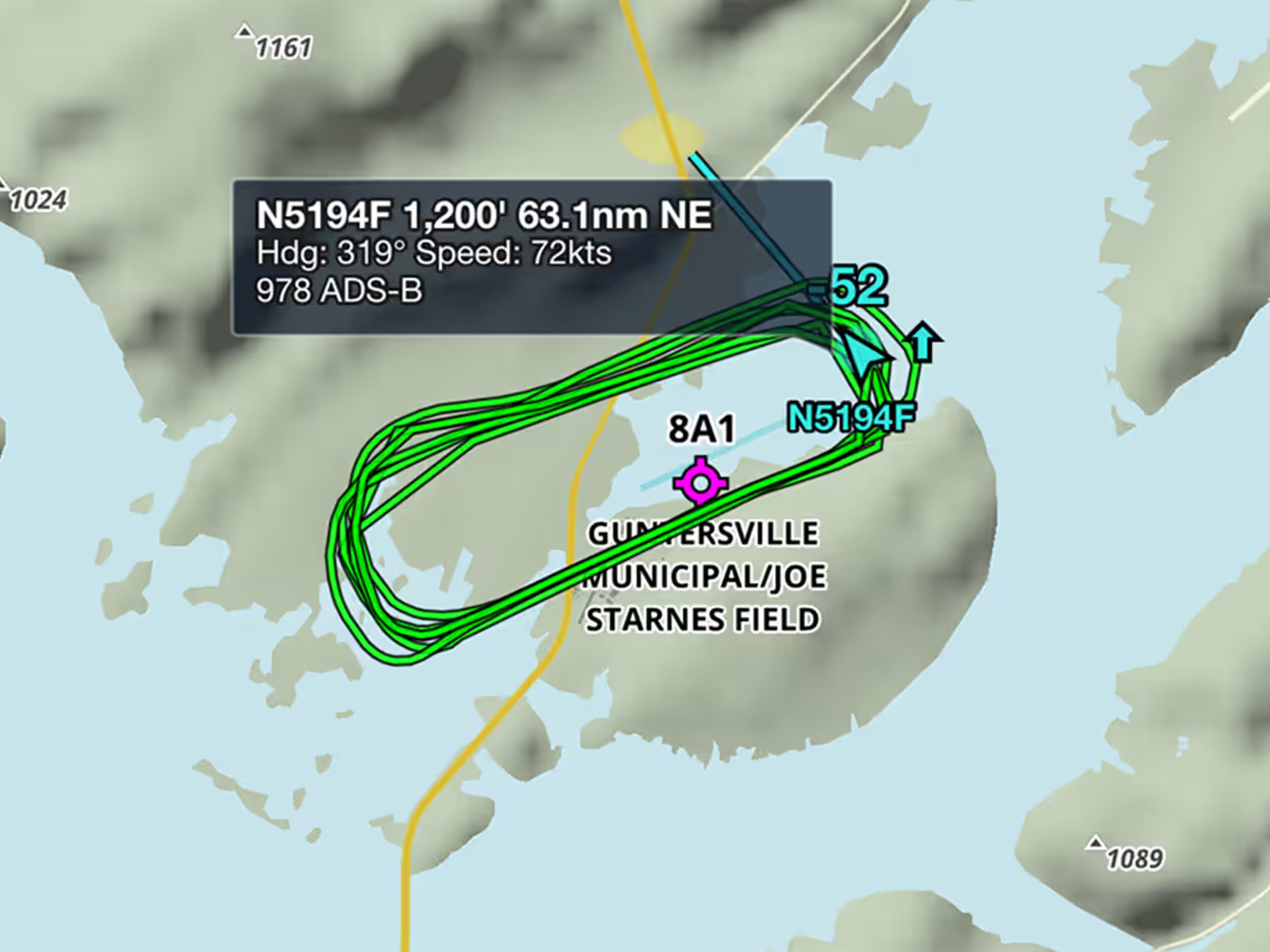
View recent flight paths of nearby aircraft to see which runways and procedures are in use.


