No items found.
Skip to main content
November 2026

Alternates on Active Navlog

View planned alternates and filed routes in Active Navlog, with flexible diversion options during flight.

No images available to display.
back
next

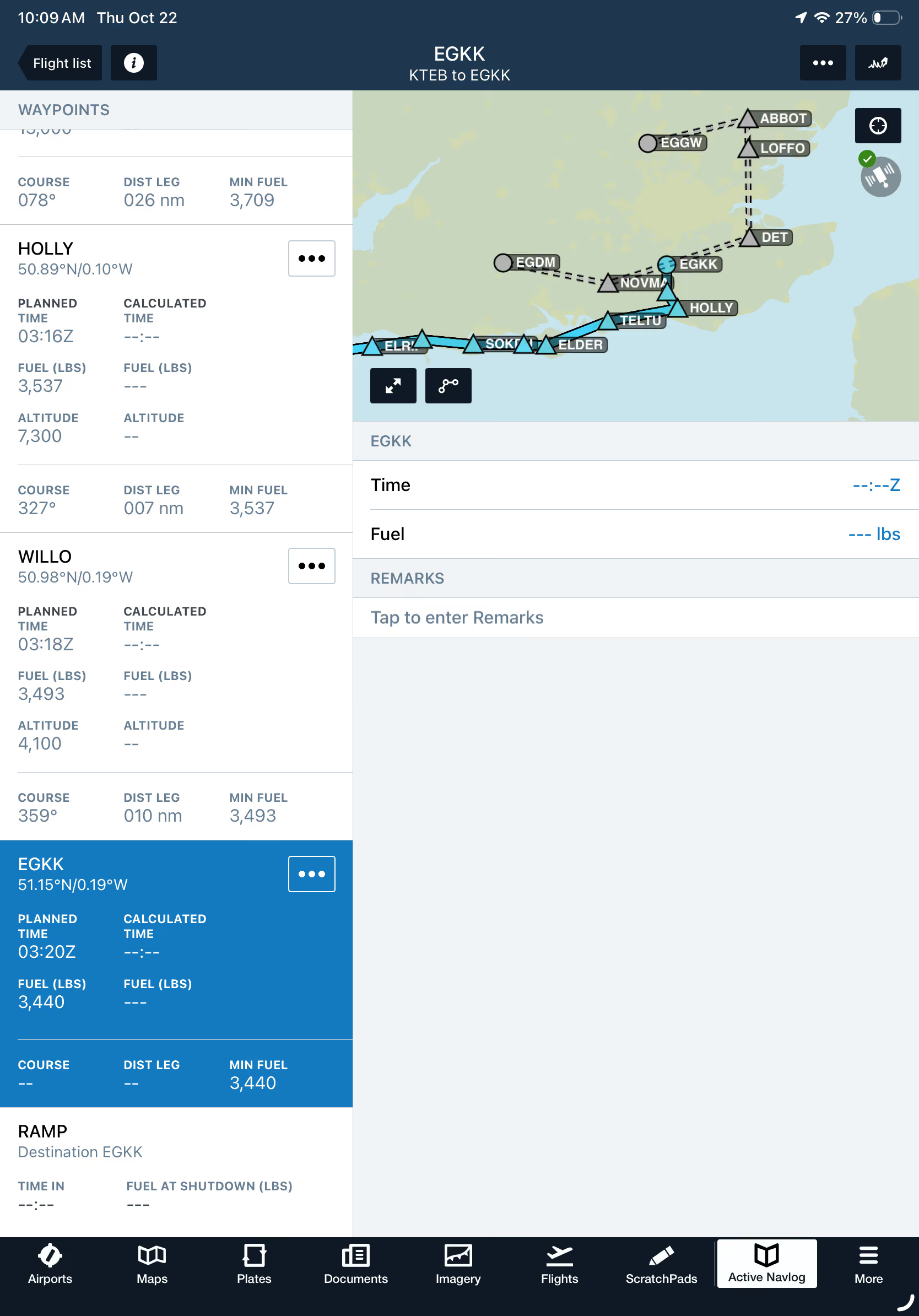
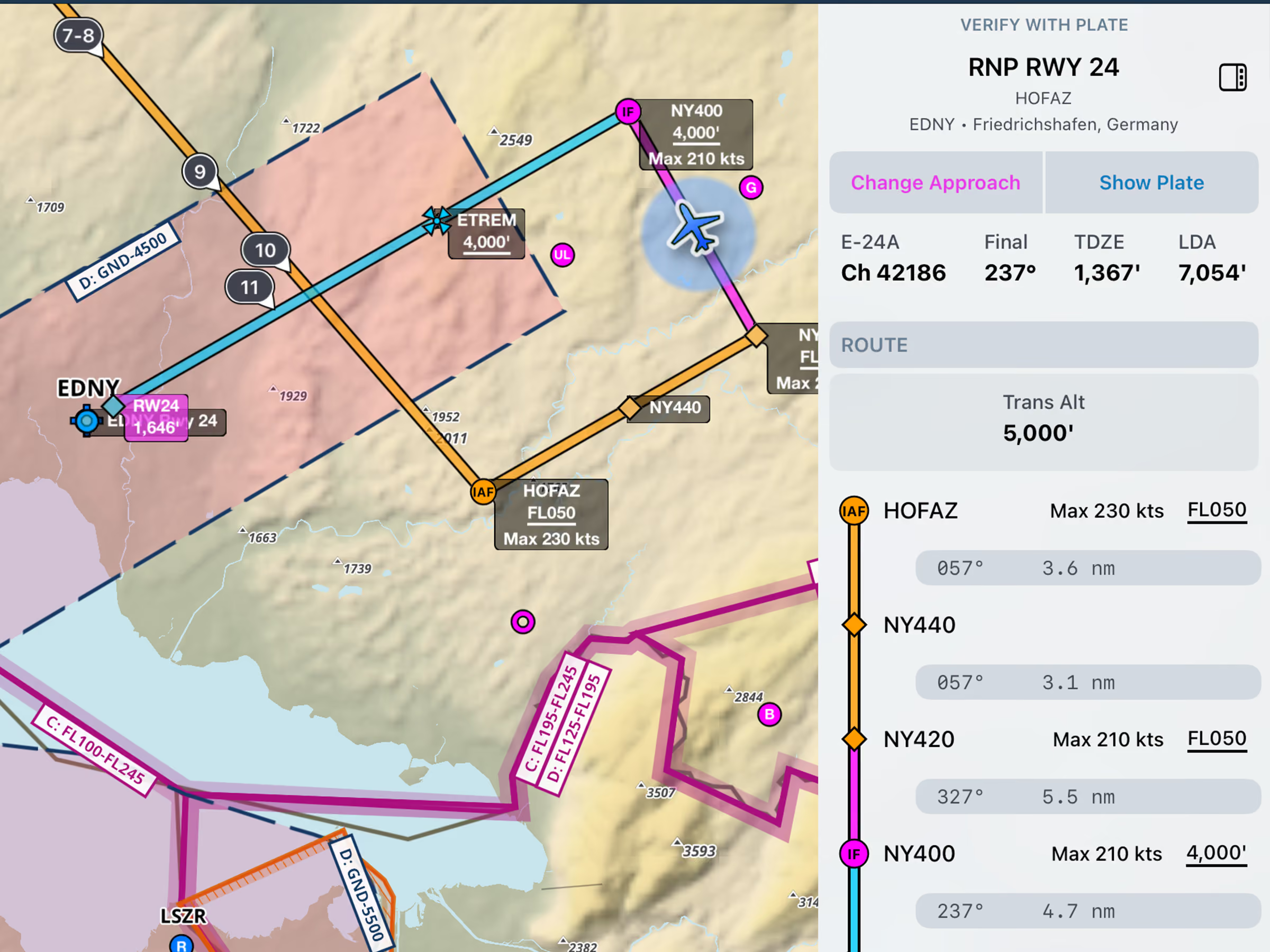
Keep your alternate airports and filed routes close at hand throughout your flight with new alternate support in Active Navlog. Planned alternates and their associated routes appear in gray on the Active Navlog map, providing a clear view of your diversion options.

After a missed approach or when a diversion becomes necessary, access Alternate Destinations from any waypoint's Actions menu to route to an alternate using its filed route or proceed directly from your current position.

Alternates on Active Navlog are available with the Active Navlog add-on for ForeFlight Business and Military accounts.
Release notes

Release notes

  • Keep your planned alternates and their filed routes on hand for the whole flight, so you can divert along the filed route after a missed approach or go direct from wherever you are.
  • Alternate airports and their routes appear in gray within the Active Navlog map, and you can divert to an alternate from any waypoint or your present position using the Alternate Destinations option within any waypoint’s Actions menu.
  • Available with the Active Navlog add-on for Business and Military accounts.

Support

Support

FAQs
Find answers to your questions
Pilot's Guide
The complete ForeFlight handbook
Video Library
ForeFlight videos all in one place
Buying Guide
Choose the right iPad and plan