No items found.
Skip to main content
November 2026

Emergency Glide Mode: TrueGlide

See a more realistic glide range based on your actual descent performance and wind conditions.

No images available to display.
back
next

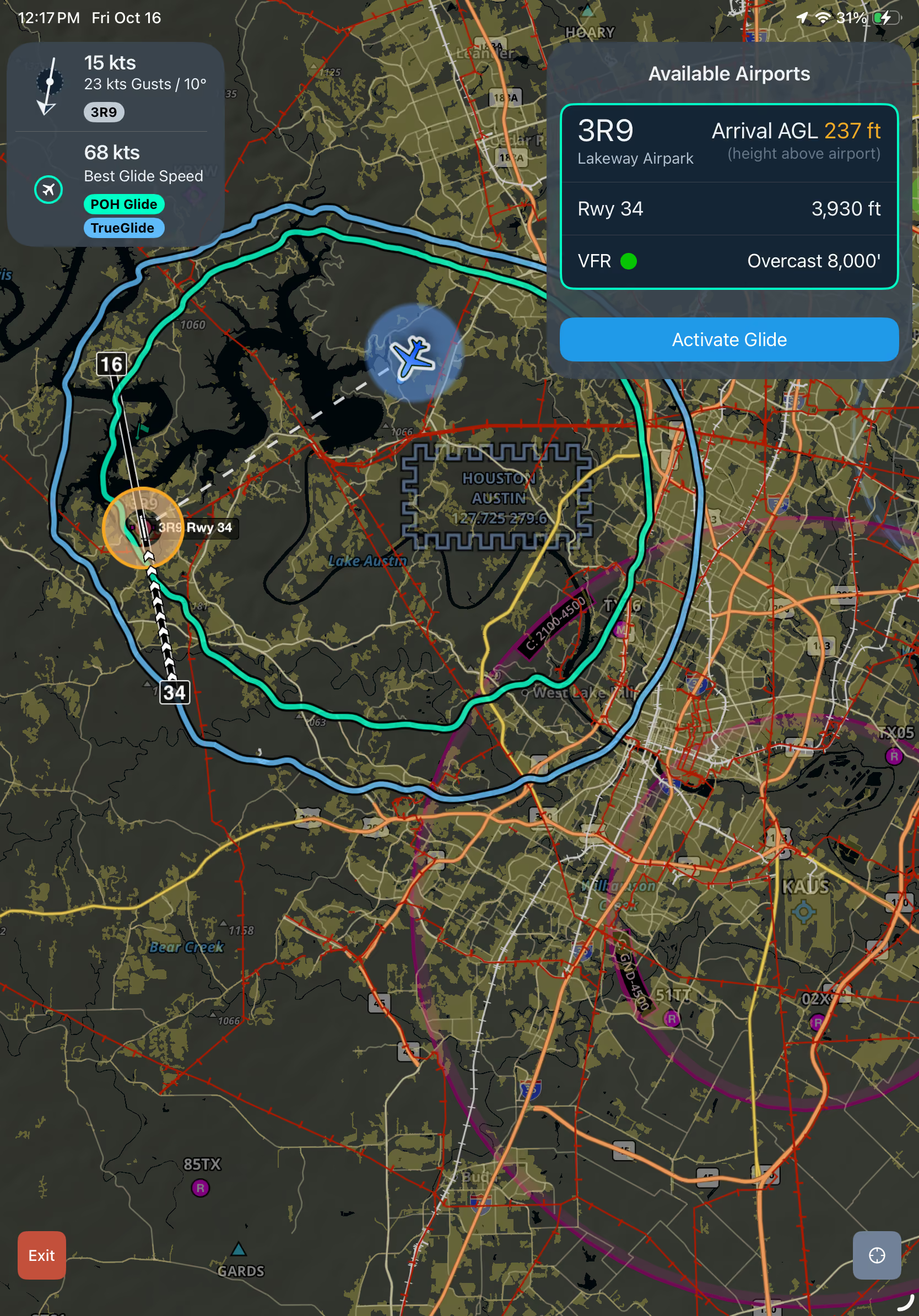
Make more informed decisions during an engine failure with TrueGlide, which provides a dynamic estimate of your glide range based on your actual descent performance and wind conditions. When ForeFlight detects a stable descent rate, TrueGlide automatically displays a blue ring in Emergency Glide Mode alongside the existing green ring, which calculates your glide range using your aircraft's configured best glide speed and glide ratio.

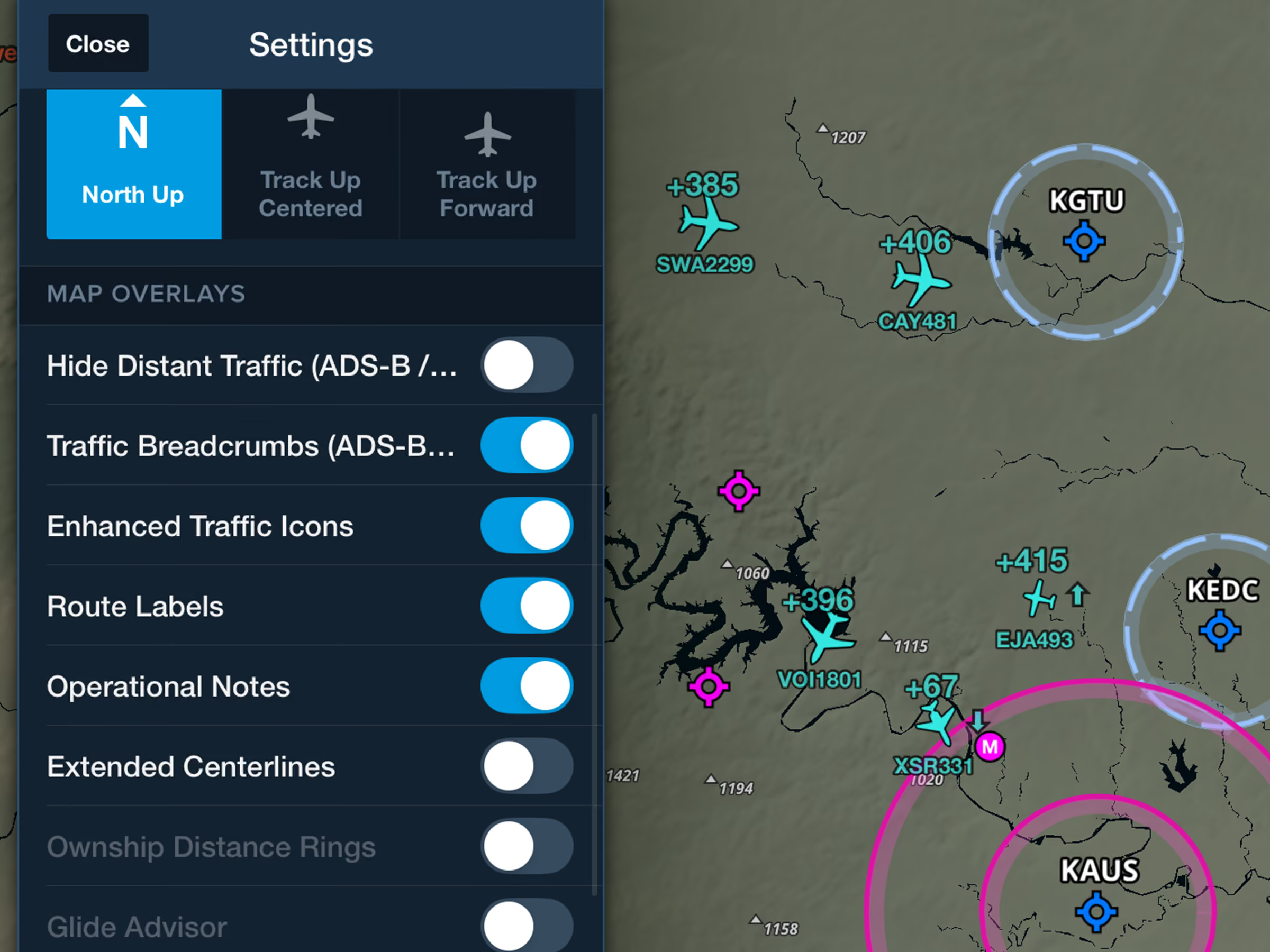
Compare both rings to better assess your available landing options, or disable TrueGlide using the new setting in Map Settings when Glide Advisor is enabled.
Release notes

Release notes

  • Get a more realistic picture of your glide range based on your actual glide performance and wind speeds during emergency scenarios.
  • TrueGlide appears automatically in Emergency Glide Mode as a blue ring when ForeFlight detects a stable descent rate, alongside the existing green ring that calculates your glide range based on the glide ratio and best glide speed for the selected aircraft.
  • You can disable TrueGlide using a new setting in the Map Settings menu which appears when Glide Advisor is enabled.

Support

Support

FAQs
Find answers to your questions
Pilot's Guide
The complete ForeFlight handbook
Video Library
ForeFlight videos all in one place
Buying Guide
Choose the right iPad and plan