No items found.
Skip to main content
March 2026

Per-Aircraft Ownship Markers

Customize the ownship marker for every aircraft in your fleet.

No images available to display.
back
next

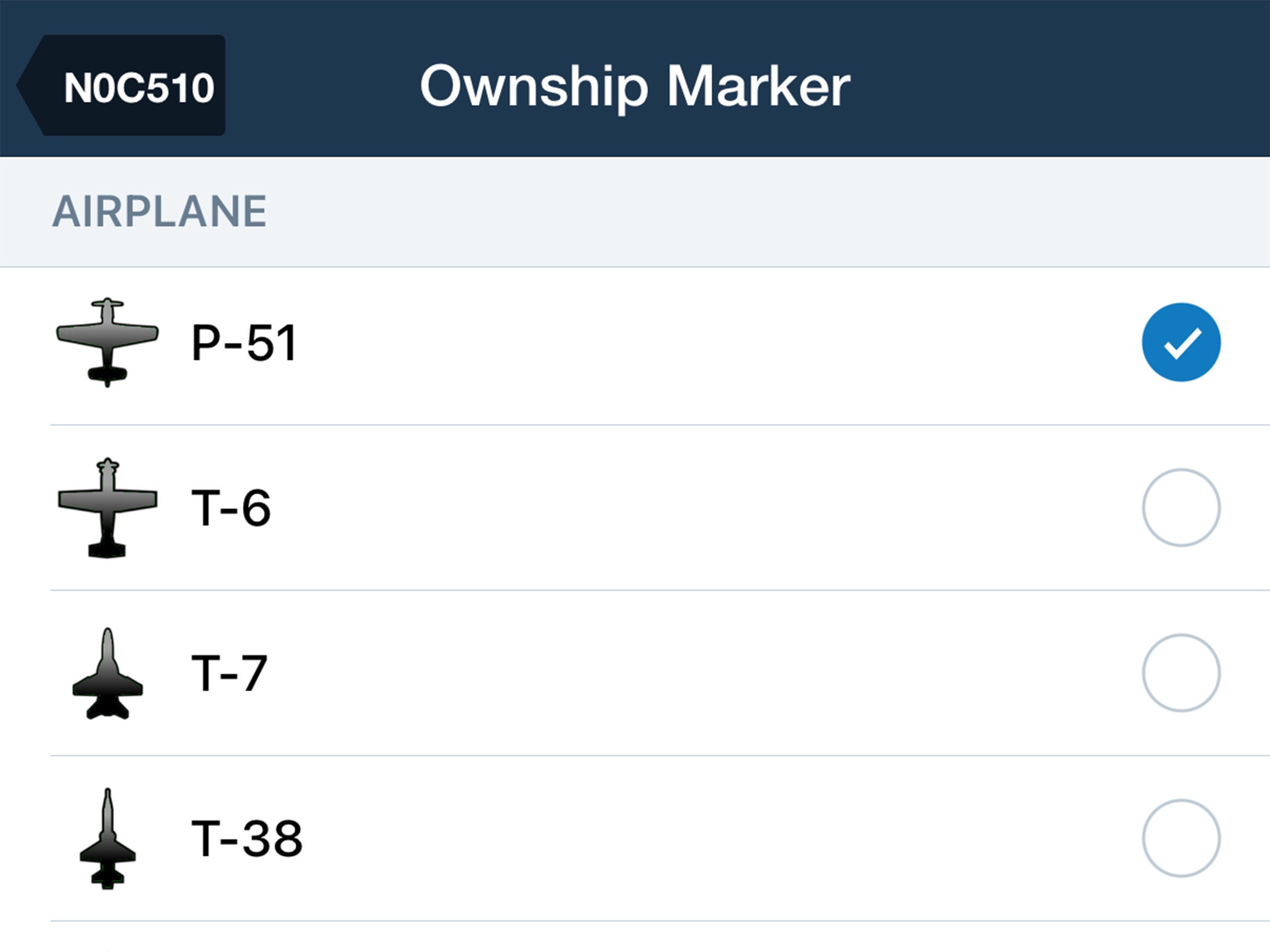
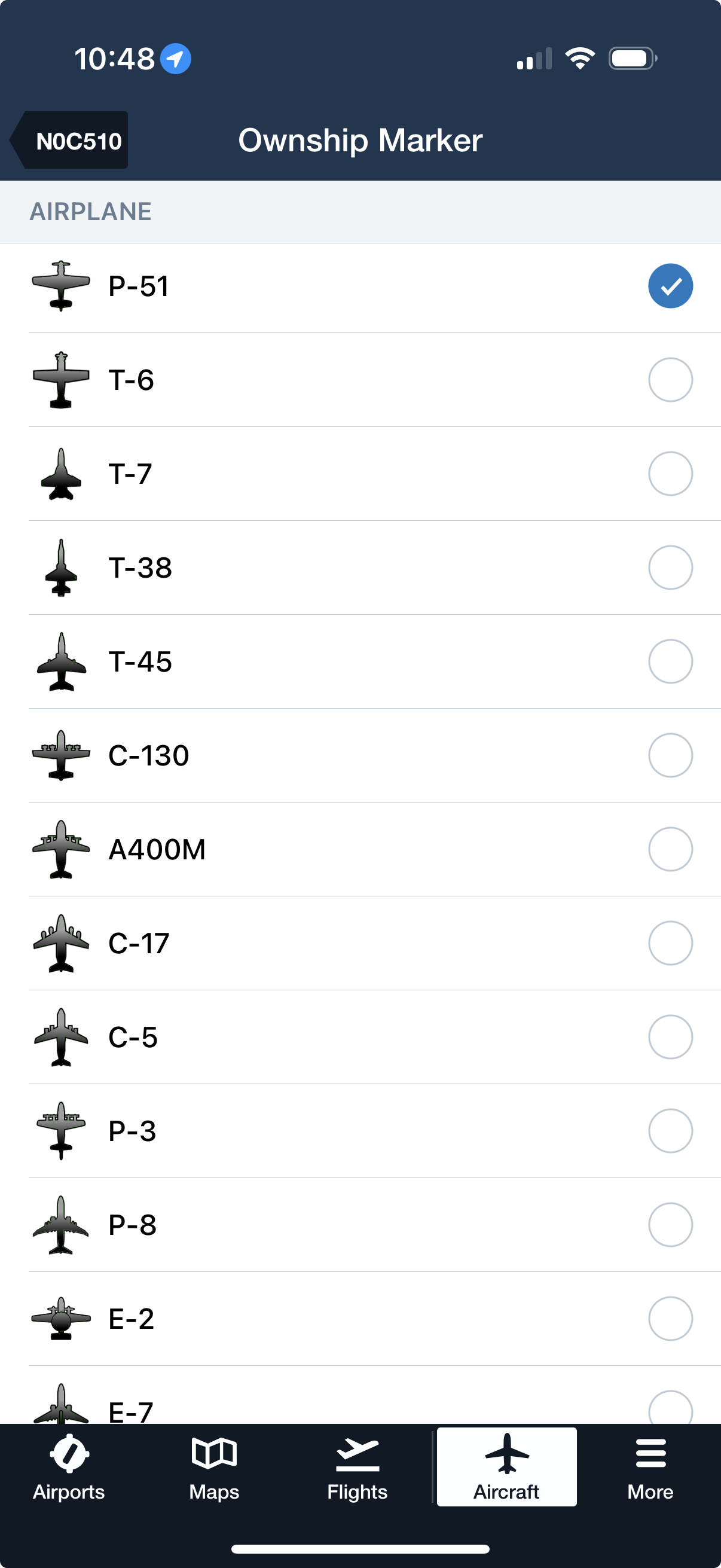
Differentiate your fleet at a glance by assigning each aircraft a unique icon and color. Navigate to More > Aircraft > Ownship Marker to create a custom look using dozens of current and historic aircraft models and a full range of colors. ForeFlight automatically displays the selected marker when that aircraft is selected in the FPL Editor on the Maps view. 

The Ownship Marker menu in More > Settings is still available for customizing your marker independently of a selected aircraft.

Release notes

Release notes

  • Customize the appearance of each of your aircraft’s ownship markers so every one has a unique appearance.
  • Update the ownship marker for any of your aircraft in More > Aircraft > Ownship Marker, where you can set both the color and aircraft type, with dozens of current and historic aircraft models to choose from.
  • ForeFlight will automatically show a given aircraft’s customized ownship marker when that aircraft is selected in the FPL Editor on Maps.
  • The existing Ownship Marker menu in More > Settings is still available for customizing your ownship marker independently of which aircraft is selected, as long as you haven't customized the ownship marker for the currently-selected aircraft.

Support

Support

FAQs
Find answers to your questions
Pilot's Guide
The complete ForeFlight handbook
Video Library
ForeFlight videos all in one place
Buying Guide
Choose the right iPad and plan