Giant Reports, a colloquial term for a portion of the Airfield Suitability and Runway Report (ASRR), are informational documents created by AMC which are marked For Official Use Only (FOUO), and are exempt from release under the Freedom of Information Act (FOIA).
The FOUO designation on Giant Reports currently prevents ForeFlight from organically hosting them within the app, however Military Flight Bag users can still utilize Giant Reports through ForeFlight’s Content Packs feature, available with MFB Performance subscriptions.
Begin by visiting aerodata.nga.mil with your CAC or Disadvantaged User credentials to download the ready-made zip file that is compatible with ForeFlight as-is. Use the Zip icon to download not the Select and Download function. Do not rename or unzip the file.
Upload the file to ForeFlight using any method of your choosing— for information on methods of uploading Custom Content, visit: https://foreflight.com/support/content-packs/.
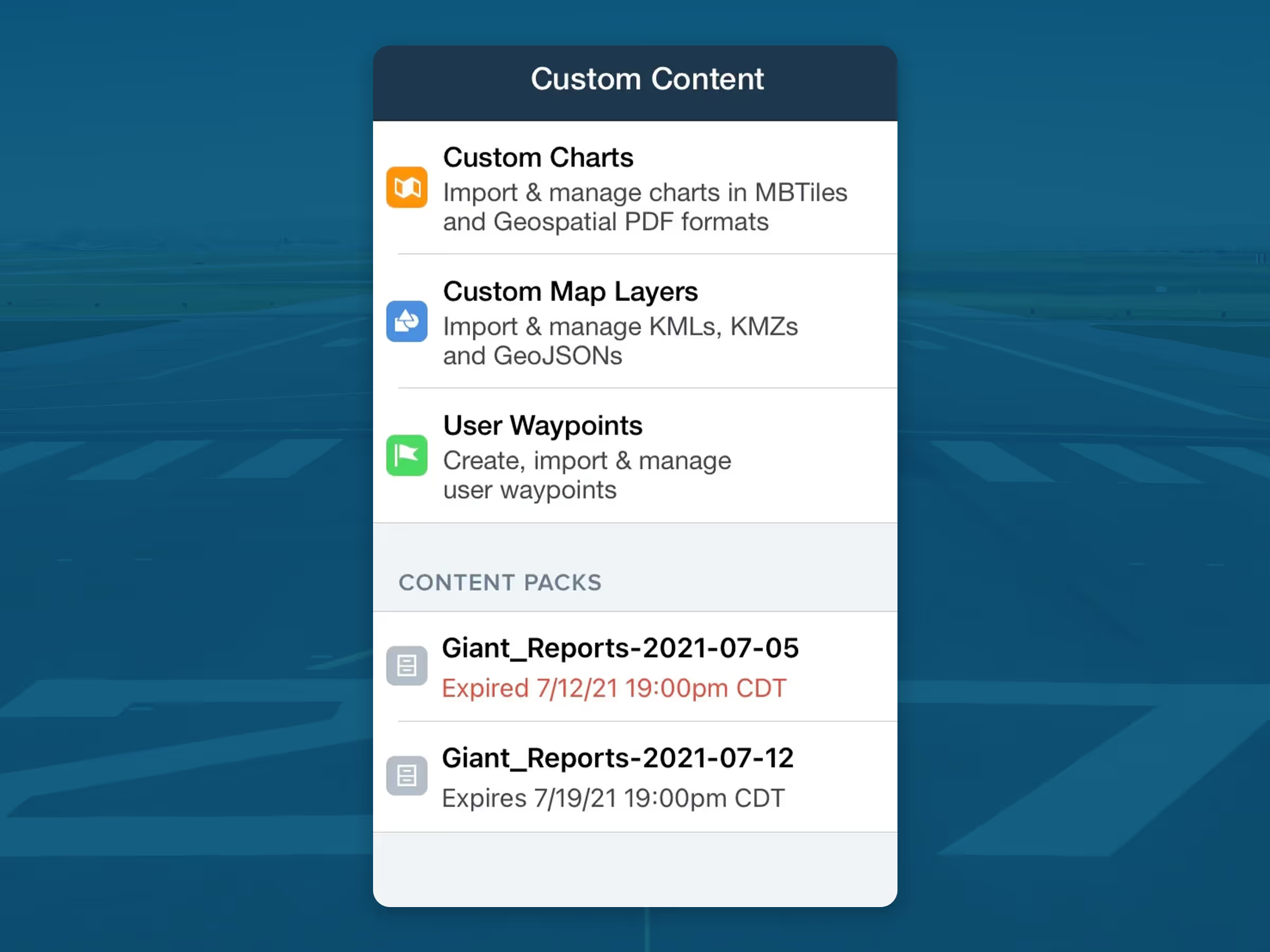
Once uploaded, your Giant Reports can be accessed via More > Custom Content > Content Packs, or by Airports > Procedures > Other.
They can be added to the MISC section of an applicable Flight Binder in the Plates as well.
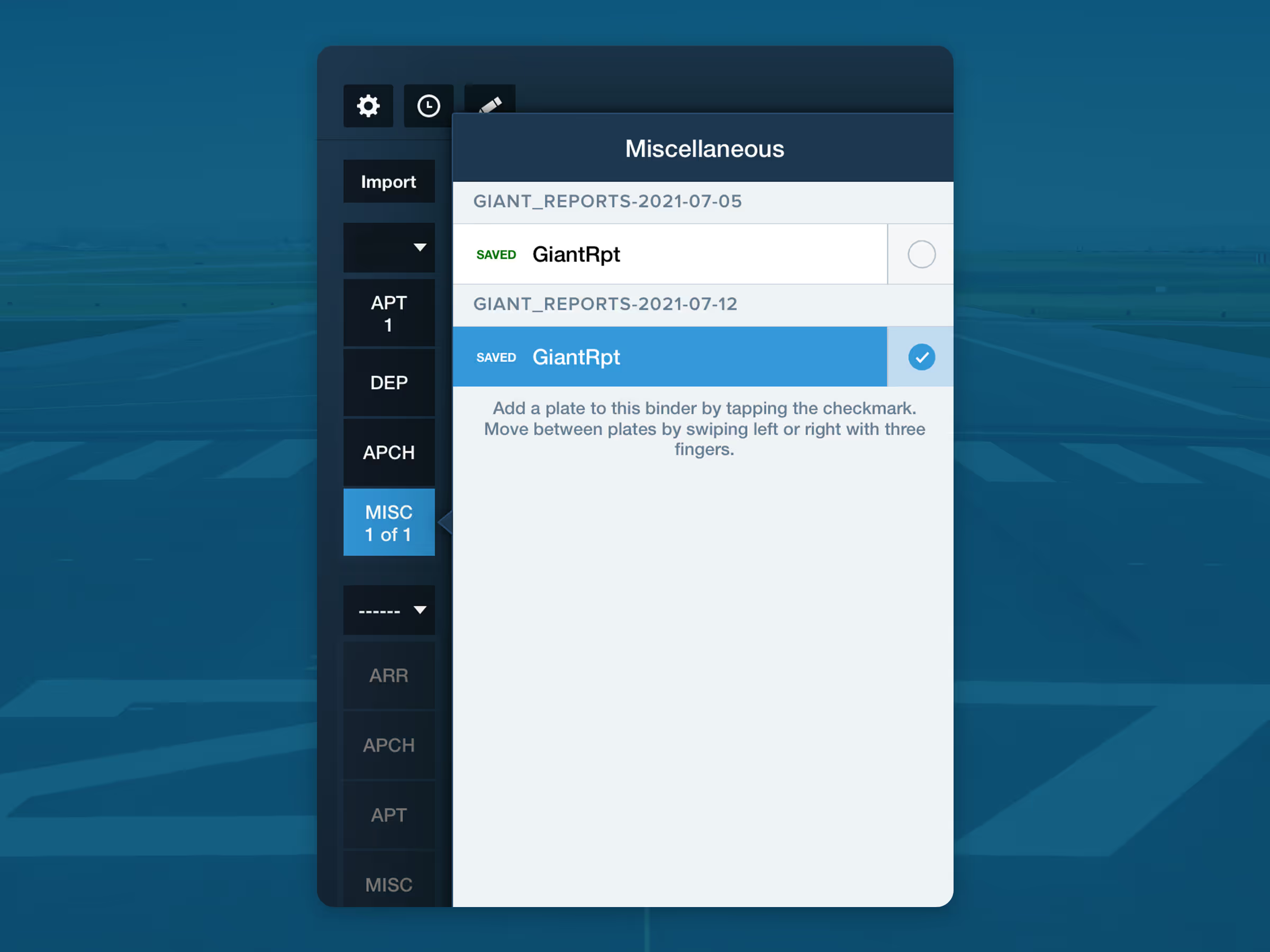
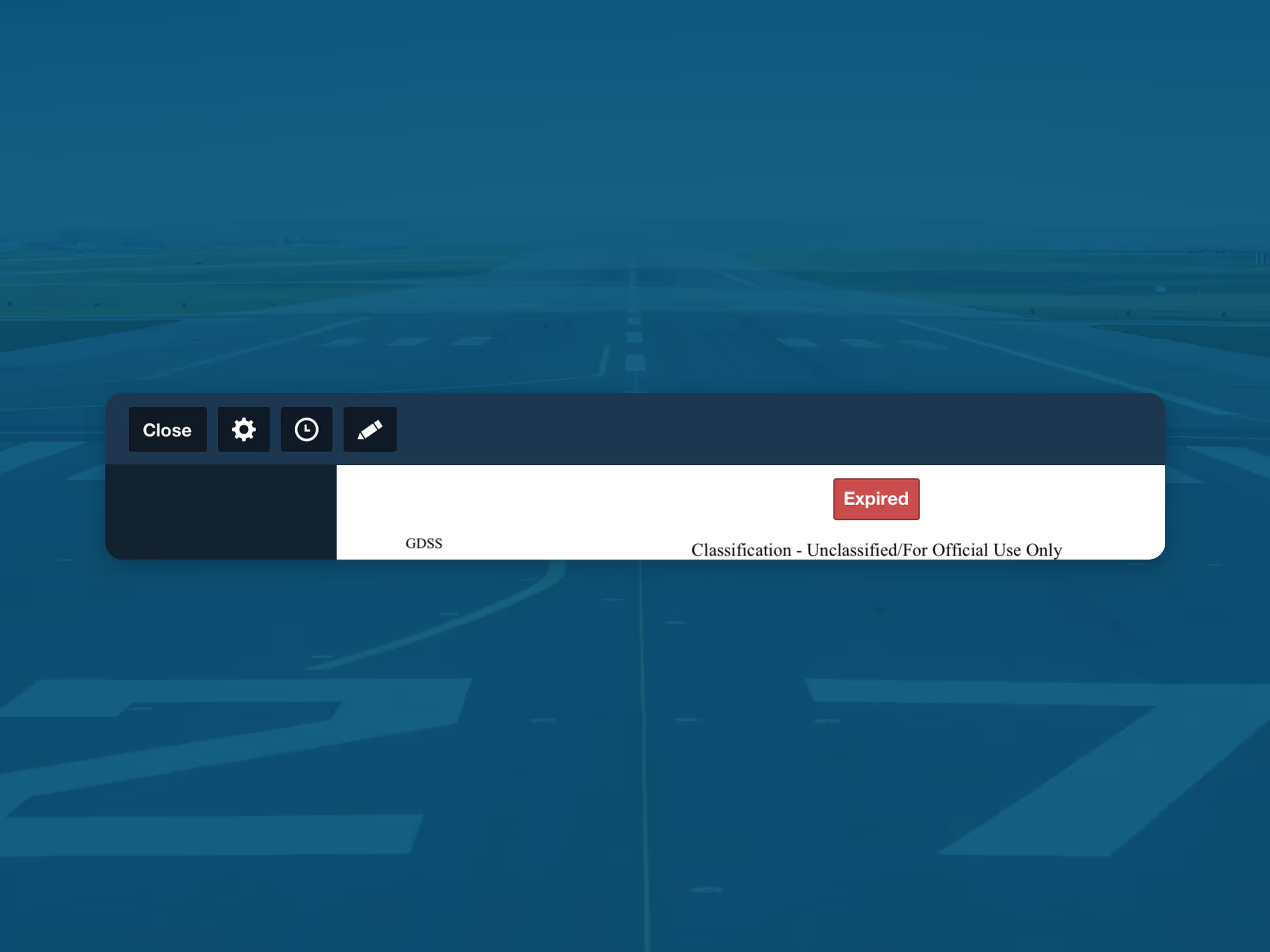
Note that ForeFlight automatically adds an expiration date to Giant Report zip files downloaded from the NGA aerodata website. Files with the title “Giant_Reports-YYYY-MM-DD” are assigned an expiration date 8 days after the publication date identified in the file name. Functionality will not be impacted after the expiration date, however a UI banner will indicate on the Plate after the expiration date has passed.
The expiration date can also be manually changed by updating the content pack manifest.json.