No items found.
Skip to main content
August 2019

Enhanced Single-Tap on Maps

Do more with map layers and the single-tap gesture.

No images available to display.
back
next

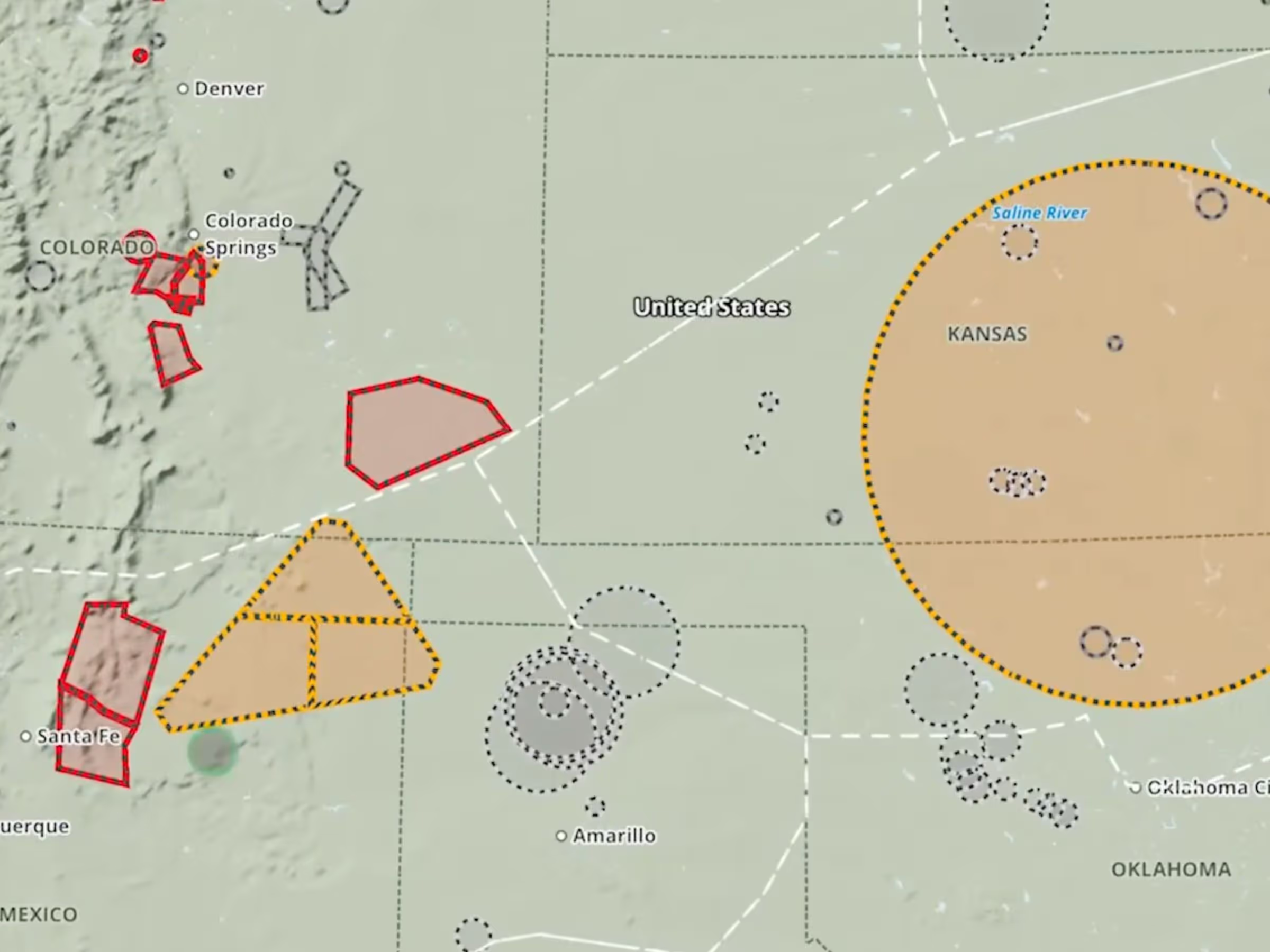
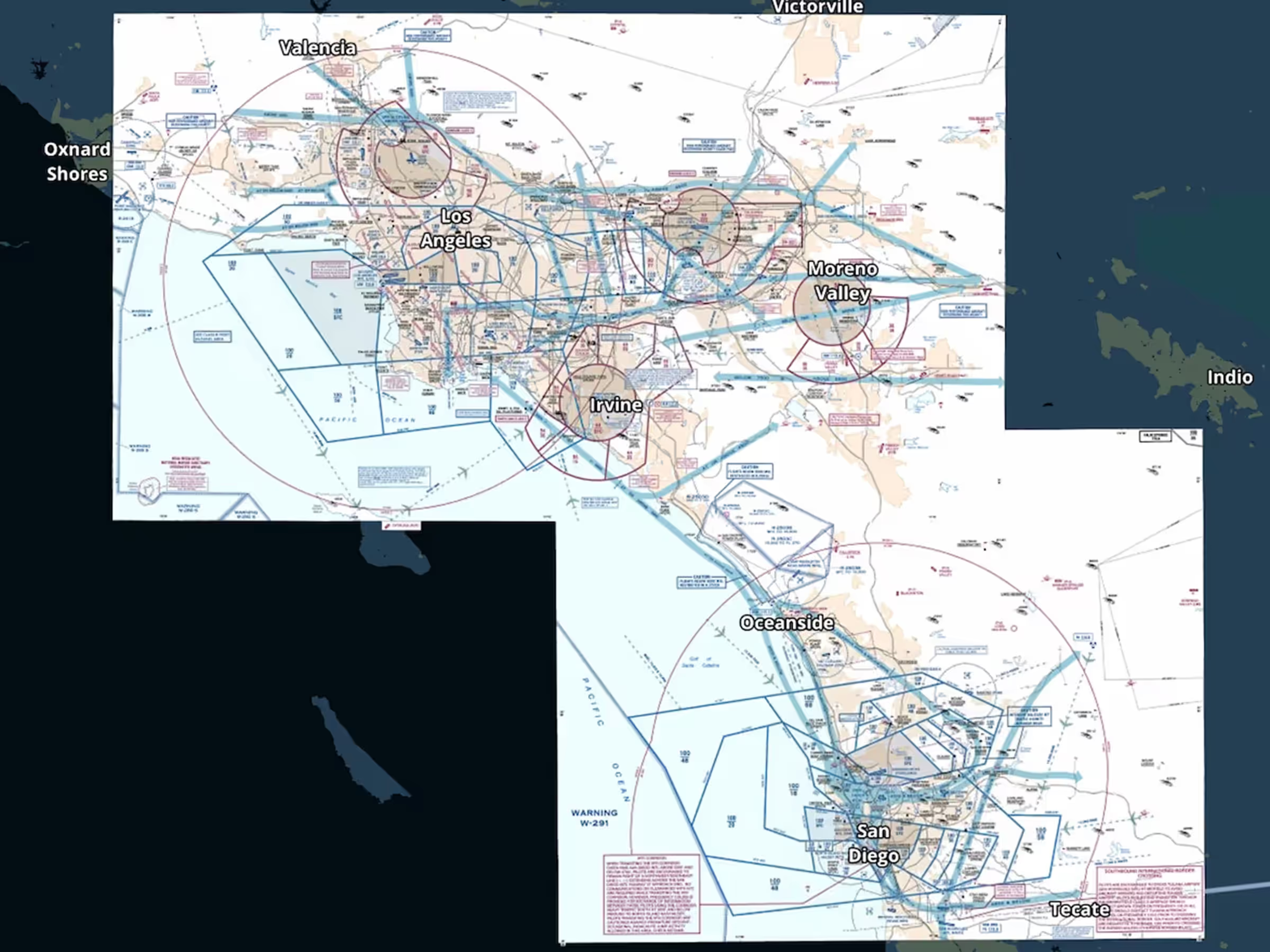
A number of improvements allow you to do more with map layers and the single-tap gesture. Enable multiple shape-based map layers like TFRs and AIR/SIGMET/CWAs simultaneously, then tap where they overlap to select which one you want to view information about. This multi-layer “Map Info” popup also allows you to select elements from other map layers like winds aloft barbs, PIREPS, lightning, obstacles, and Aeronautical Map elements like waypoints and airways. You can also now tap on FBO markers that are built into ForeFlight’s Aeronautical Map airport diagrams to quickly access information about them.
Release notes

Release notes

  • A number of improvements allow you to do more with map layers and the single-tap gesture.
  • Enable multiple shape-based map layers like TFRs and AIR/SIGMET/CWAs simultaneously, then tap where they overlap to select which one you want to view information about.
  • This multi-layer “Map Info” popup also allows you to select elements from other map layers like winds aloft barbs, PIREPS, lightning, obstacles, and Aeronautical Map elements like waypoints and airways.
  • You can also now tap on FBO markers that are built into ForeFlight’s Aeronautical Map airport diagrams to quickly access information about them.

Support

Support

FAQs
Find answers to your questions
Pilot's Guide
The complete ForeFlight handbook
Video Library
ForeFlight videos all in one place
Buying Guide
Choose the right iPad and plan