18.7
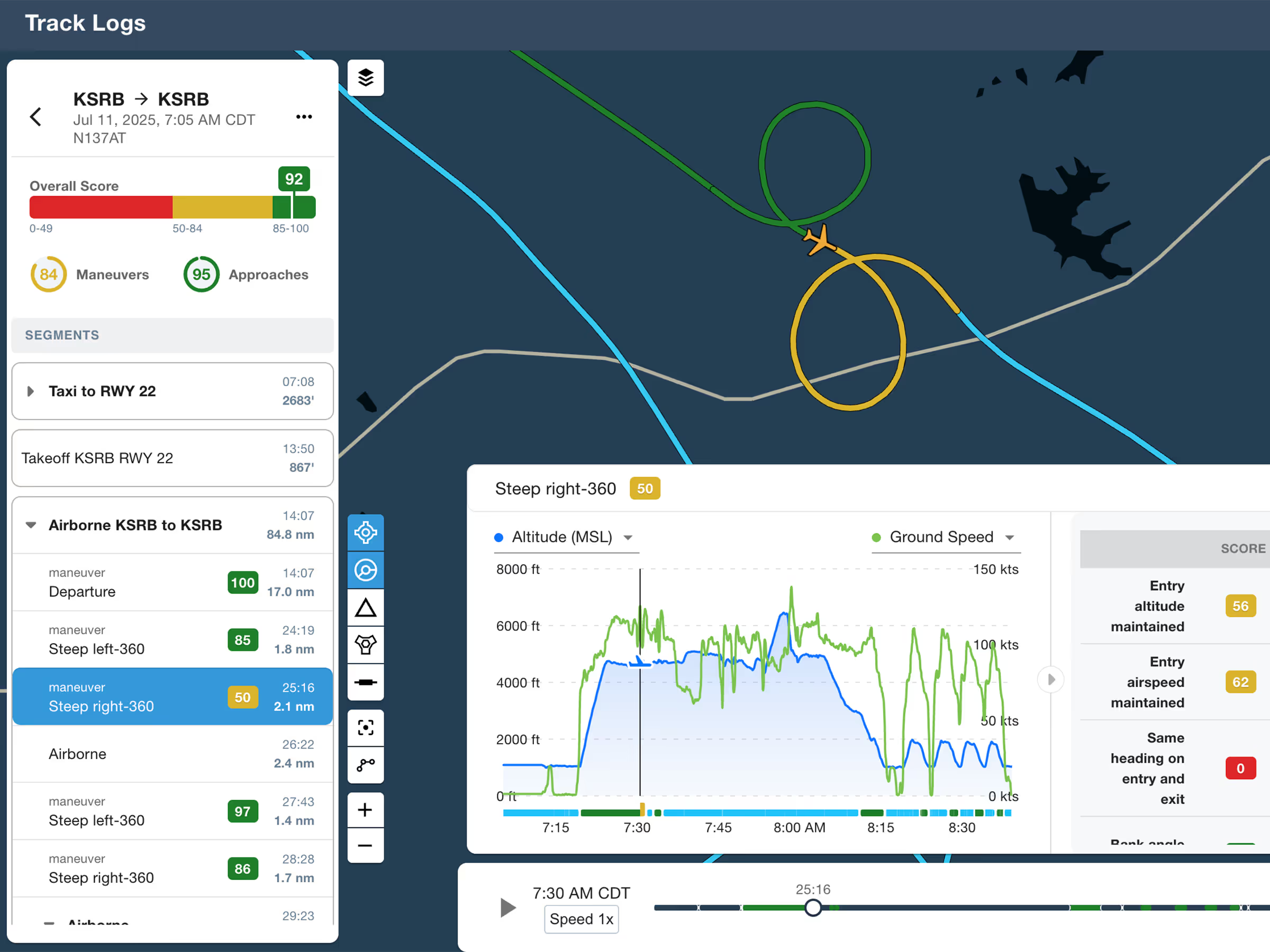
ForeFlight Debrief
Review flights with automatic Track Log segmentation, scoring, and 3D playback on both mobile and web.

Explore the latest ForeFlight features and browse past release notes to stay updated on new tools, enhancements, and improvements.
Review flights with automatic Track Log segmentation, scoring, and 3D playback on both mobile and web.
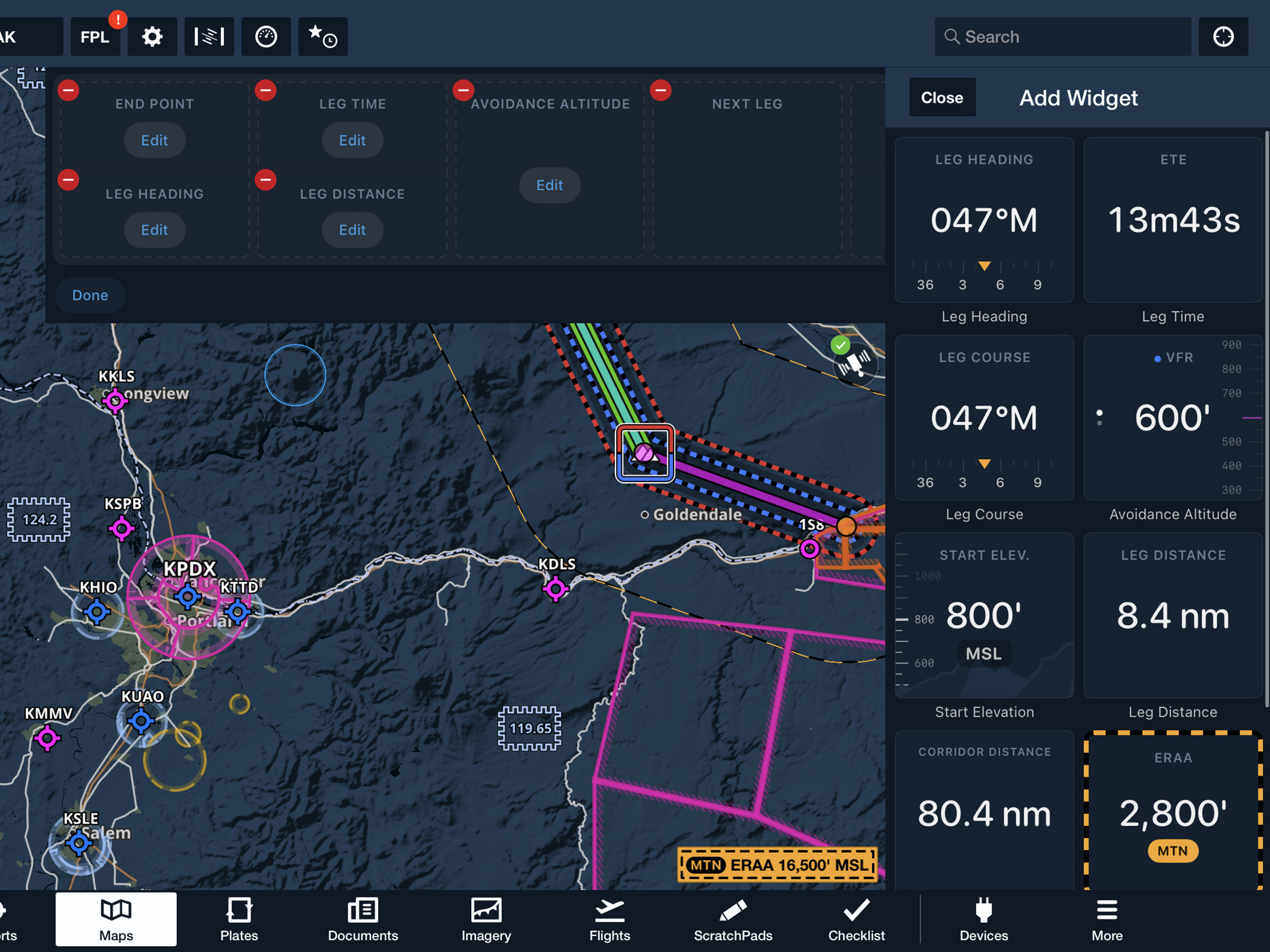
View current-leg details at a glance with a customizable information panel for Low Level Corridors.
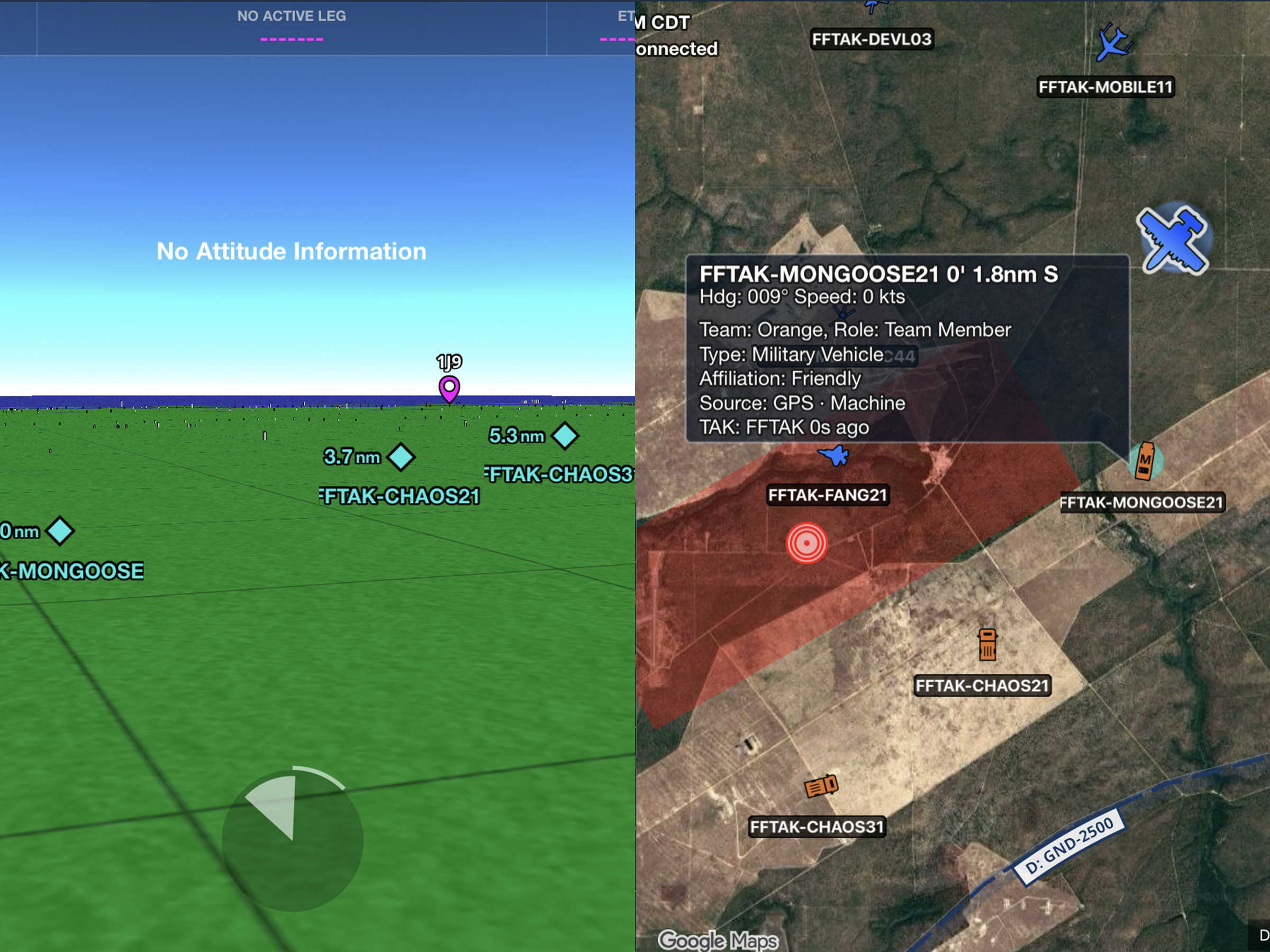
Connect to TAK servers to share your position and view other connected assets as live traffic on the map.
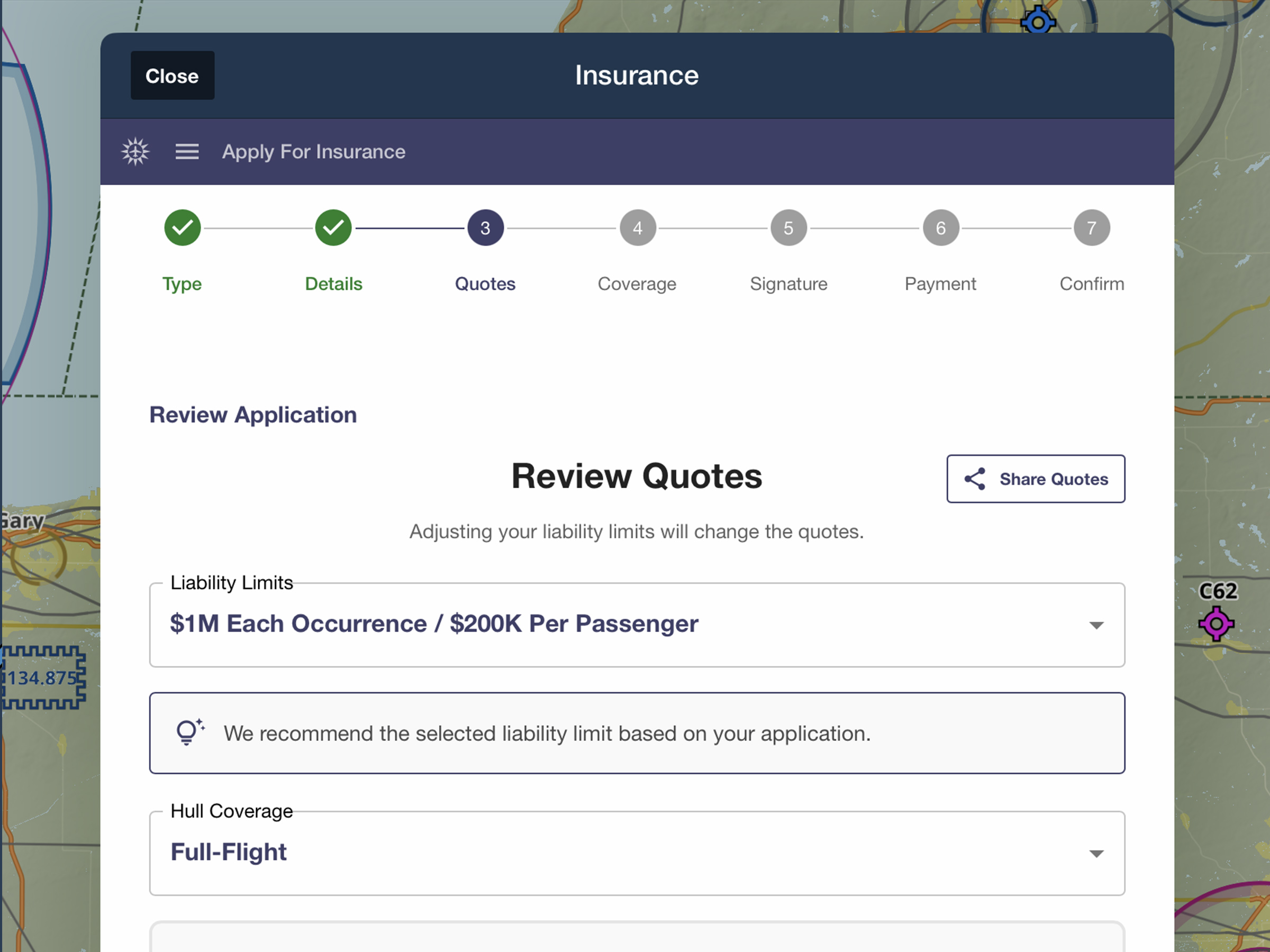
Quote, compare, purchase, and manage aviation insurance directly in ForeFlight.
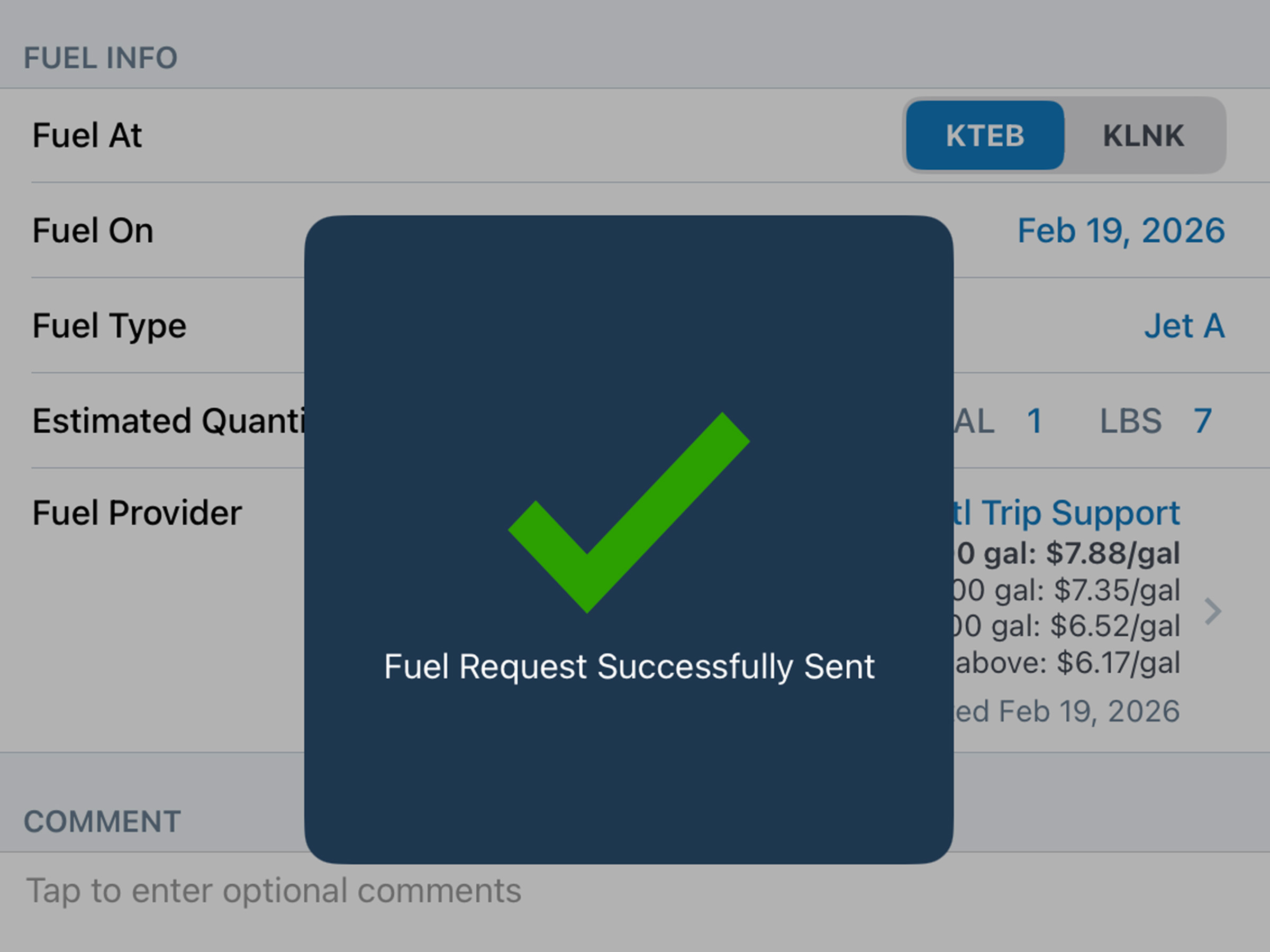
Compare JetFuelX contract prices and request fuel releases directly in the Flights view.
.jpg)
Sign and lock a Weight & Balance load summary with a secure PIN code.
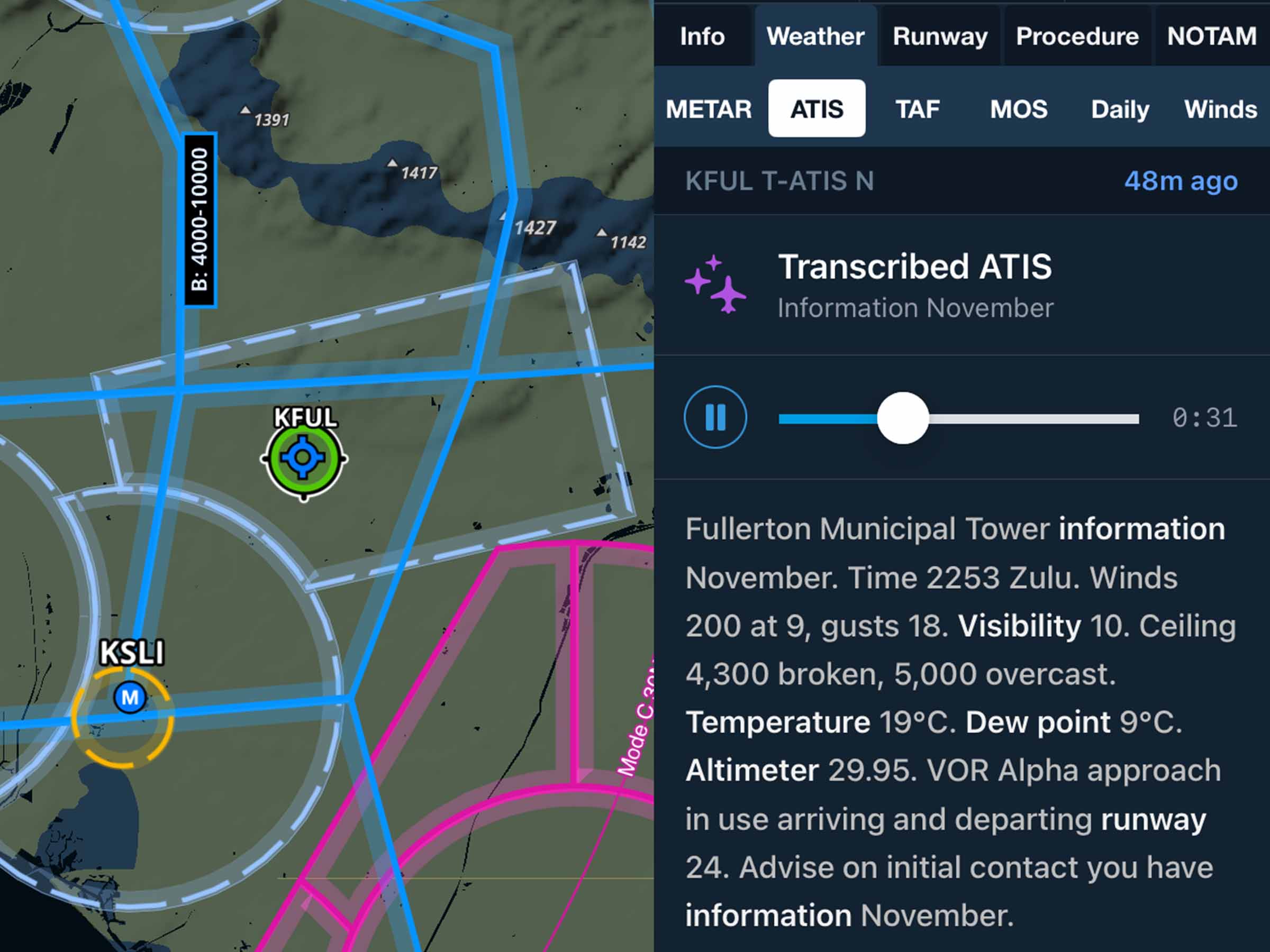
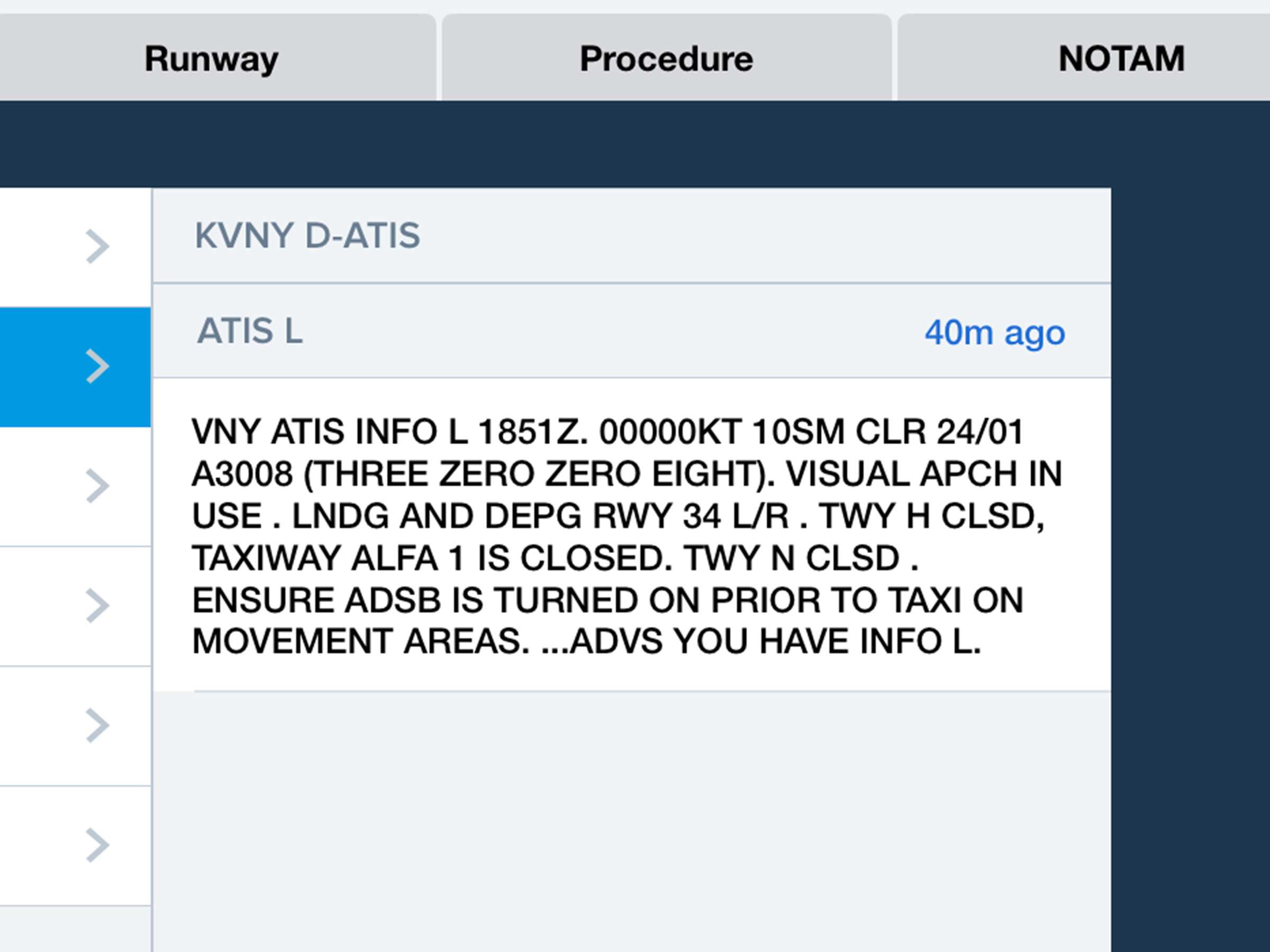
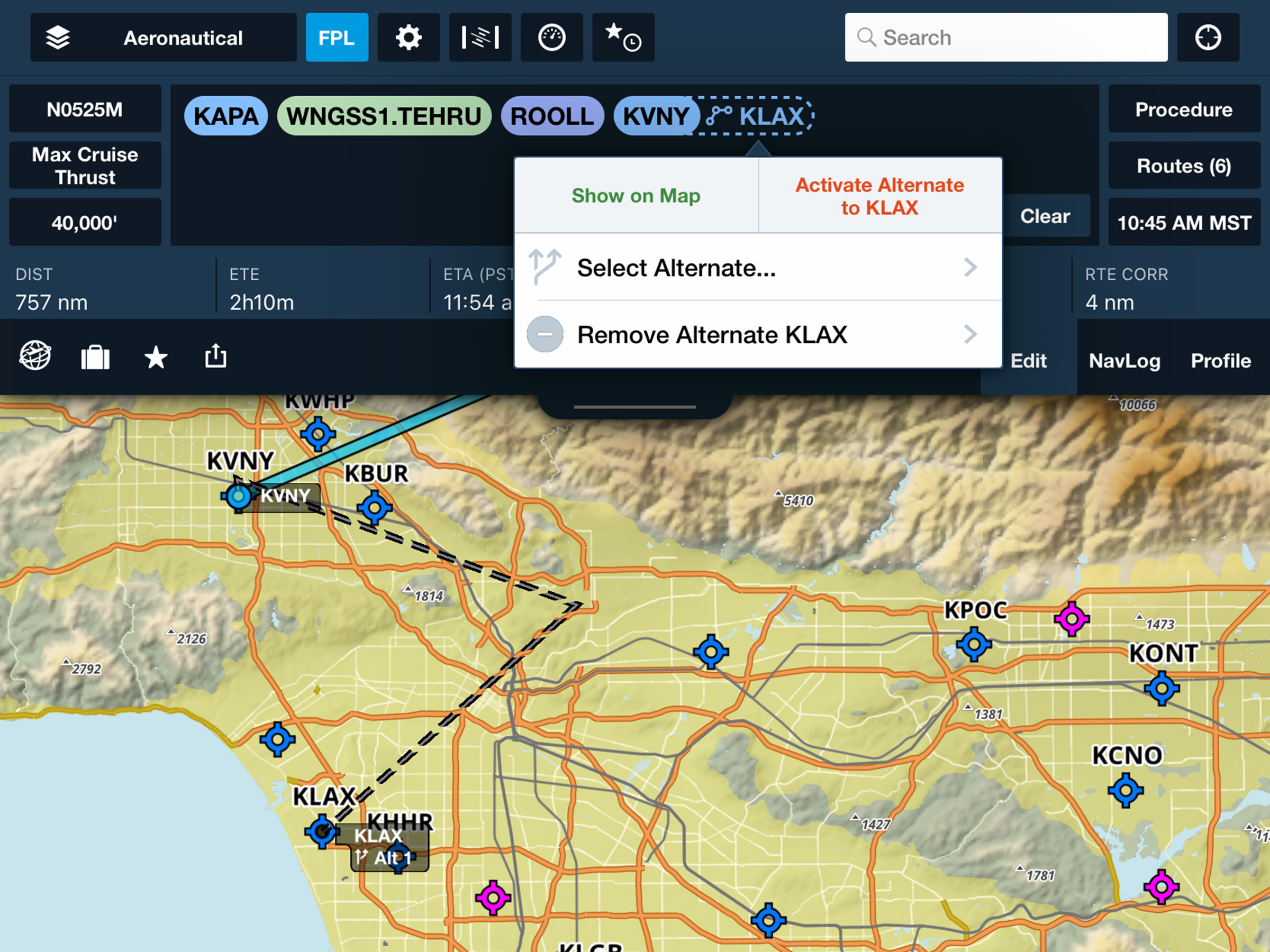
Select and route to alternate airports in-flight from the Maps view.
.avif)
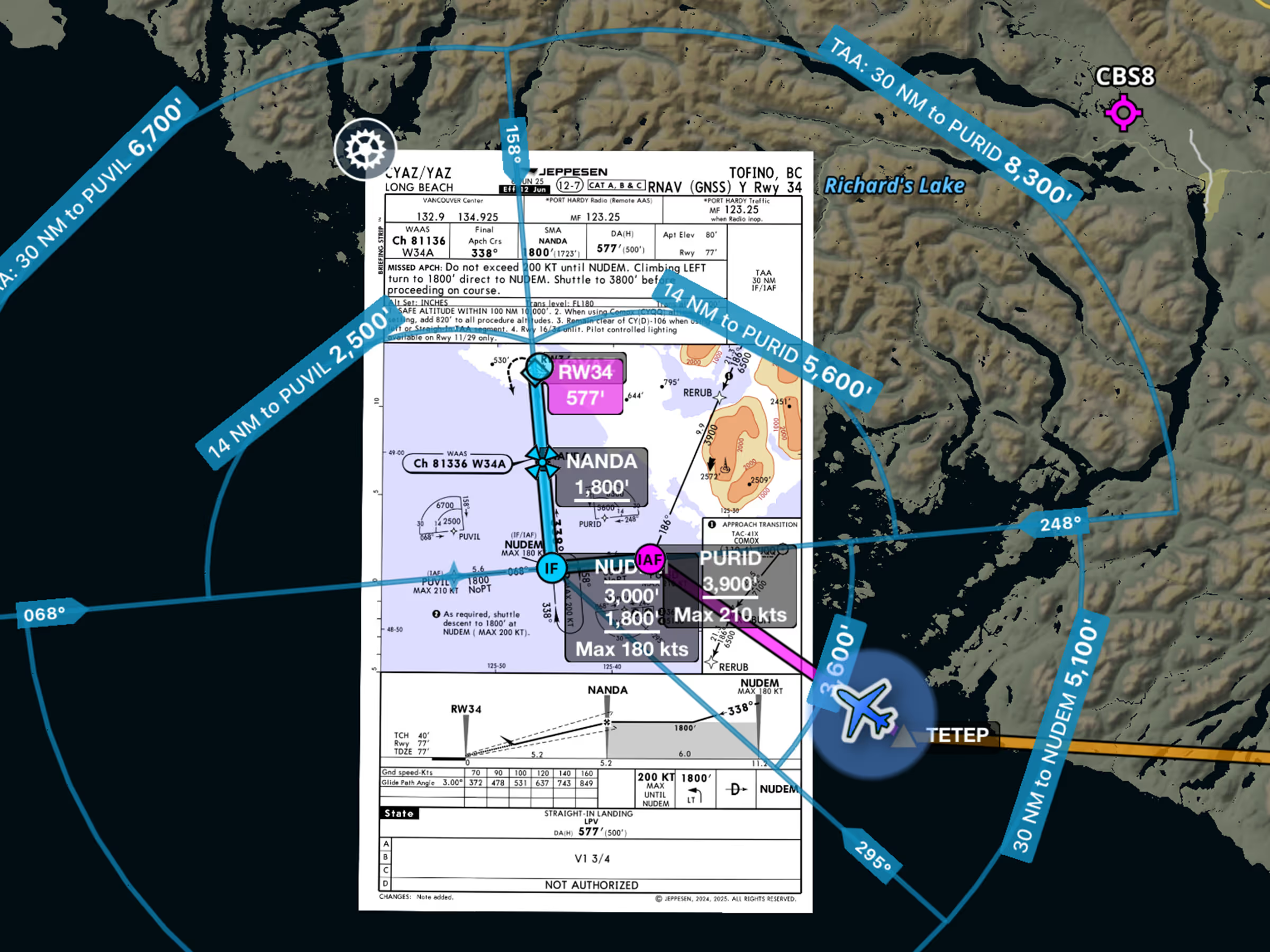
View approved descent altitudes on the map.
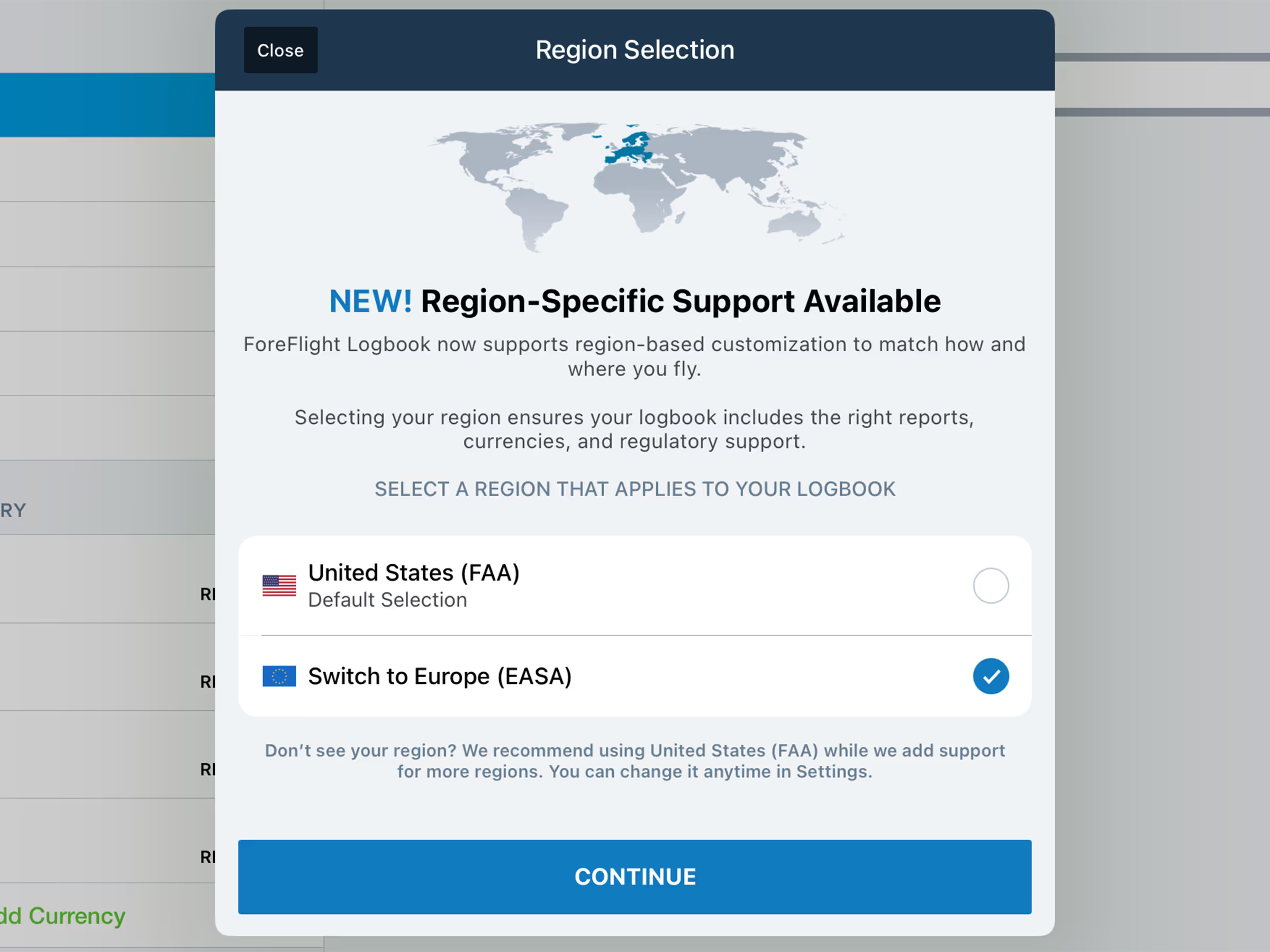
Log flights, track recency, and generate detailed reports in accordance with European standards.
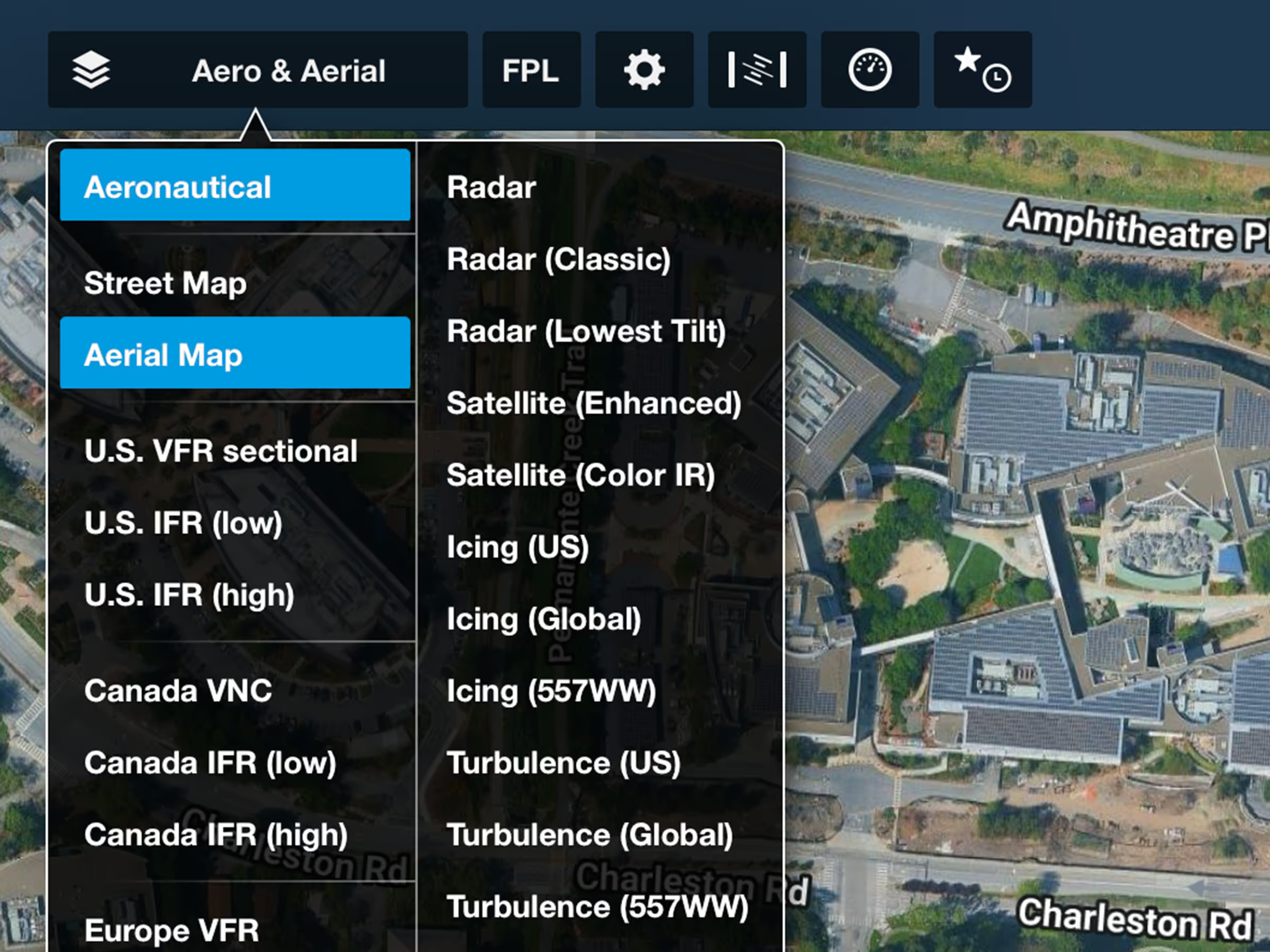
Plan with higher-quality views of Earth powered by Google’s satellite imagery.
.avif)
Compare GPS and VOR/DME-derived positions to verify accuracy when GPS reliability is uncertain.
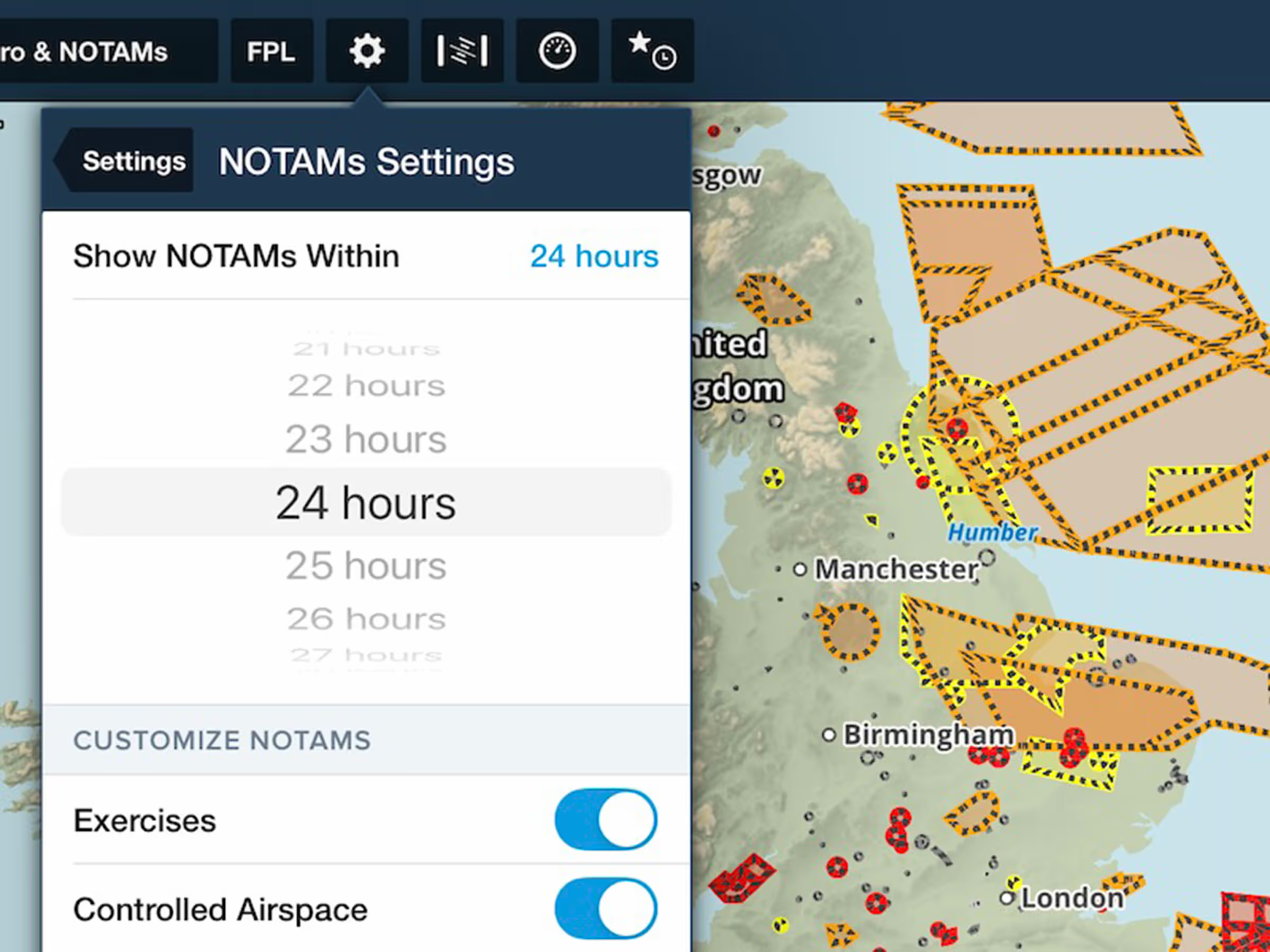
Display Graphical NOTAMS on the Map up to 48 hours before they take effect.
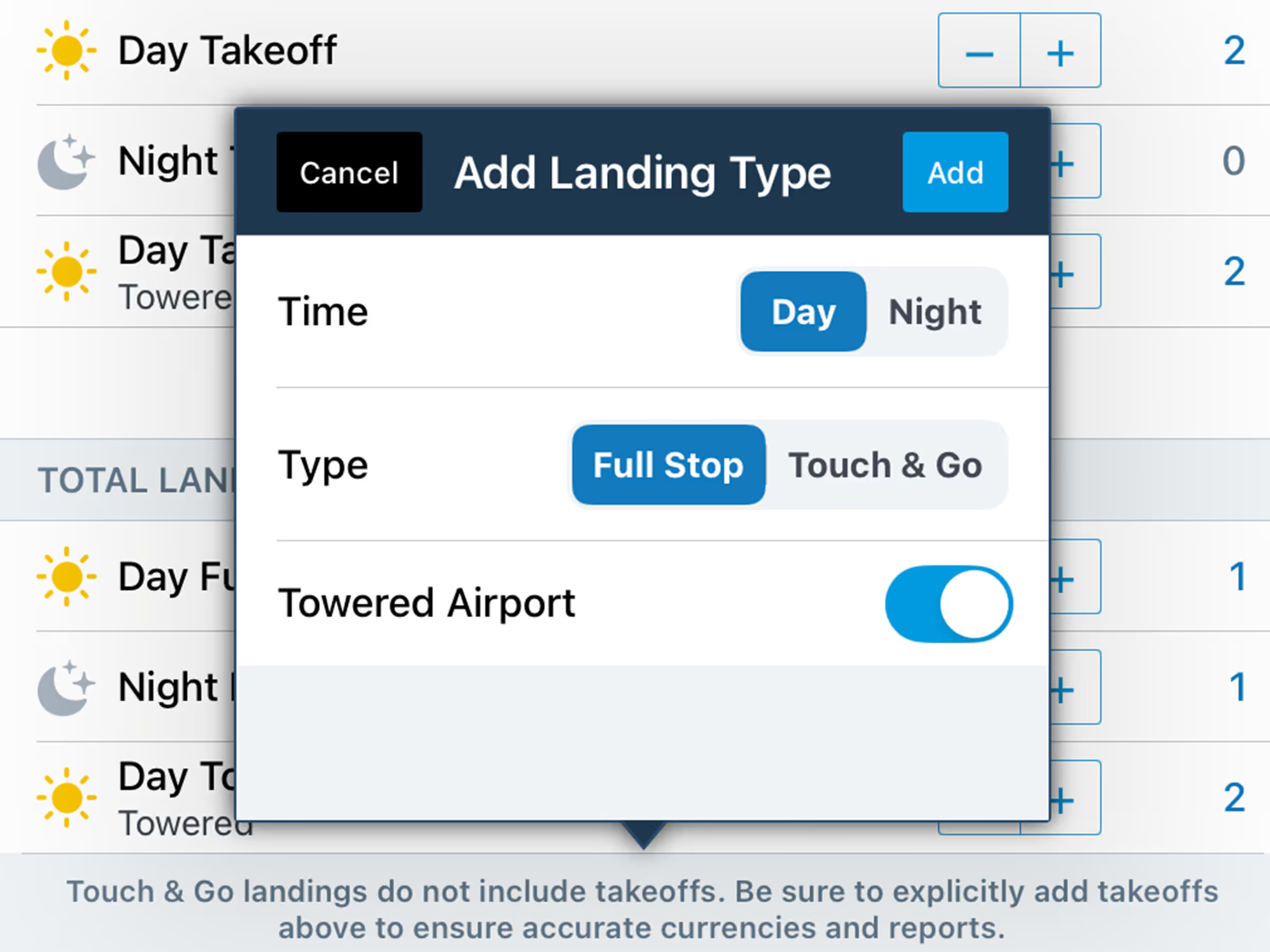
Log expanded takeoff and landing types such as Towered, Touch & Go, and more.
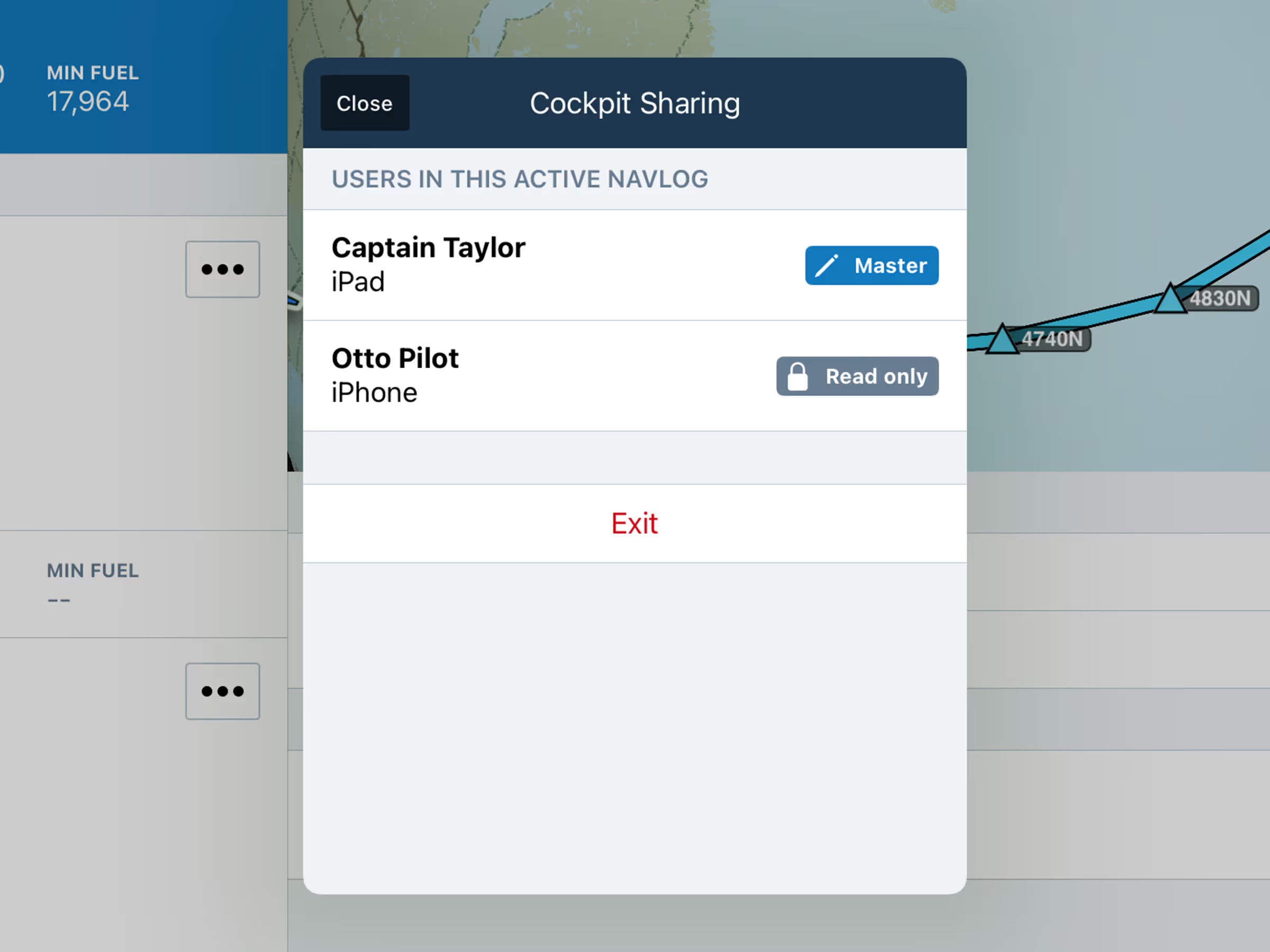
Access and reference a centralized, real-time master Navlog throughout flight.
.avif)
View active NOTAMs for your selected approach or airport directly in the Dynamic Procedures sidebar.
.avif)
Set the minimum speed and altitude required for Breadcrumbs to show on the map.
.avif)
.avif)
Verify connection status to Sync servers and view troubleshooting tips to resolve data issues.