Quick Tips
Airport Runway Length Filter
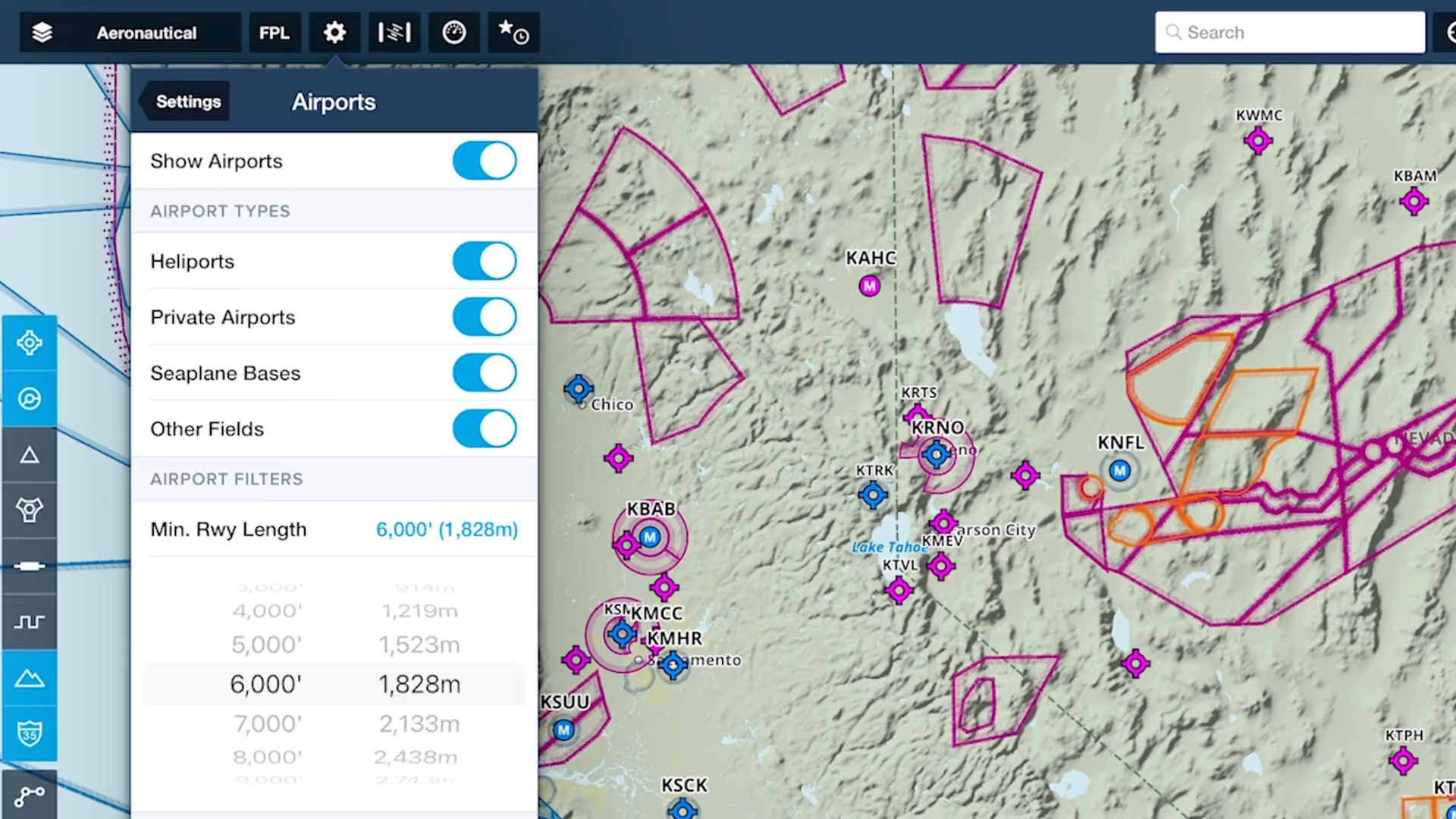
Customize ForeFlight’s Aeronautical Map by hiding airports with runways shorter than a set length with the Minimum Runway Length filter.
Powerful settings to help you plan and fly with everything you need at your fingertips.
Customize ForeFlight’s Aeronautical Map by hiding airports with runways shorter than a set length with the Minimum Runway Length filter.
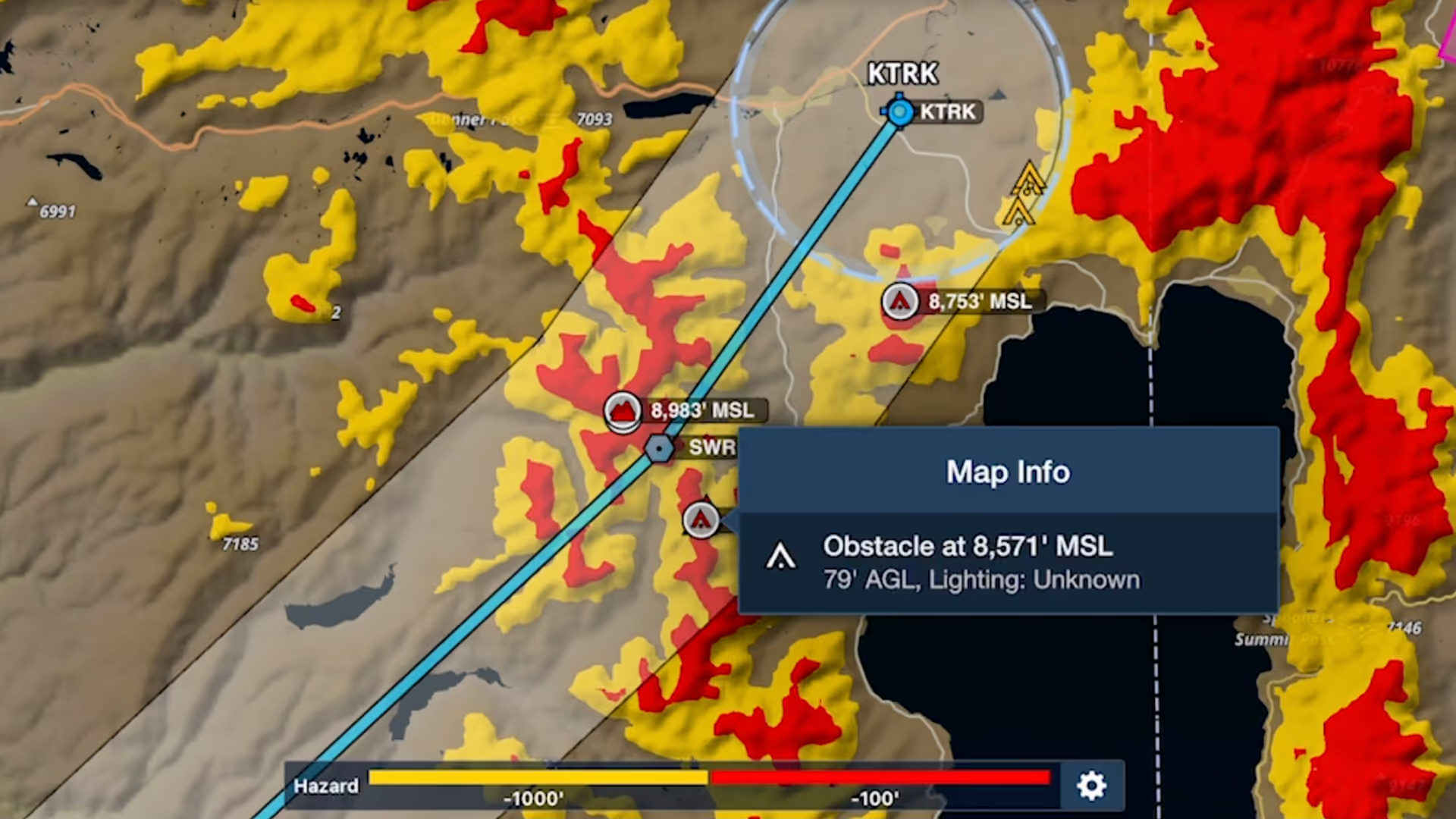
Bolster your preflight and inflight hazard awareness and get a fresh perspective on Profile View with Profile Corridor, available with ForeFlight’s Pro Plus subscription plan and above.

Plan enroute altitude changes around terrain, weather, or airspace and visualize them in Profile View, with the option to start or end a climb or descent at a specified waypoint.

Quickly find the appropriate minimum for an approach procedure and display it as part of your route to supplement the plate and reduce the risk of errors with Augmented Procedures.

Easily insert a holding pattern anywhere in your route with flexible parameters and automatic pattern entry selection. Hold Advisor is included with ForeFlight Pro Plus subscription plans and above.
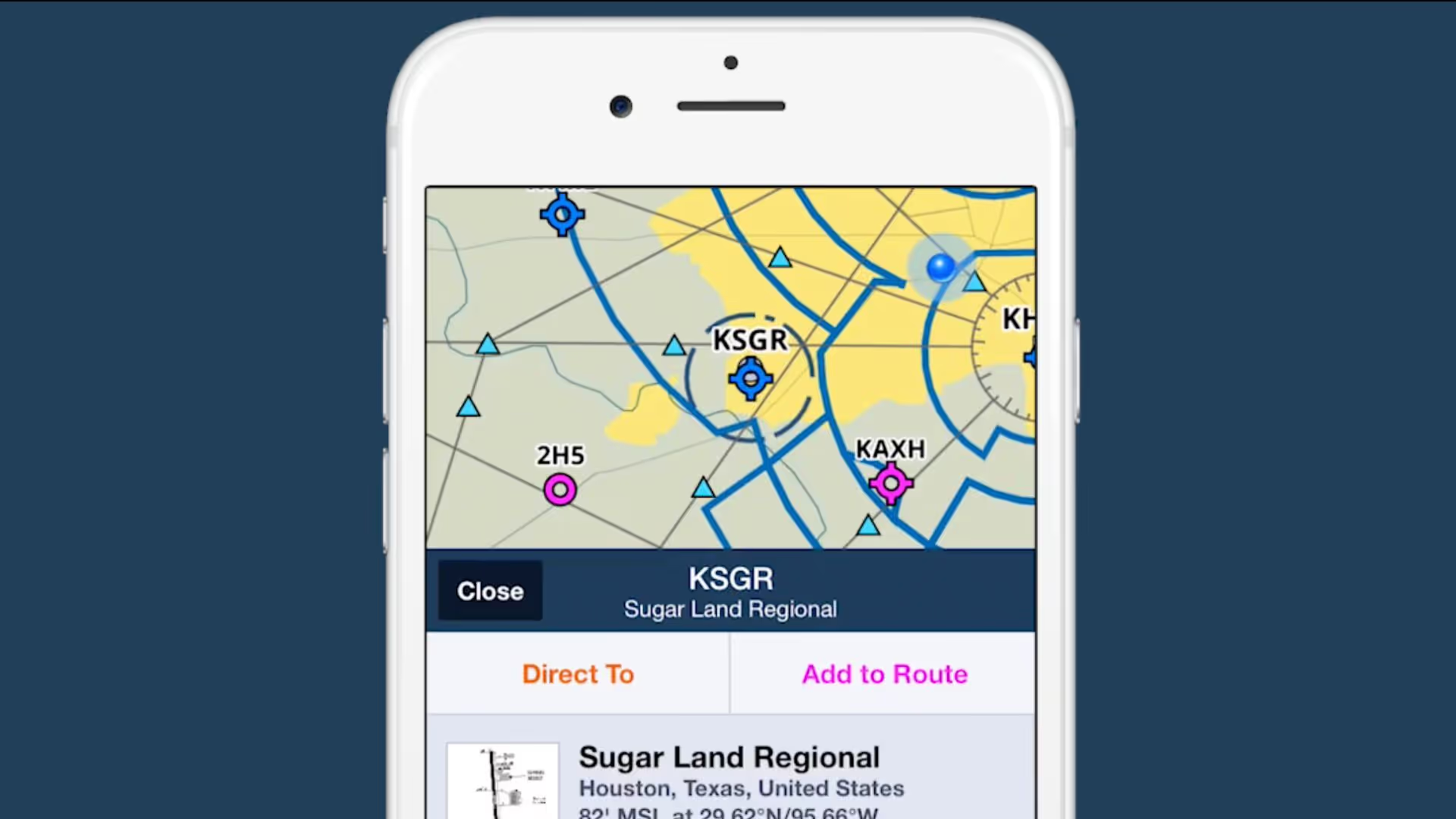
2/3 view is a new design paradigm in ForeFlight on the iPhone that allows you to access information about map elements without losing sight of the map itself.
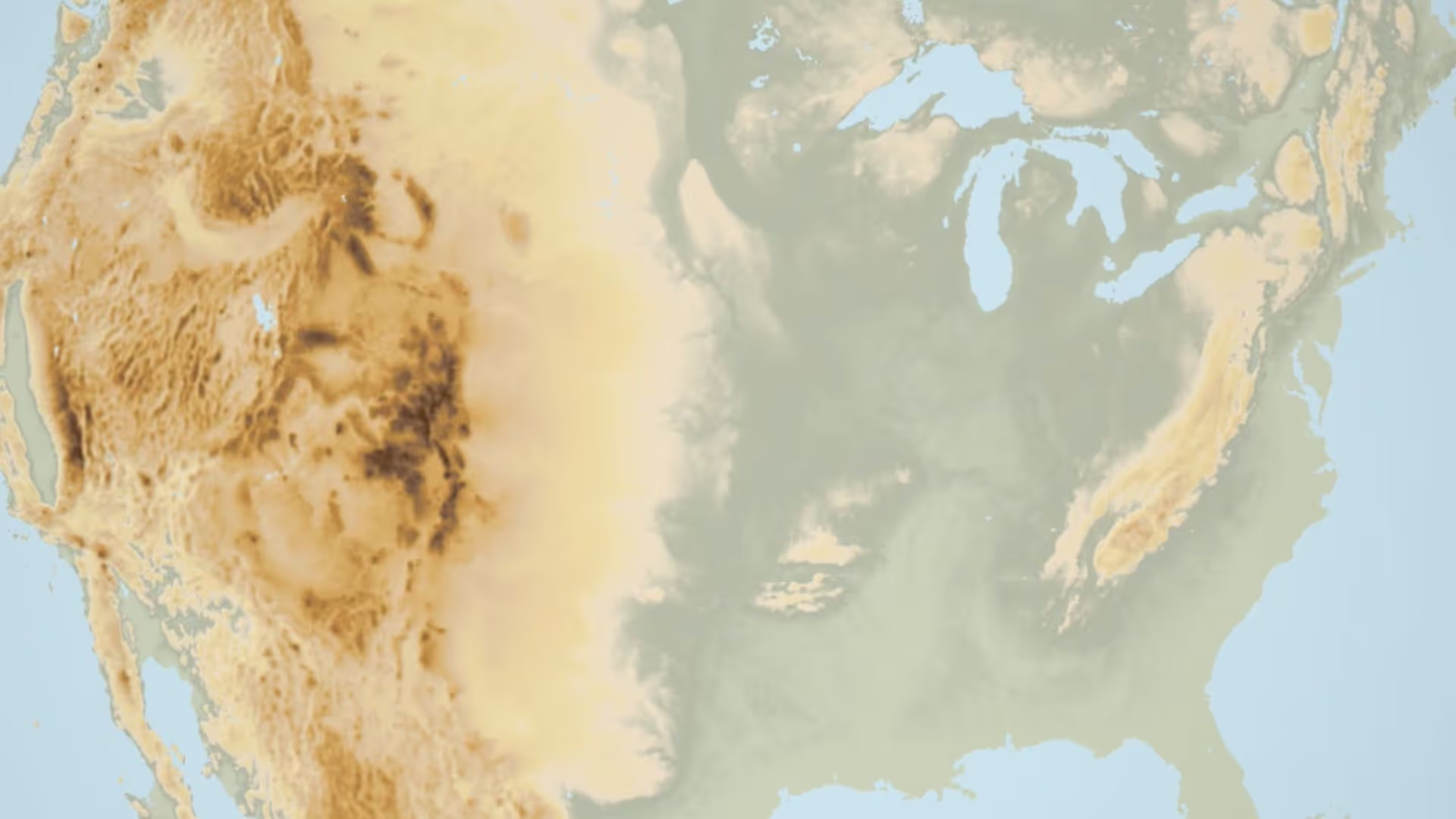
Having trouble finding the Terrain layer in ForeFlight 8? It just moved next door to the Map Settings menu. You can also recreate the World Map from the Map Settings menu by turning on Place Labels.
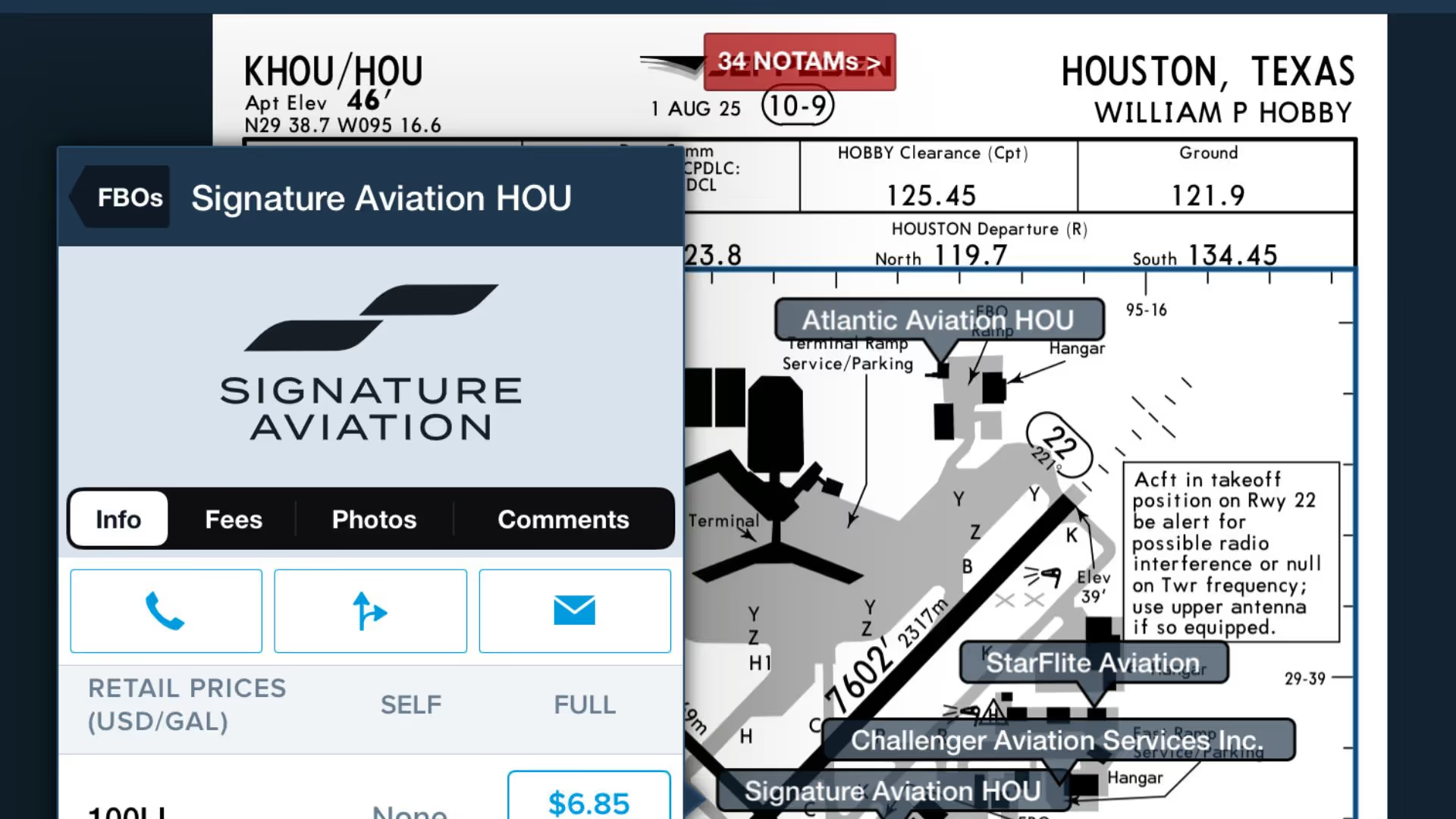
Use this feature to quickly access ForeFlight's FBO Directory information right from the Taxi Chart.
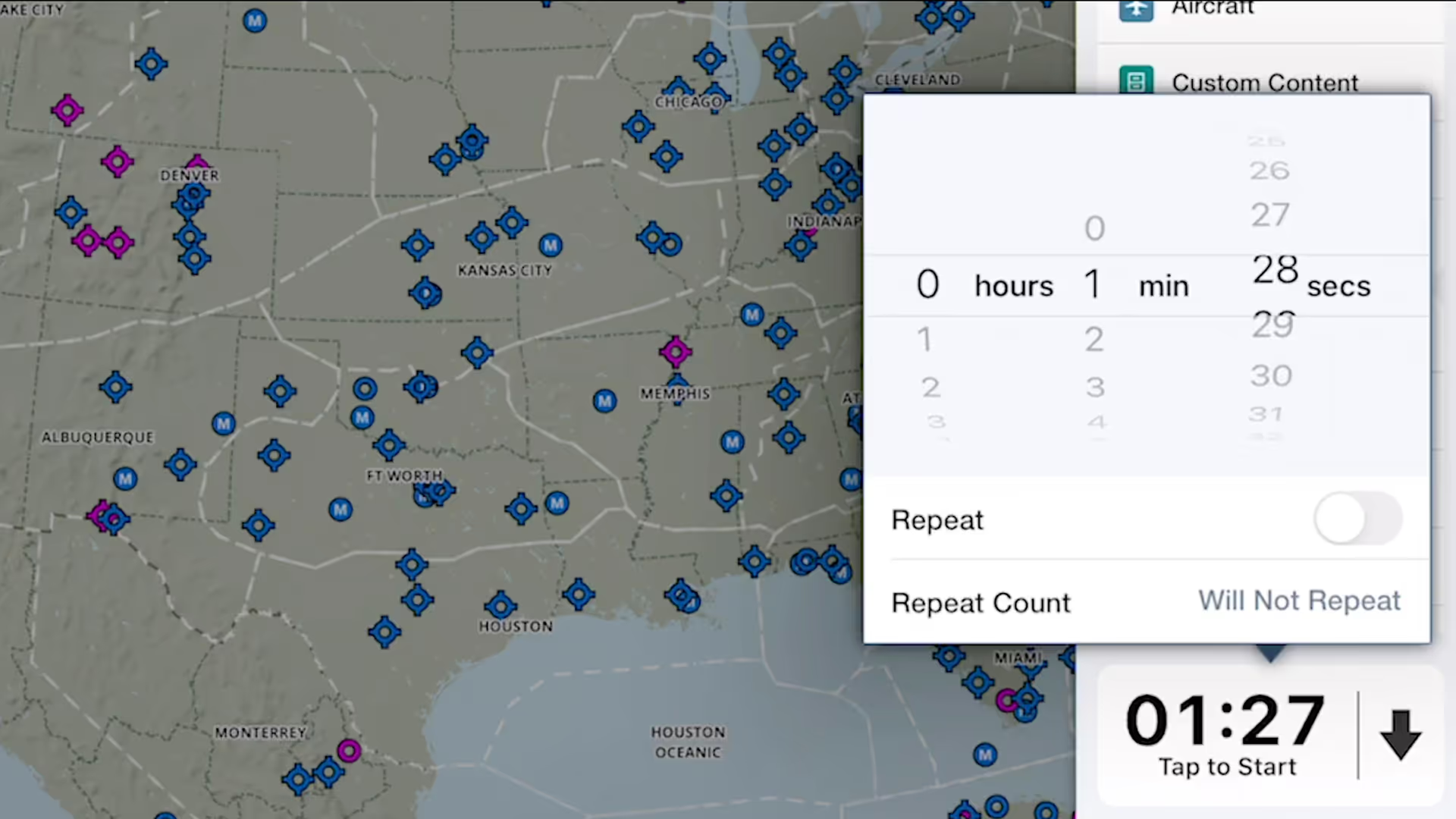
ForeFlight's versatile Multimode Timer is a great way to set inflight reminders for fuel tank switching, time yourself during holds and other procedures, and more.
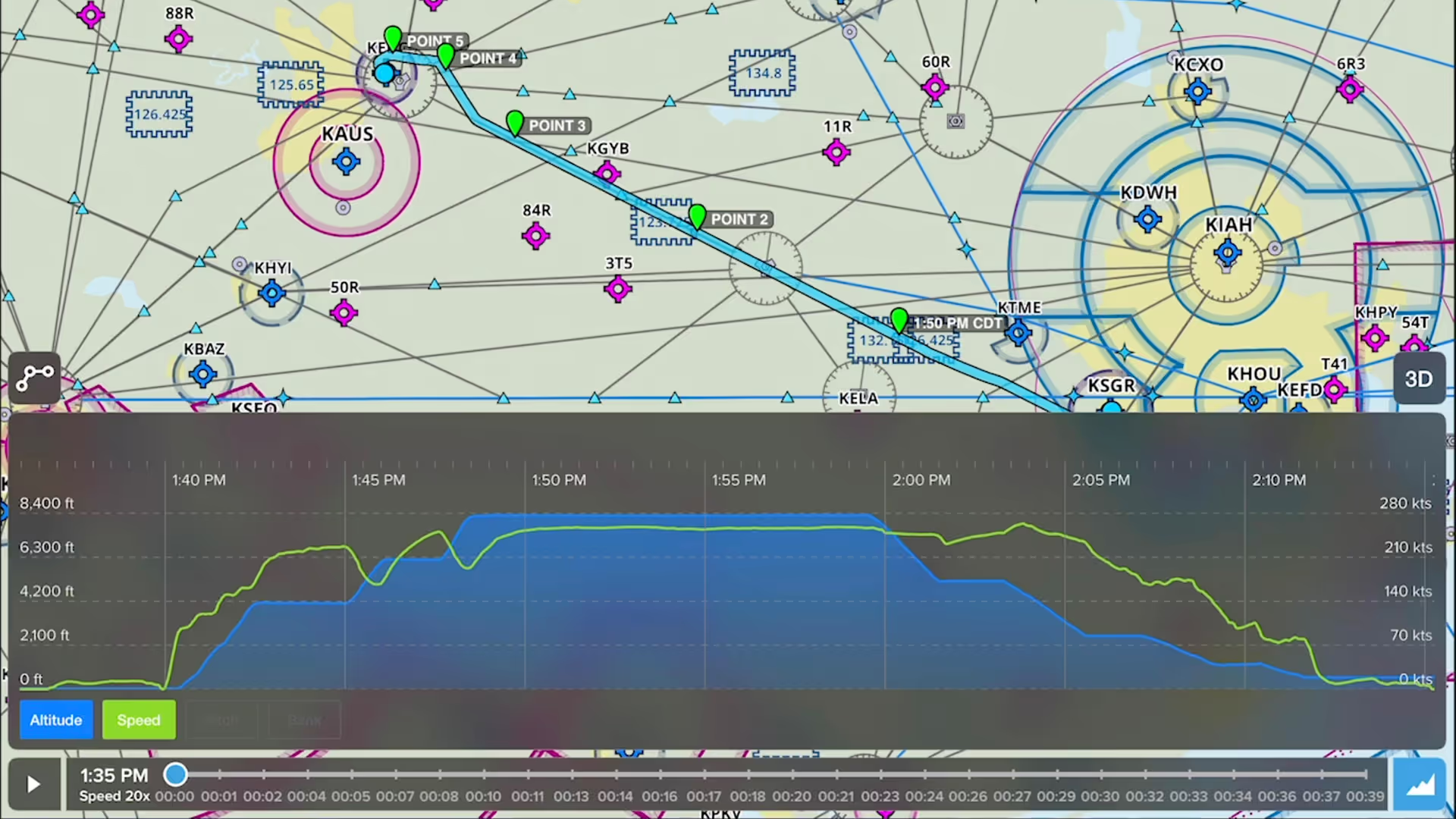
Drop detailed markers along your route and view or share them after the flight using ForeFlight’s Marked Positions feature.
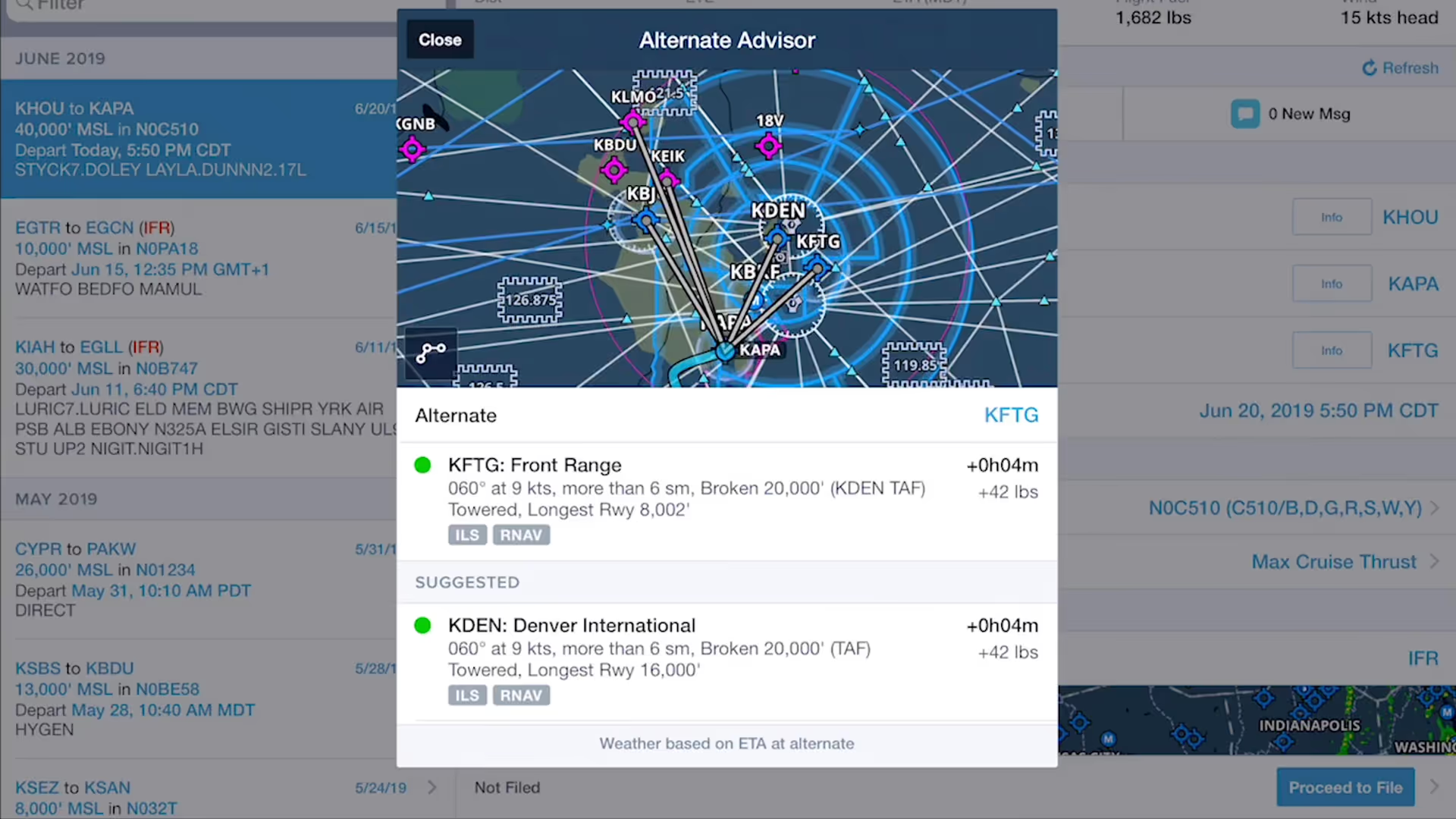
ForeFlight’s Alternate Advisor simplifies the process of choosing a good alternate airport by providing a list of suggestions to help you narrow your options.
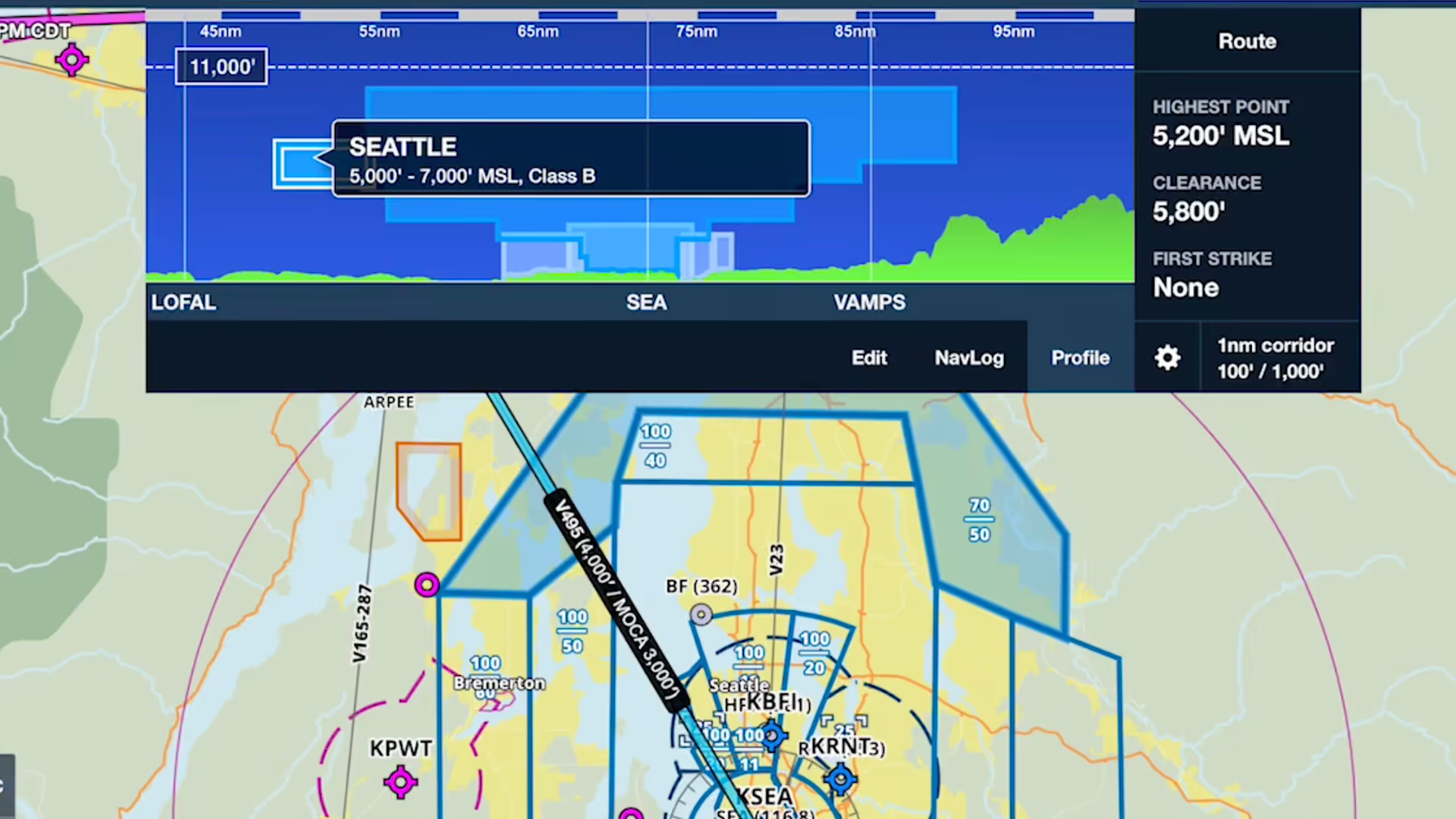
Profile view in ForeFlight now depicts airspace along your route, providing you with valuable information for flight planning and inflight use beyond terrain and obstacle avoidance.

This webinar guides new ForeFlight users through a realistic VFR flight, highlighting core features like charts, fuel planning, waypoints, diversions, and enroute tools.