
Flying & Navigation
Hazard Awareness
No sneak peaks with ForeFlight's powerful terrain and obstacle avoidance features.

Watch our latest videos and featured playlists to learn tips, tricks, and best practices for using ForeFlight like a pro.
No sneak peaks with ForeFlight's powerful terrain and obstacle avoidance features.

Plan and fly with industry-leading IFR charts, airport diagrams, and more in ForeFlight.

Get the full weather picture, from up-to-the-minute radar and satellite to global forecast layers.

Learn about powerful and underutilized features, whether you're brand new or a ForeFlight veteran.

Plan enroute altitude changes around terrain, weather, or airspace and visualize them in Profile View, with the option to start or end a climb or descent at a specified waypoint.
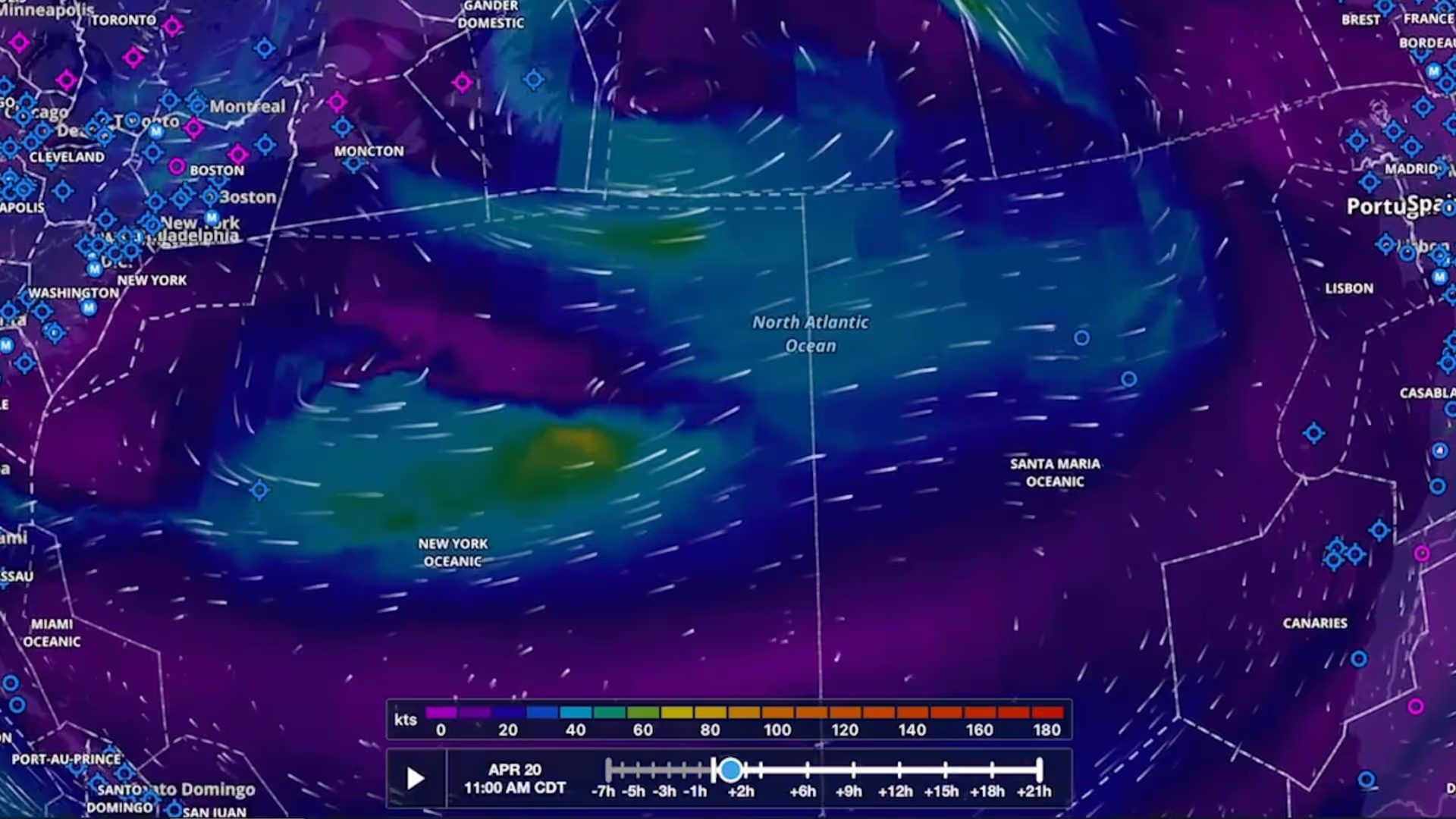
Plan flights with global forecast wind speed, direction and temperatures at multiple altitudes and times using two animated weather layers. Both layers are available with ForeFlight Performance plans.
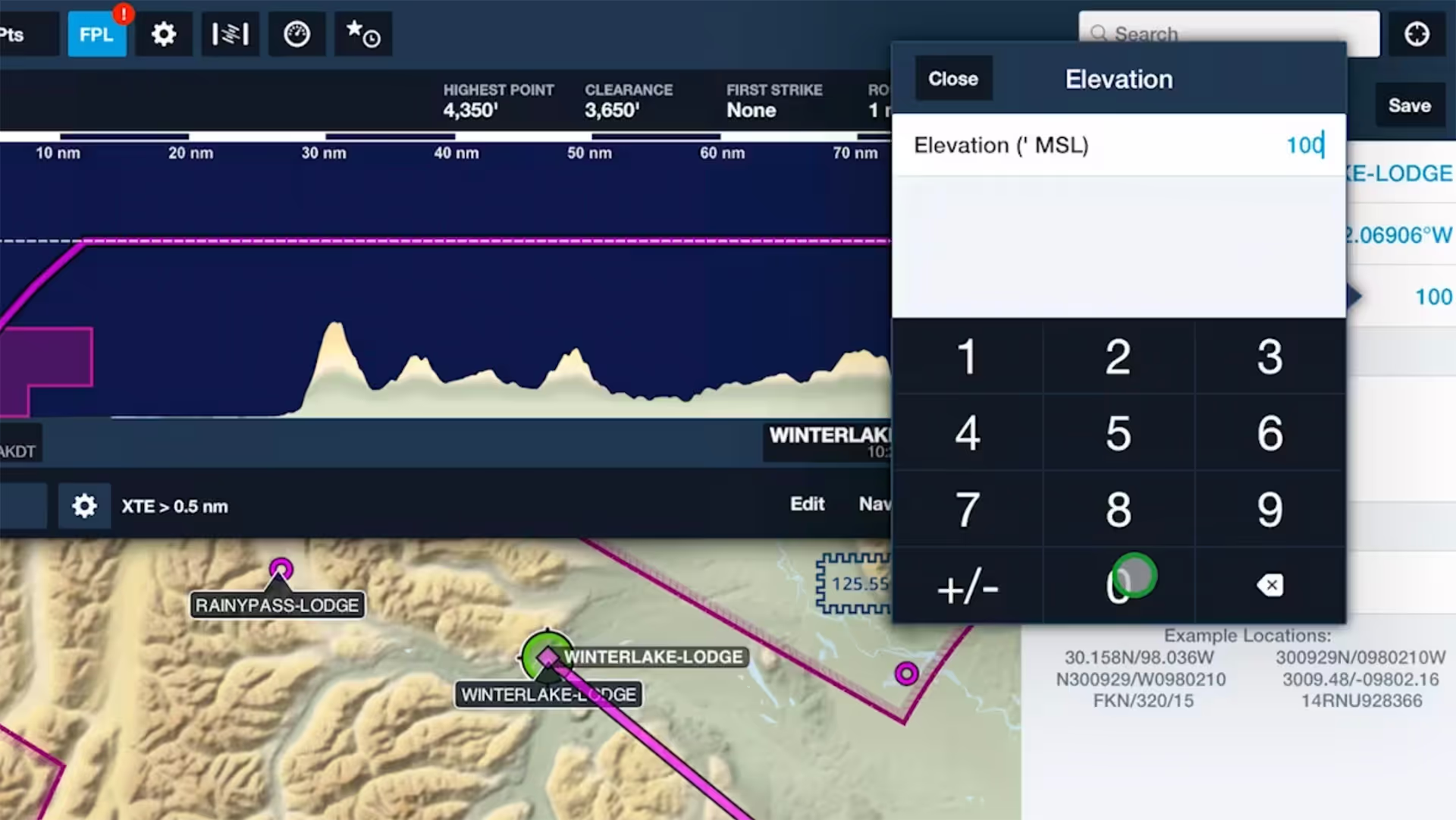
Specify elevations for custom waypoints to plan flights to and from them like you would airports, complete with accurate climb and descent performance calculations and depictions in Profile View.

Increase the accuracy of ForeFlight’s time and fuel flow calculations by adjusting your aircraft’s climb, cruise, and descent performance profiles based on observed performance.

Trim your recorded track logs using non-destructive editing to accurately line them up with the beginning and end of your flights and automatically update Logbook entries to match.

See how easy it is to view and organize Jeppesen procedure plates, airport diagrams, and documents in ForeFlight compared to Jeppesen Mobile FliteDeck (JeppFD).

Easily insert a holding pattern anywhere in your route with flexible parameters and automatic pattern entry selection. Hold Advisor is included with ForeFlight Pro Plus subscription plans and above.

ForeFlight can import track logs created by a Garmin G1000 to simplify how you organize and access your recorded flights.

Tap on any Currency Summary in ForeFlight Logbook to see detailed information about your progress towards that currency.

ForeFlight now allows you to add a call sign to flight plans. Since most pilots don’t use call signs, the setting is disabled by default; you can enable it in More, Settings, File & Brief.
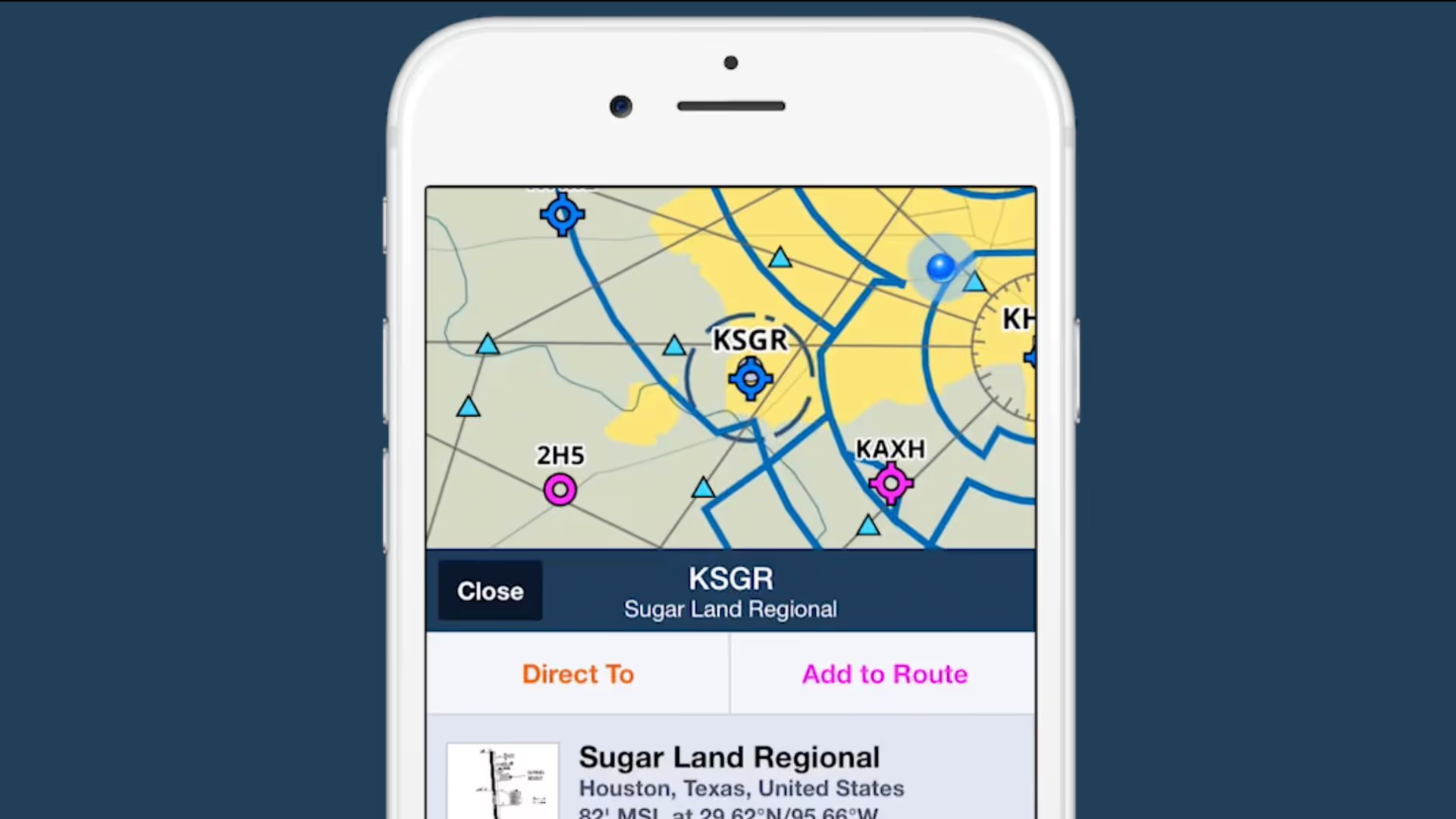
2/3 view is a new design paradigm in ForeFlight on the iPhone that allows you to access information about map elements without losing sight of the map itself.

Follow live approaches, landings, and takeoffs in 3D with FlightAware-sourced Internet Traffic in 3D Airports, available with Performance Plus and Business Performance subscription plans.

Tap to learn about airspace, map elements, and more using the Maps view’s information Sidebar, which lets you dig into details while still interacting with the map.
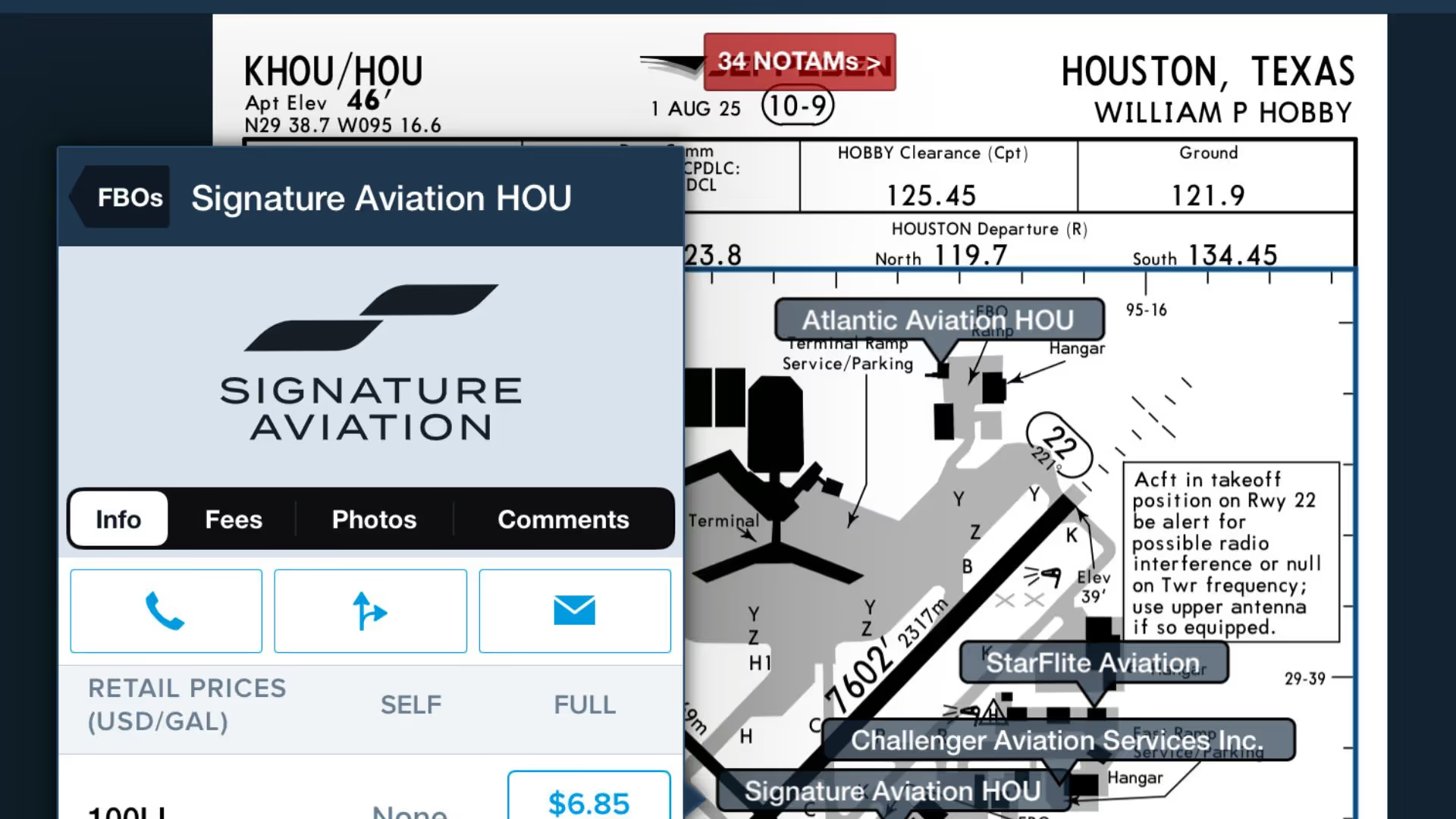
Use this feature to quickly access ForeFlight's FBO Directory information right from the Taxi Chart.
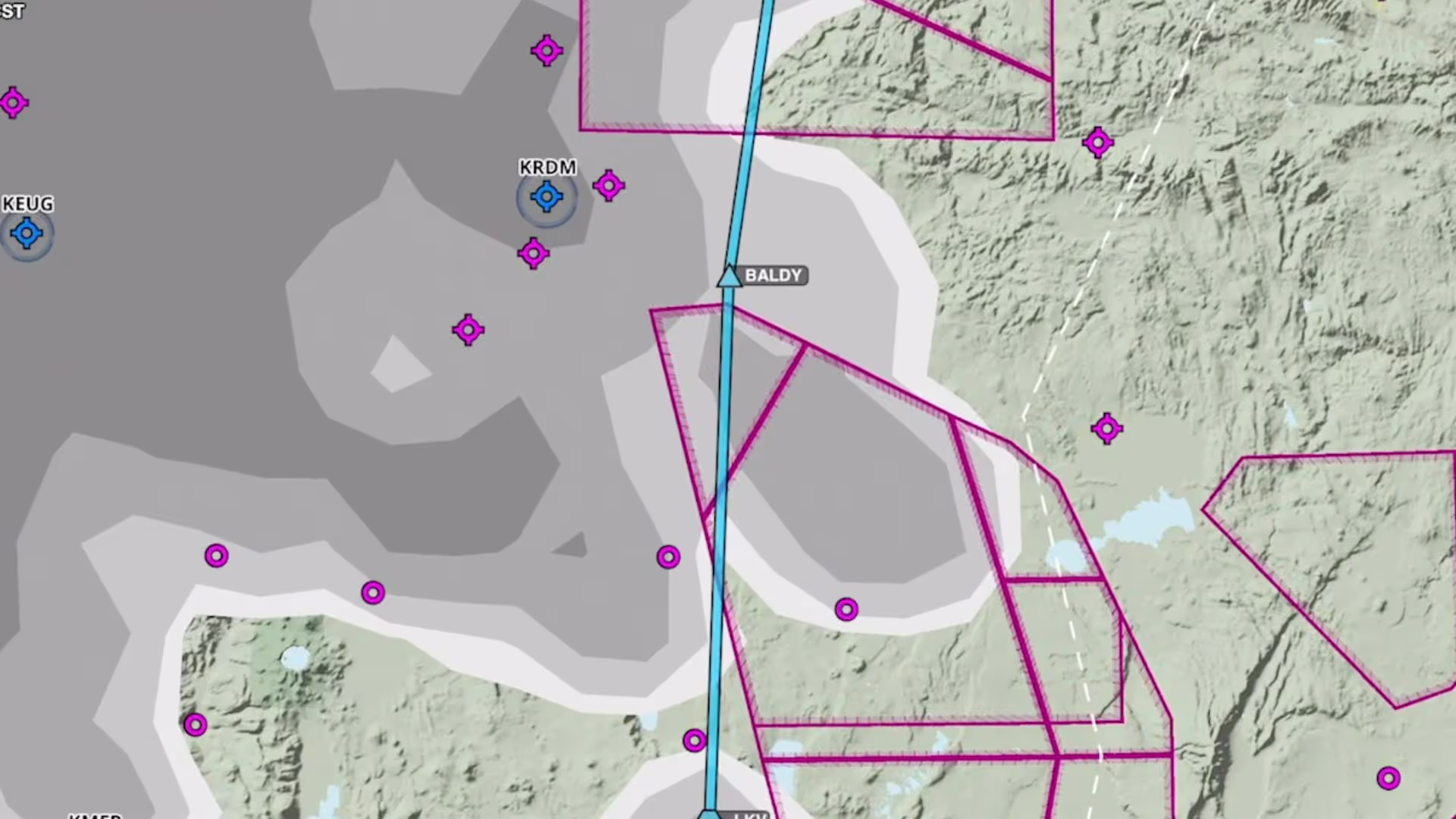
Plan to steer clear of clouds at any altitude with the Clouds forecast weather layer, available as a map layer for Pro Plus subscription plans and above.

ForeFlight’s Enhanced Weight & Balance capability is now available for all customers, allowing you to more easily create, edit, and plan with your W&B profiles.
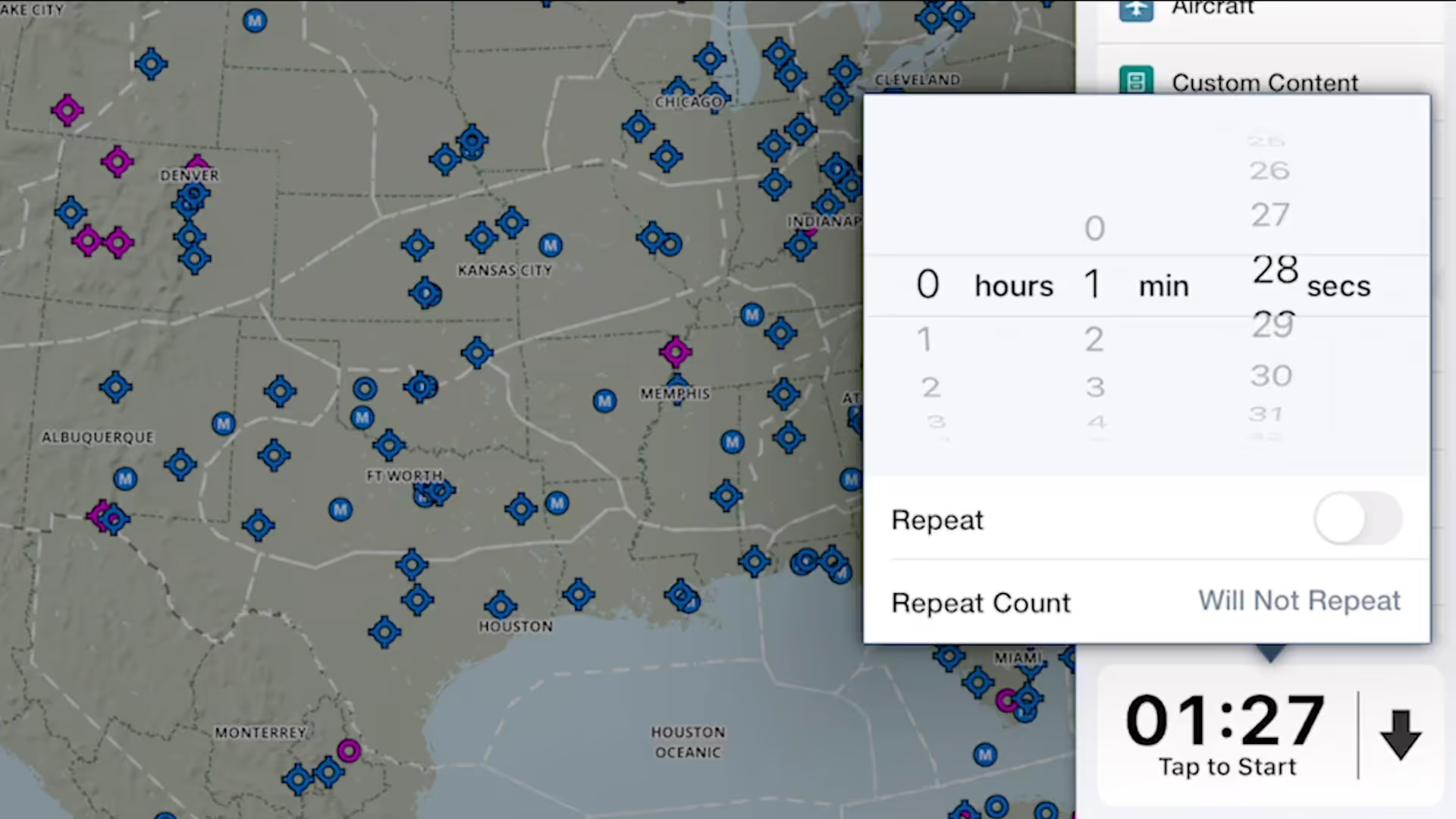
ForeFlight's versatile Multimode Timer is a great way to set inflight reminders for fuel tank switching, time yourself during holds and other procedures, and more.
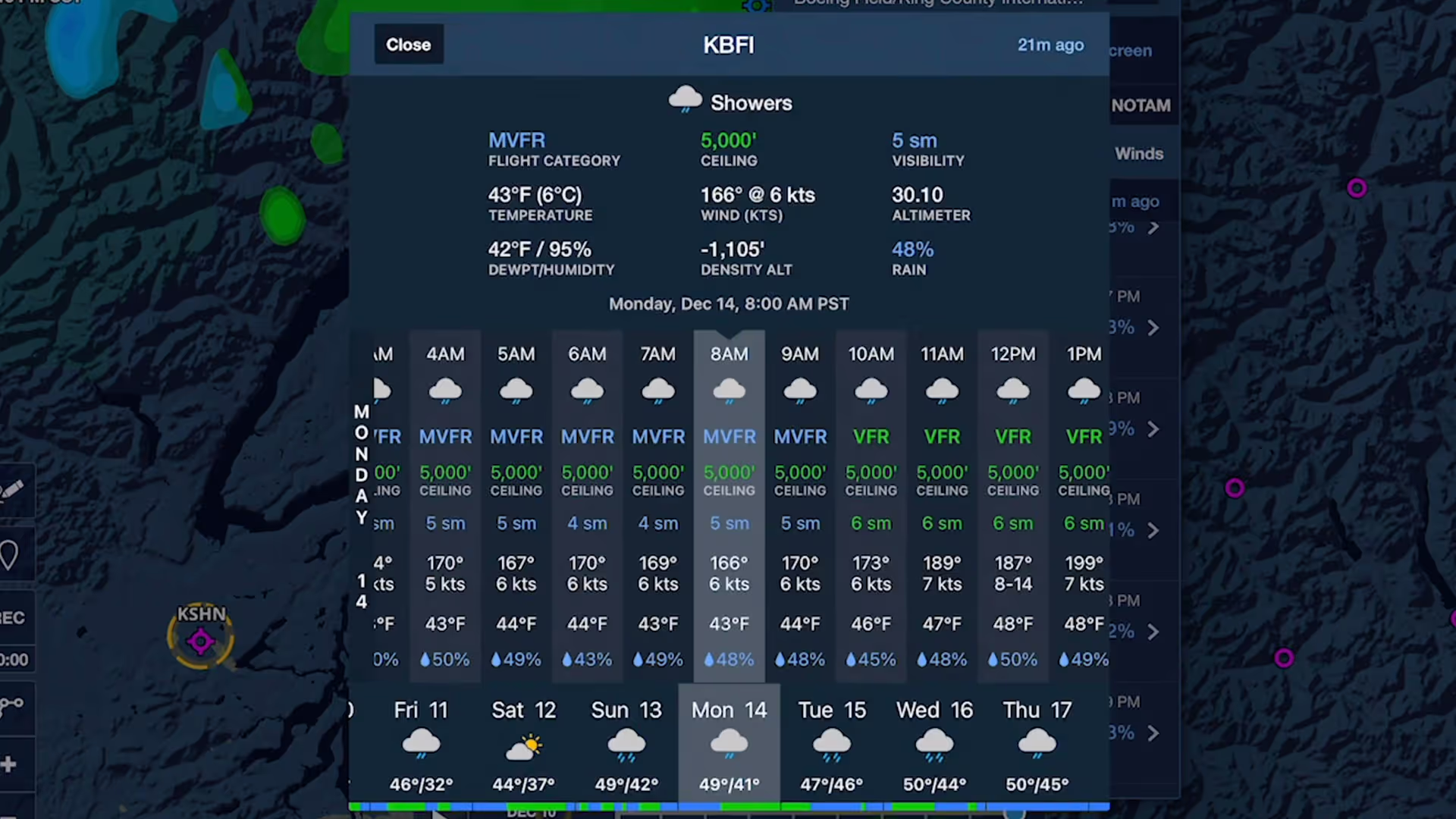
Stay on top of weather today or next week with Daily and Hourly Forecasts - an all-purpose, 10-day, hour-by-hour forecast for any location on Earth.
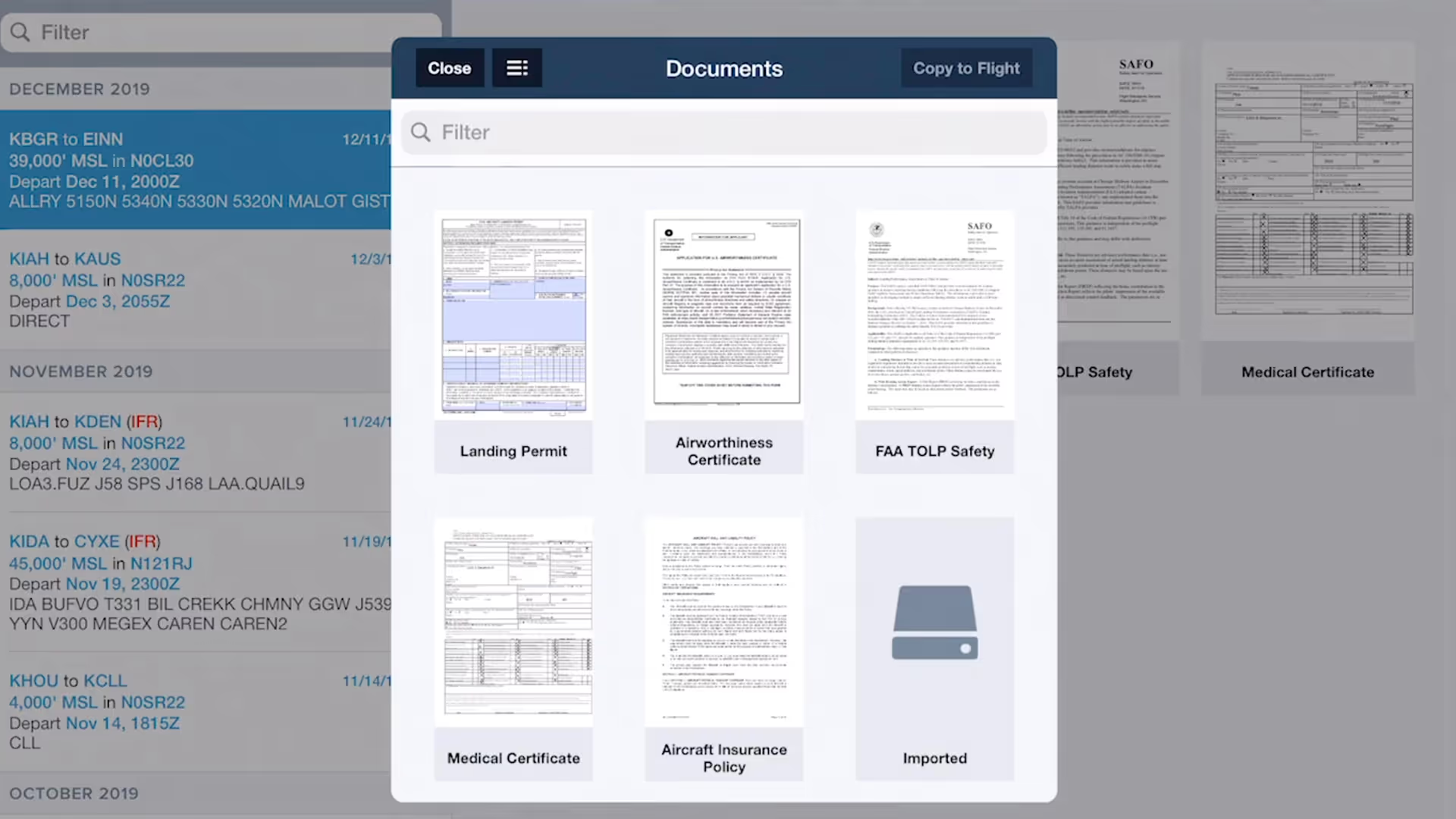
ForeFlight allows you to associate files, documents, and photos with flight plans using the Files in Flights feature, helping you keep important flight resources organized and easily accessible.

Easily add a visual approach or traffic pattern entry to your route with a customizable pattern altitude.

ForeFlight’s Documents view has an enhanced layout that makes it easier to find, download, and access documents.
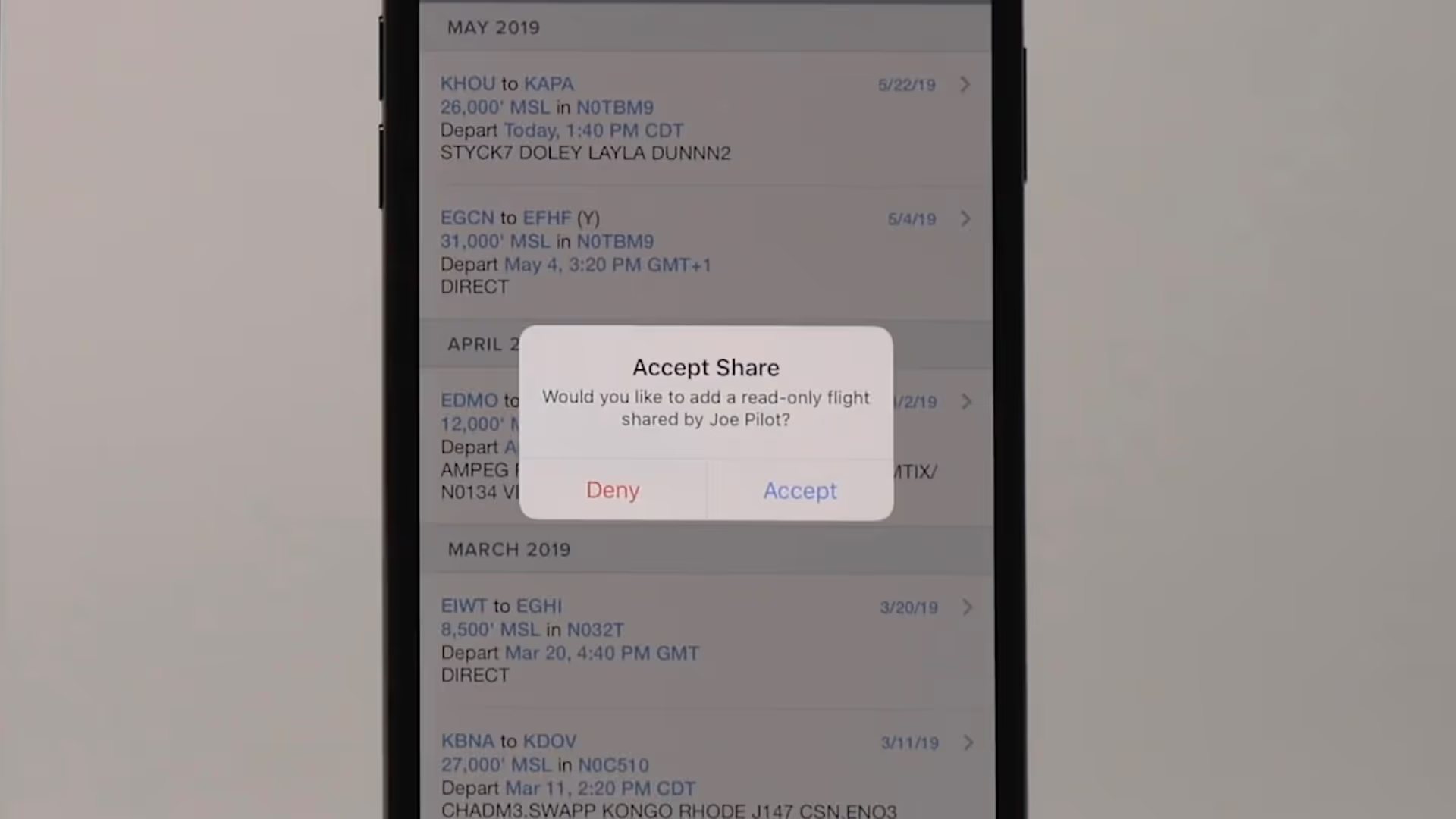
Flight Sharing in ForeFlight allows you to easily share your planned and filed flights with fellow pilots, co-pilots, or crew members for improved collaboration and more efficient flight planning.

Graphical enroute NOTAMs are now supported globally with the new NOTAMs map layer. NOTAMs are color-coded based on type, severity, and active times.

ForeFlight’s High Resolution Basemap includes Jeppesen-sourced terrain and cultural elements such as mountain passes, highway labels, and more for improved inflight reference.